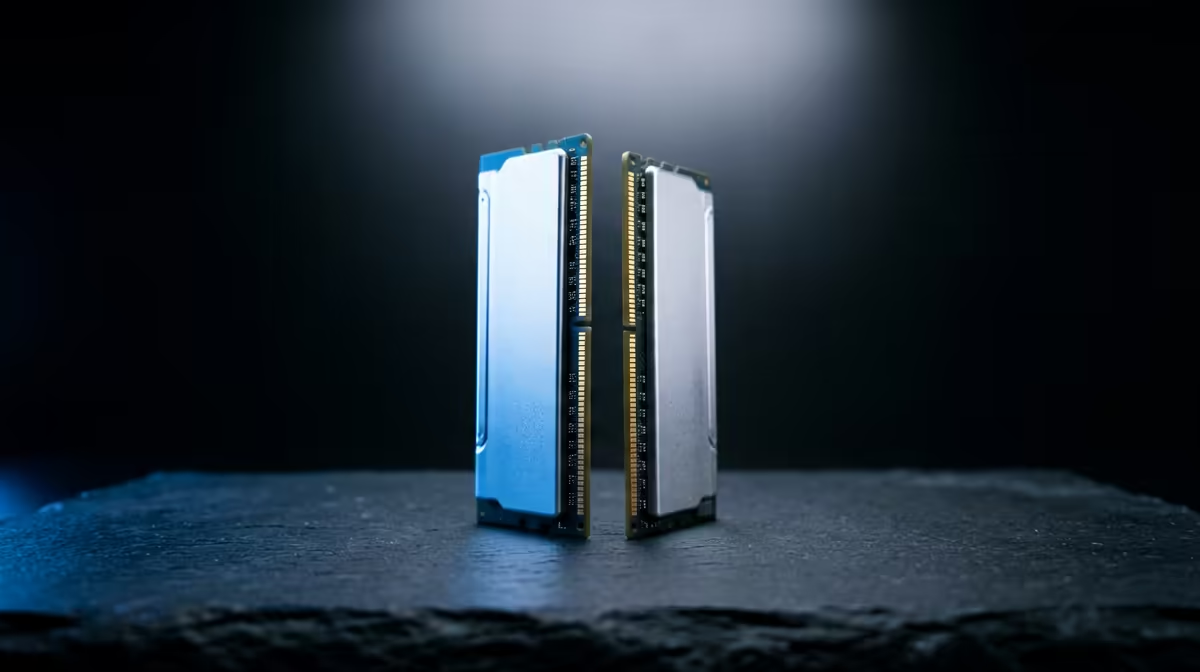
Kingston 16GB current-gen SODIMM at R741 suits laptop users who need a low-cost RAM kit upgrade for running Docker without replacing the whole machine. If the notebook has an open memory slot and already feels cramped with browsers, terminals, and containers open, 16GB is the practical first step before spending more.
Best quick RAM picks
For a desktop build, TEAMGROUP VULCAN 32GB current-gen 6000 at R1,460 is the value pick because 32GB memory gives you more room for multiple containers, an IDE, database tools, and browser testing at the same time. It is the better long-term choice if the machine is not limited to laptop SODIMM upgrades.
Kingston FURY 32GB current-gen 6400 at R2,300 is the stronger middle option when you want extra speed headroom as well as capacity. The 6400 speed spec makes sense for a newer desktop where the rest of the platform can use faster current-gen RAM.
Kingston FURY 32GB 5600 at R5,100 is harder to justify on price alone beside the R1,460 TEAMGROUP VULCAN 32GB current-gen 6000, but it still fits buyers who specifically want a Kingston 32GB memory option with 5600 speed. KLEVV CRAS V 32GB 7200 RGB at R6,400 is the premium listed choice, adding a 7200 speed spec and RGB styling for a more enthusiast desk setup.
Home server shelf upgrade thinking
On a home server shelf or compact work desk, memory capacity matters more than flash. Kingston 16GB current-gen SODIMM at R741 is sensible for a compatible laptop-based setup, while TEAMGROUP VULCAN 32GB current-gen 6000 at R1,460 is the cleaner desktop recommendation if you can move straight to 32GB.
Ready to choose the right memory?
Compare the listed memory range and pick the capacity and speed that fit your upgrade path.