Response-time labels describe pixel transitions, not the whole journey from a button press to an updated game image. A 1ms versus 11ms portable monitor comparison should isolate visible motion from input delay. The UPERFECT UColor O2 carries a 1ms specification and costs R7,199.
Quick Answer
A 1ms panel can complete pixel changes far faster than an 11ms alternative, helping the 120Hz UColor O2 preserve clearer motion in responsive games.
A 1ms response specification can indicate quicker panel transitions than an 11ms figure measured on a comparable basis, but labels do not always share the same method. The R7,199 UColor O2 pairs that figure with 120Hz OLED. Compare exact displays using the same motion and source; do not convert the difference into a universal latency or competitive-performance promise.
🧭 Define the number correctly
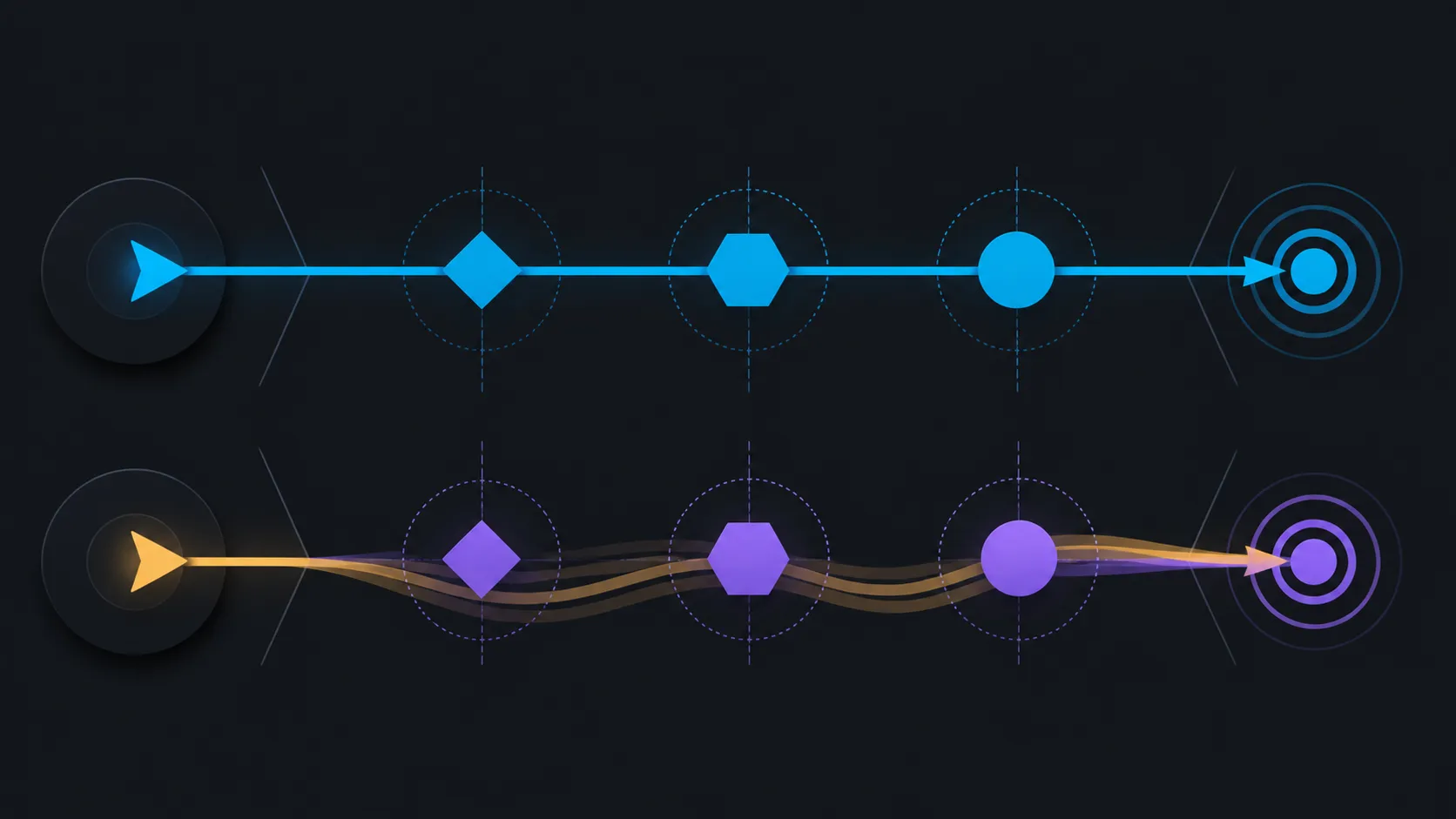
Pixel response concerns how quickly a pixel changes between levels. Input latency covers controller, system, rendering, transport and display processing before that visible change. Keep separate rows for transition clarity and control response.
An 11ms figure from another monitor needs its own test method and mode. Subtracting the labels without that context can create false precision.
Use the Evetech portable-monitor category to identify exact candidates rather than comparing an unnamed panel.
🧭 Use repeatable moving content
Choose a scrolling test, camera pan or game replay. Match resolution, refresh rate and overdrive-related controls where available, then look for trailing and overshoot around clear edges. Capture observations at the same viewing distance.
The UColor O2's 120Hz setting should be verified before the run. A lower active refresh can change the motion result independently of response time.
🧭 Add a control-path test
Repeat one familiar action and observe consistency. This is not a laboratory latency measurement; it shows whether the complete setup feels predictable to its user. Keep controller, host, game settings and cable unchanged.
Console or laptop outcomes must be tested on the exact source. The monitor's USB-C single-cable support does not prove every device can supply its required route.
🧭 Judge the complete purchase
The 16-inch 2880x1800 OLED surface also brings 10-bit colour and HDR capability. Check scaling, room light and carried protection alongside motion. A fast panel that is difficult to connect or read may still be a weak travel fit.
Compare permanent gaming options through Evetech's PC-monitor range when portability is optional.
Check the slowest visible transition
Use content with dark-to-mid, light-to-mid and strongly coloured edges. A single response number may not describe every transition equally. Observe where trailing becomes most visible and whether a display control reduces one artefact while adding overshoot somewhere else.
Document the exact mode instead of applying a general label to the panel. Another setting can produce a different balance even on the same monitor.
Include consistency across the screen
Repeat the motion near the centre and edges at the normal viewing angle. Look for a result that remains predictable during actual play, not only in a cropped test window. Keep the source path and refresh selection visible so a dropped mode is not mistaken for response variation.
The useful outcome is clean, stable motion in the game the owner plays. A numerical comparison without that final check remains incomplete.
Preserve the exact comparison mode
Write the active refresh, resolution, display control, source application and viewing distance beside every response observation. If an 11ms candidate uses another mode, record that difference rather than pretending the labels were gathered under identical conditions.
Reopen the same moving content after sleep and confirm the mode remains active. A changed refresh or profile can invalidate the comparison even though both monitor names stay the same.
After the motion pass, reconnect once and confirm the chosen refresh returned; this separates saved-mode reliability from the response-time discussion.
Response time does not equal total input delay, because the controller, game, source, cable and display pipeline all contribute. It does, however, reduce one panel-side motion constraint. Use a high-contrast moving edge and direct control test at the same refresh on both candidates. The OLED's self-luminous pixels and rapid transitions provide a concrete starting advantage, while end-to-end performance still needs the complete setup.
Frequently Asked Questions
Is 1ms always measured the same way?
Do not assume that. Compare the exact modes and methods, then inspect both displays with identical motion.
Does an 11ms monitor add exactly 10ms more input delay?
No. Response labels do not represent the entire input path, and different measurement methods may apply.
Why hold refresh rate constant?
Refresh changes how often frames appear. Keeping it fixed helps isolate transition behaviour from update frequency.
Can OLED eliminate every motion artefact?
No universal result applies. Test the exact panel mode, content and complete source path.
Ready to compare response without confusing it with latency?
Browse Evetech monitor options with one motion sequence and one fixed source prepared.