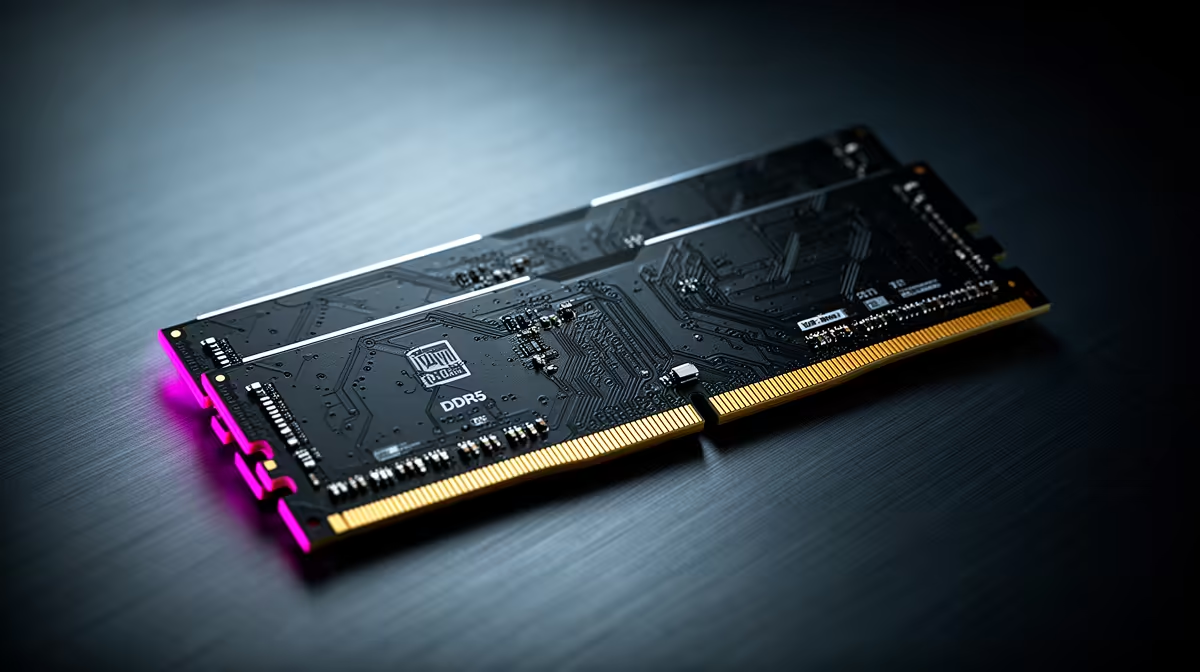
Long raids can push a game beyond the comfortable limit of a 16GB system while chat and browsers stay open. 32GB RAM for Tarkov is worth considering when monitoring shows memory pressure behind your stutter.
Quick Answer
Thirty-two gigabytes is a sensible target for Escape from Tarkov and other memory-heavy games when a 16GB system pages to storage, stutters late in a session or runs beside voice, browser and capture tools. It does not guarantee smooth raids. Game patches, map, server, CPU, storage and background software also affect frame times. Measure committed memory and paging before buying. Use a matched 2x16GB kit supported by the board, install it in the recommended slots and test stability. If 16GB never fills, find the real limit first.
Measure a full raid, not the menu
Start the PC clean, launch the same background apps you use and play through a long session on a demanding map. Log committed memory, hard paging and frame times. Windows may use spare RAM as cache, so a high used number alone is not proof of shortage.
The stronger evidence is repeated storage paging that lines up with stutter, an out-of-memory error, or the game and background apps exceeding available capacity.
Thirty-two gigabytes creates working room
A matched 2x16GB kit gives the game, operating system and communication tools room without leaning on the page file. It can also help after several raids if the game holds more data across a session.
More capacity cannot fix shader compilation, network delay or a CPU-limited frame. Keep the page file system-managed on suitable storage unless official guidance says otherwise; disabling it can create new failures.
Install and validate the kit
Check motherboard memory support, CPU generation, DDR type and cooler clearance. Use the paired slots named in the manual. Mixing an old kit with a new one can force lower speed or instability even when model labels match.
Boot at supported defaults and run a memory test. Enable the intended XMP or EXPO profile after the base passes, then repeat the test and your long raid. Memory errors can look like game crashes.
Clean the software side too
Close browser tabs and launchers you do not need, but keep the tools that are part of real play during the final test. Update the game and supported drivers. A restart that fixes growing use may point to a software issue worth reporting, rather than a reason to buy endless capacity.
Repeat the log after a major game patch because memory behaviour can change.
Browse DDR5 memory options and memory best sellers for exact 32GB kits.
FAQ
Will 32GB remove every Tarkov stutter?
No. It helps when 16GB capacity and paging are the cause. CPU, storage, game and network issues remain.
Should I disable the Windows page file?
No general benefit justifies that. Leave a supported system-managed page file unless authoritative application guidance says otherwise.
Can I add another 16GB kit to my current RAM?
It may work, but mixed kits and four modules can reduce speed or stability. A matched supported kit is the cleaner route.
Compare 32GB memory kits after a full-session log proves your 16GB system is paging.