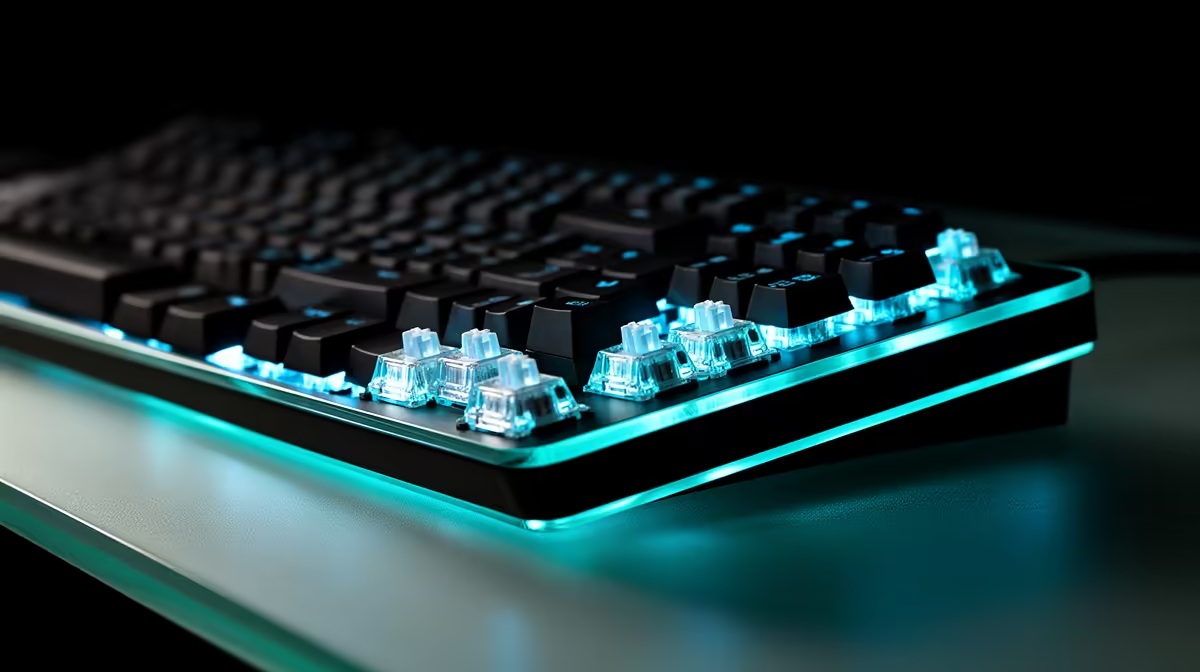
A Hall Effect keyboard is ordinary input hardware from an anti-cheat point of view when it reports standard key presses and releases. Trouble comes from what extra firmware or software does: macros, scripts and opposing-input automation can cross a game's rules.
Quick Answer
Using magnetic switches and adjustable actuation does not create an automatic ban. Keep one physical key tied to one game action, disable disallowed automation and follow the current publisher and tournament rules.
No retailer or keyboard maker can promise future enforcement for every game and profile. Compare gaming keyboard models and popular keyboard choices by how clearly they expose onboard features and a plain default mode.
The Sensor Is Hardware
A Hall sensor reads the magnet moving in each switch. The controller turns that position into a press or release at the actuation points you choose. Games receive normal keyboard events unless another feature changes or combines them.
Adjustable actuation and basic rapid trigger follow one key's travel. They do not need to run a sequence. A macro can send several commands from one physical action, while an opposing-input mode can choose between A and D under a priority rule.
Rules Focus on Behaviour
Valve's official CS2 guidance names Snap Tap Mode as input automation and tells players to disable it. That is a feature ruling, not a ban on every magnetic keyboard.
Other publishers and events can draw their own line. Read the current service rules and competition documents. An old forum reply or the absence of a warning cannot guarantee approval.
Use a Clean Profile
Reset one onboard slot. Disable macros, turbo, multi-action binds and opposing-key priority. Set ordinary actuation and rapid trigger only where the game permits them.
Reconnect the keyboard and check the active slot. Test one key at a time, then opposing directions together. Firmware updates and profile imports can change defaults, so repeat the check before ranked sessions or events.
Avoid third-party scripts that alter input. If a tournament provides equipment or requires inspection, follow its process and ask before installing configuration software.
Respond to an Enforcement Warning Properly
Stop using the questioned profile and preserve its settings, firmware version and software list. Read the publisher's current notice and use the official support or appeal route. Do not install tools that claim to hide keyboard behaviour or bypass anti-cheat.
Describe the hardware and active features with care. A support team can evaluate a specific record more usefully than a claim that every Hall Effect keyboard behaves the same. Follow any instruction to reset firmware, remove a script or submit diagnostic information through the publisher's secure process.
FAQ
Can Hall Effect switches trigger anti-cheat by themselves?
They report keyboard input through the device firmware. The sensor principle alone is not an automated cheat; the active behaviour and game rules matter.
Is every macro bannable?
Rules and penalties differ by game and event. Avoid gameplay macros unless the current publisher and organiser rules approve the exact use.
What should I do after a firmware update?
Check the active profile, disable prohibited features again and test key output before entering ranked play.
Keep a plain one-key profile, verify it after every update, and choose a Hall Effect keyboard whose features you can control.