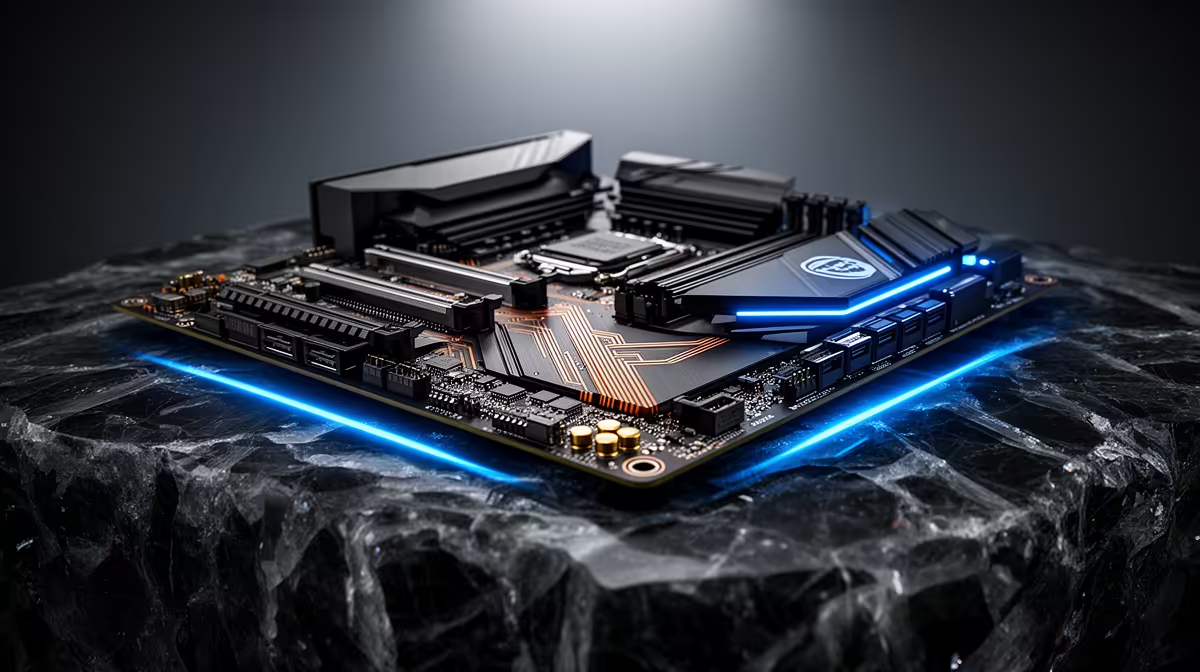
The newest BIOS file is not a reward your motherboard needs to collect. Read what it changes. A stable new PC can stay on its current firmware until a release adds CPU support you need, fixes a problem you have or closes a relevant security issue.
Quick Answer
Record the current BIOS version and compare it with the exact motherboard's official release notes. Update when the notes address your CPU, memory stability, device compatibility, reliability or security. Leave a healthy system alone when the file offers nothing you need. As a July 2026 price reference, the MSI PRO B650M-P motherboard was R2,499 at Evetech; protecting a working board matters more than chasing its highest version number.
🔎 Match the file to the exact board
Open System Information in Windows or enter the BIOS to read the board model and installed version. Check the lettering, Wi-Fi suffix and hardware revision. Boards with similar retail names can use different firmware files.
Download only from the motherboard maker's support page. Read every note between your current version and the target. Some older platforms require an intermediate update before the newest file, while a beta label may carry trade-offs you do not need.
Evetech's gaming PC range gives you current platform context, but firmware must always follow the board inside your own case.
✅ Update for a reason you can name
A new processor may need later firmware before the board can boot it. Memory compatibility fixes can help a kit that trains poorly, and device or security fixes can justify the maintenance on an otherwise stable PC.
Random restarts need diagnosis before a flash. Unstable RAM, temperature and power can all interrupt the update you hoped would fix them. Return overclocks to stock and establish basic stability first.
⚠️ Prepare power and recovery before flashing
Use the board's built-in flash tool and the method in its manual. Keep stable mains power or a correctly sized UPS, use a simple FAT32 USB drive where required and save important encryption recovery information outside the PC.
Take photos of fan curves, boot order and memory settings because an update may reset them. Do not switch off the PC when progress pauses or the system restarts several times. Memory training after a flash can make the first boot look unusually slow.
Evetech's PC best-sellers are useful when an older platform's firmware work is part of a wider upgrade decision.
Frequently Asked Questions
Is a BIOS update always necessary on a new PC?
No. Read the release notes and update only when they address a need that applies to your system.
What is the main reason to update BIOS on a new build?
CPU support, memory compatibility, important reliability fixes and security updates are common reasons.
Can a BIOS update fix random restarts?
It can when the release notes identify a relevant issue. Diagnose unstable memory, heat and power first.
Is there risk in updating the BIOS unnecessarily?
Yes. An interrupted or wrong flash can leave the board unable to boot, and settings may reset.
How do I know if a BIOS update addresses my specific issue?
Match the symptoms and hardware against the official notes for every version involved.
Should I update BIOS before installing more RAM?
Only when the notes add compatibility for the planned memory or you already have a training problem.
Does a BIOS update ever change performance for the better?
It can alter boost, memory or device behaviour, but performance alone is not guaranteed by a newer version.
Checking whether a platform update is worth the risk?
Browse current gaming PCs at Evetech, identify your exact motherboard and let its release notes make the BIOS decision.