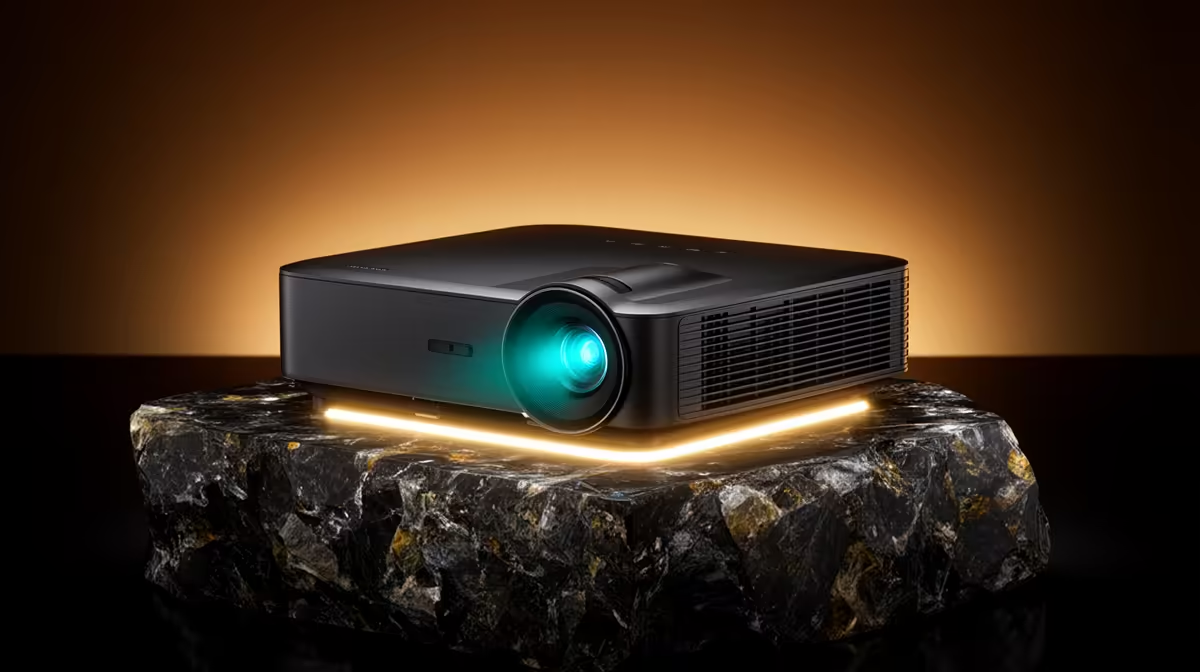
A 4K projector is overkill for many older-console emulators because original games were designed for much lower resolutions. It can provide a large shared image, but scaling quality, aspect ratio, input feel and room darkness matter more than pixel count.
Test authentic and enlarged display modes
Run a legal game through the intended emulator or console, comparing native aspect, integer scaling and any supported filter. Check pixel clarity, motion, input feel, black bars, fan noise and subtitles from the normal seat. Measure throw and image size.
No verified native-4K projector price appears in the product facts. The Yaber T1 Pro FHD HDR10 projector at R2,900 and ViewSonic portable LED projector with Harman Kardon audio at R5,996 are confirmed projector references, but neither is established here as native 4K. Check current native resolution, accepted signals, inputs, throw, refresh and warranties.
Secure equipment, keep vents clear and route cables safely. Preserve legal game files, saves and controller profiles in versioned backups. Use supported aspect ratios to avoid stretched artwork.
Buy a projector when shared scale adds value. A clear Full HD image may suit retro output better than chasing unsupported 4K claims.
Check whether the emulator can present a clean 1080p signal before paying for display resolution it will never use.
Planning retro projection? > Compare Evetech projectors after checking native resolution and scaling behaviour.