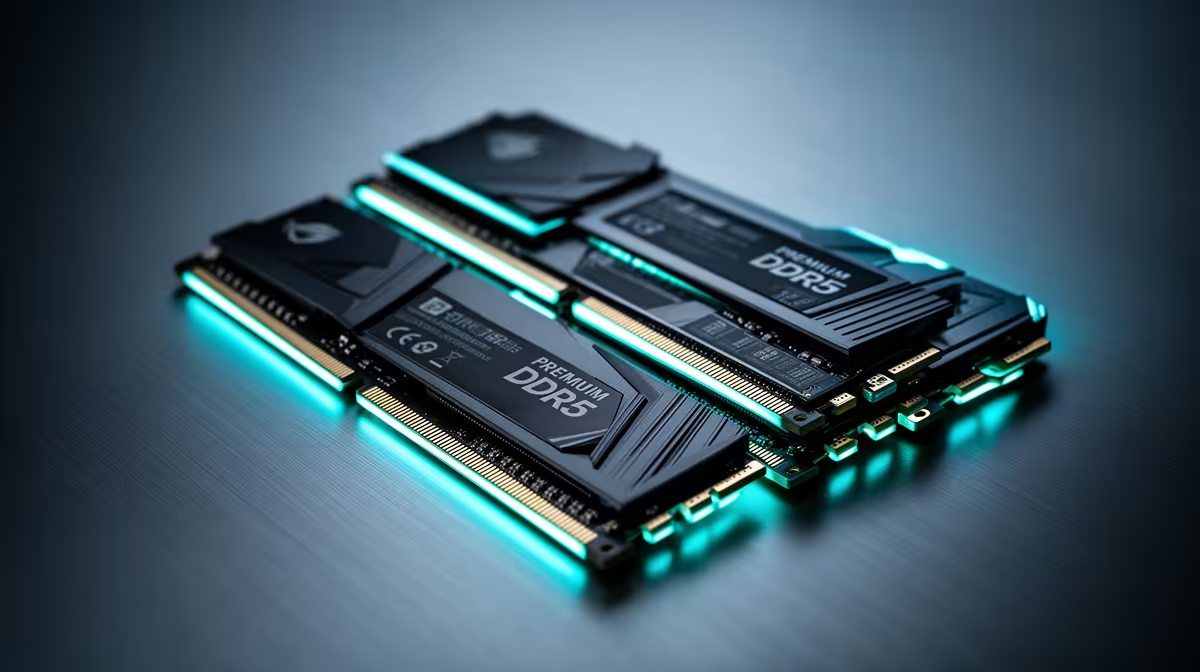
Thirty-two gigabytes is the sensible gaming-memory target for most PCs in 2026. It gives a modern game, Windows and normal background apps room without paying for capacity that sits empty. Sixty-four gigabytes earns its place when your work or mod list can show where the extra memory goes.
Quick Answer
Buy 32GB for a gaming-first build. Choose 64GB for large video projects, virtual machines, 3D work, local models, extreme mods or a measured multitasking load that pushes past 32GB. Streaming alone does not guarantee that you need twice the capacity.
Compare current DDR5 memory kits with the memory models buyers shortlist. Use one matched kit at the capacity and speed your motherboard supports.
Why 32GB Feels Comfortable
A two-by-16GB kit gives you dual-channel operation and enough space for a demanding game, voice chat, launcher and browser. It also reduces the chance that Windows must move active data to the page file during play.
Memory allocation can look high because software reserves spare capacity. Watch committed memory and page-file activity during the workload. If the system stays below 32GB with headroom, moving to 64GB will not raise frame rate by itself.
When 64GB Pays Back
High-resolution video timelines, large photo batches, virtual machines and development containers can fill memory quickly. Some modded games and simulation scenery sets can do the same. A creator who keeps these tools open beside a game may benefit from the larger pool.
Use the project that runs worst. If memory pressure causes swapping, long pauses or applications closing, 64GB has a measurable job. If CPU or GPU use is the limit, extra RAM capacity leaves that problem in place.
Buy the Kit as One Set
Choose two matched modules rather than combining separate kits. Even products with the same label can use different memory chips across production runs. Driving four DIMMs is harder for the CPU's controller, so a full set may need a lower data rate.
Check the board's memory list, CPU guidance and cooler clearance. Enable XMP or EXPO only after the system is stable at default settings, then run a memory test.
Leave Room for the Work You Do
Do not buy 64GB because it sounds future-proof. Buy it when the ownership period includes a workload that can use it, or when adding modules later would create an awkward four-stick setup. For a normal gaming PC, 32GB leaves more budget for the components that move frame rate.
FAQ
Does 64GB improve gaming FPS?
Only when 32GB is genuinely full and the system is swapping. Most games gain little from unused capacity.
Is 32GB enough for streaming and gaming?
Often yes. Check total memory use with your capture method, overlays, browser and game running together.
Should I use two or four RAM sticks?
Two matched modules are easier on the memory controller and give a cleaner path to rated speeds.
Measure committed memory during your heaviest real session, then choose one matched 32GB or 64GB kit with room for that workload.