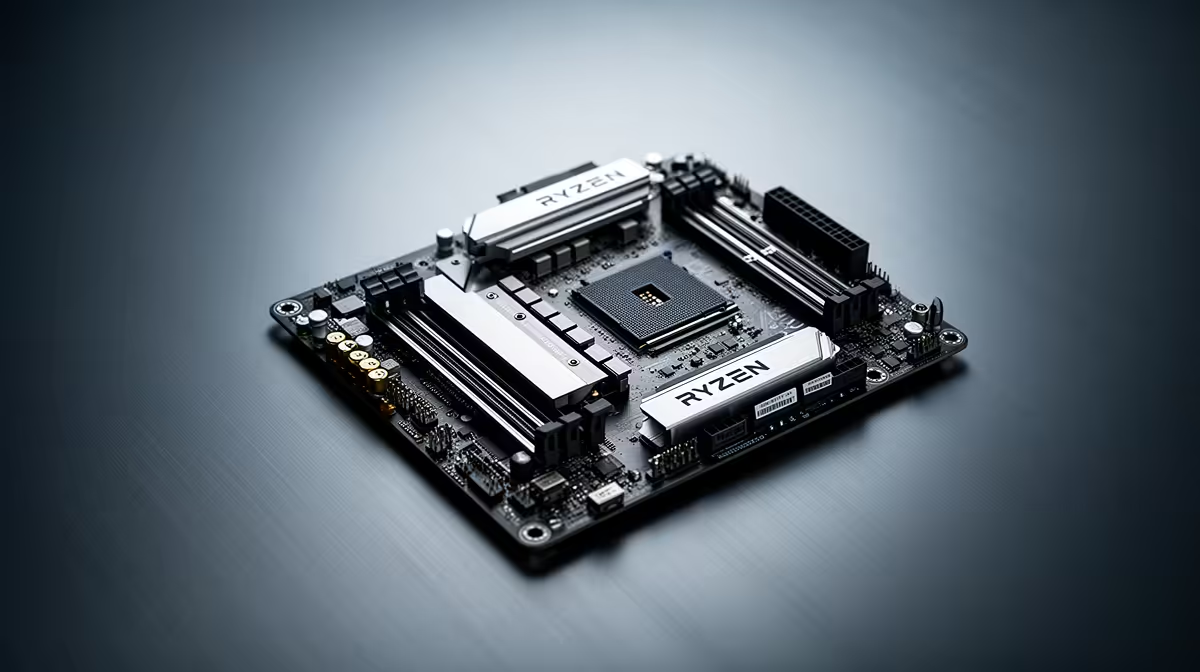
AM4 owners do not need to flee a working platform because DDR4 production is winding down. They need a plan. The AM4 DDR4 decision has three routes: keep the present configuration, buy a justified replacement or capacity upgrade, or migrate when the CPU and motherboard also need changing.
Quick Answer
Hold the AM4 system if its performance and memory capacity remain sufficient. Evetech priced the Ryzen 7 5700 at R2,999 and the MSI A520M-A PRO board at R1,249 in July 2026, showing that the platform still has purchasable local parts. Move to AM5 when a broader performance need justifies motherboard and DDR5 costs.
🛑 Holding steady is a decision
Healthy memory does not need replacement as insurance for every possible future. Record the module specification and keep backups of important data, then continue using the system.
Spend only when capacity limits multitasking, a stick fails or another platform component has become inadequate.
Establish a baseline while the PC is stable. Record the CPU, motherboard BIOS, installed kit, slot layout and peak committed memory during the heaviest normal session. That turns a future repair or upgrade into a known configuration instead of a label-reading exercise after a failure.
A broad report about DDR4 production is not a personal deadline. Retail inventory, alternative brands and used parts can keep a standard available after a particular kit disappears. The question is whether your exact machine has a justified need today.
🔧 Upgrade with a defined purpose
A matched DDR4 kit can extend the system when 16GB is constraining real work. Evetech's DDR4 memory range provides the relevant local path.
Check CPU support before spending on memory if gaming performance is the complaint. An older Ryzen chip can be the limit while RAM remains sufficient. Evetech's July 2026 listing placed the Ryzen 7 5700 at R2,999, providing a dated upgrade reference for compatible boards, not a guarantee for every AM4 motherboard.
After any memory change, test stability at default settings before enabling the supported profile. Four modules or mixed kits may require lower speeds than a matched pair.
🔭 Migrate as one planned project
AM5 requires DDR5 and a compatible motherboard. It may also change cooler or power requirements, so the processor price is not the migration cost.
Build the migration basket as one project: CPU, board, DDR5, cooler hardware and any connectivity changes. Compare that total with the smallest AM4 repair that reaches the same workload target.
Compare DDR5 memory and memory best sellers alongside the complete platform.
Migration becomes compelling when several limits arrive together. A weak CPU, unreliable board and insufficient memory can justify the new platform; a single failed stick usually cannot.
Keep the two complete Rand totals clearly dated for reference. Memory, motherboard and processor prices can move independently, so an old comparison should not govern a much later repair.
Frequently Asked Questions
Should AM4 owners upgrade now?
Only when current performance, capacity or reliability creates a reason.
Is stockpiling DDR4 sensible?
Usually not. A spare makes sense for a critical machine with a known matching requirement.
Does AM5 require a rebuild?
It requires a new motherboard and DDR5 memory, plus the processor and any incompatible supporting parts.
Can AM4 still handle modern games?
Yes, when the processor and GPU meet the selected frame-rate and quality target.
Need a platform plan instead of an end-of-life panic purchase?
Document the AM4 machine, price a purposeful DDR4 upgrade and an AM5 migration at Evetech, then act only when one path solves a measured limit.