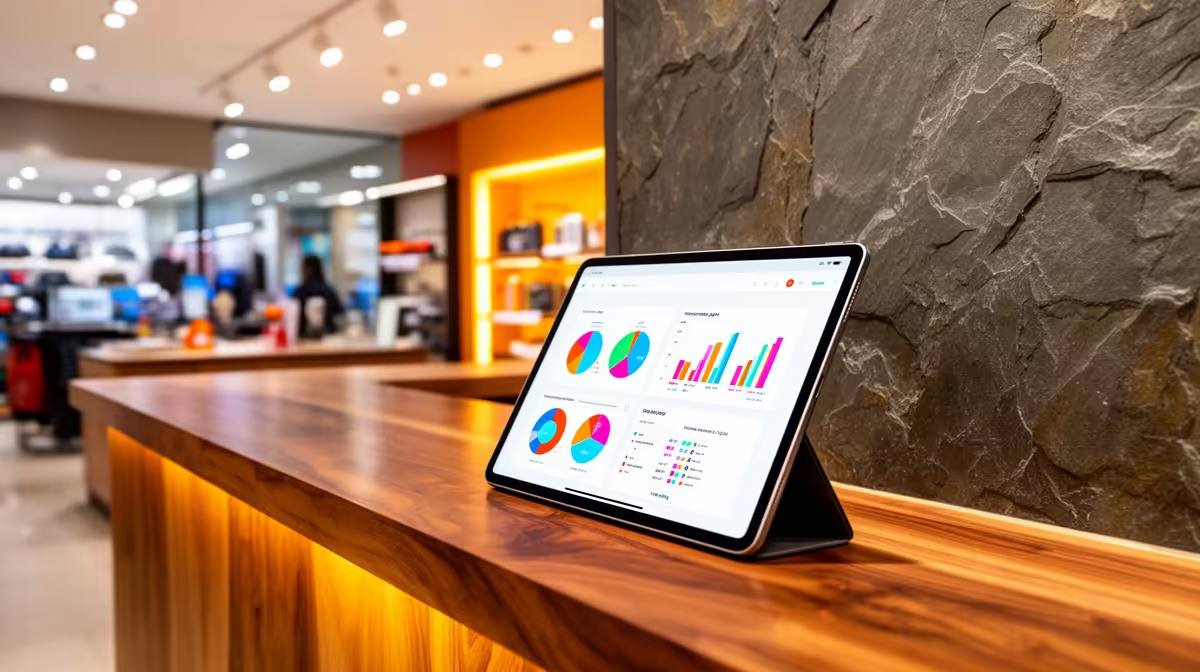
An Android tablet is worthwhile for point-of-sale and stock when the chosen business application supports the device, transactions remain secure and staff can recover from a lost connection. Mobility helps with shelf counts or customer queues, but a consumer tablet should not be assumed compatible with printers, scanners or payment hardware.
Rehearse a full sale and stock update
No appropriate tablet price is confirmed in the product facts. Evaluate current devices by operating-system version, memory, storage, screen size, battery, charging dock, USB support, mobile data, update policy, app compatibility and warranty. Verify every barcode scanner, receipt printer, cash drawer and payment terminal with the exact tablet.
Create a test item, receive stock, complete a sale, issue a permitted refund and reconcile the session. Disconnect Wi-Fi briefly and observe how the application queues or rejects transactions. Check staff sign-in, screen visibility, receipt output, peripheral reconnection and recovery after sleep. Use fictional data during testing.
Mount or case the tablet so it cannot slide, overheat or expose customer information. Restrict application installation, use strong administration credentials and separate staff roles. Document charging, end-of-day backup and replacement procedures. Keep a manual fallback for brief outages that follows business rules.
Choose the tablet when the complete workflow passes and the software vendor supports it. A fixed mini PC may be easier for a permanent counter with several wired peripherals. Mobility should solve a measured operational need rather than move complexity into adapters.
Building a tablet-based POS? > Ask Evetech to compare device ports and support against the business application and peripherals.