Set it up for reliability first and the rest follows. AR display glasses shine as a portable, cable-light second screen, not as a desktop monitor stand-in. For most SA buyers the smart play is to anchor the choice to your actual room and budget, not a spec sheet.
Quick Answer
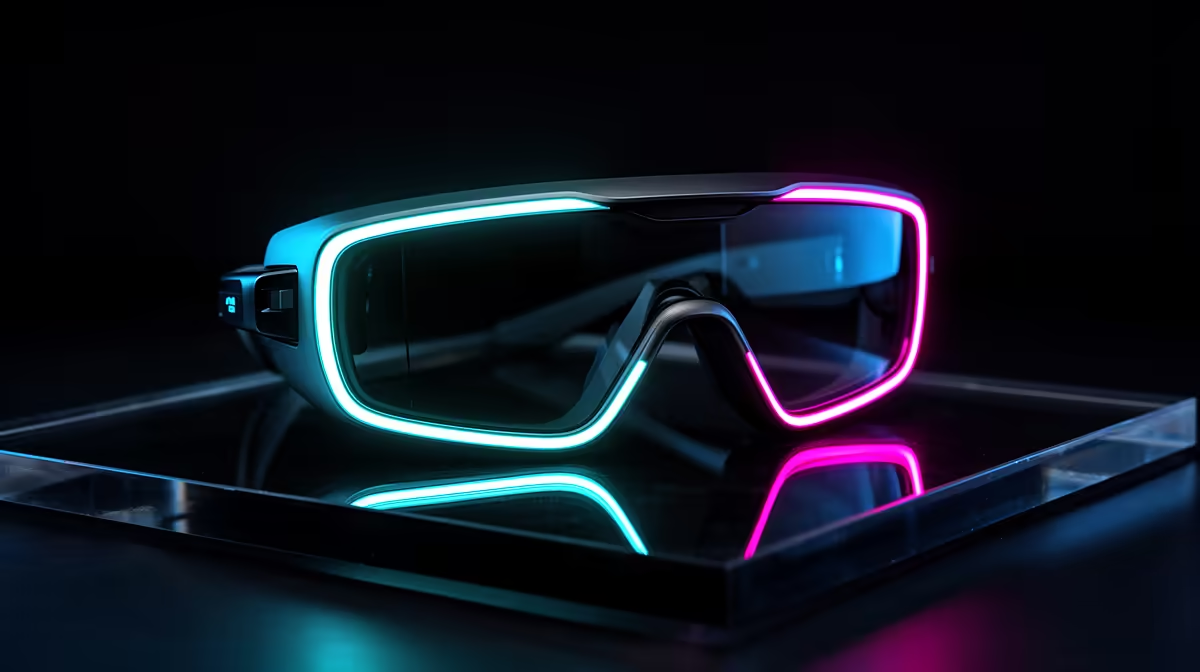
AR glasses are best as a portable virtual monitor for travel and tidy desks, not a gaming-monitor replacement. A pair of display glasses (around 1080p per eye, 120Hz, ~80g) runs roughly R6,000-R12,000 at Evetech and pairs to a handheld, phone or laptop over USB-C DisplayPort.
What AR glasses are good for
Display glasses give a large floating screen, typically a 1080p-per-eye Micro-OLED panel at up to 120Hz, weighing 75-85g. That suits a clean desk (no monitor stand) and travel, turning a handheld or phone into a big private screen. They are not a true AR overlay or an esports display.
Connectivity and what drives them
Most glasses use one USB-C cable carrying DisplayPort video; confirm your device supports USB-C video out, or use a small dongle. For gaming, pair them with a Steam Deck OLED or ROG Ally X. Entry glasses near R6,000 give a sharp 1080p image; premium models at R10,000-R12,000 add brightness (nits) and field of view.
Setting it up cleanly
Set up AR glasses for reliability first: confirm compatibility, route cables tidily, and test the core function before adding extras. A clean setup now saves troubleshooting later. Note the warranty and delivery terms so a fault is easy to resolve.
Matching the choice to your setup
Anchor the choice to your actual room, desk and budget rather than a spec sheet. Measure your space, list what you already own, and buy to fill the real gap. The right pick is the one that fits your day-to-day, not the one with the biggest numbers.
FAQ
How do I match this to my setup?
Measure your room and list what you own, then buy AR glasses to fill the real gap. The right pick fits your day-to-day, not the biggest spec numbers.
Can AR glasses replace a gaming monitor?
For travel and tidy desks, yes as a 1080p 120Hz virtual screen; for competitive gaming, no. A 165Hz desktop monitor still wins on refresh rate and latency.
What do I need to connect AR glasses?
A device with USB-C DisplayPort video out: most modern laptops, many phones, and handhelds like the Steam Deck OLED. Some need a small adapter, so confirm USB-C video support first.
phone, laptop or handheld supports USB-C DisplayPort video before buying, and treat AR glasses as a portable second screen.