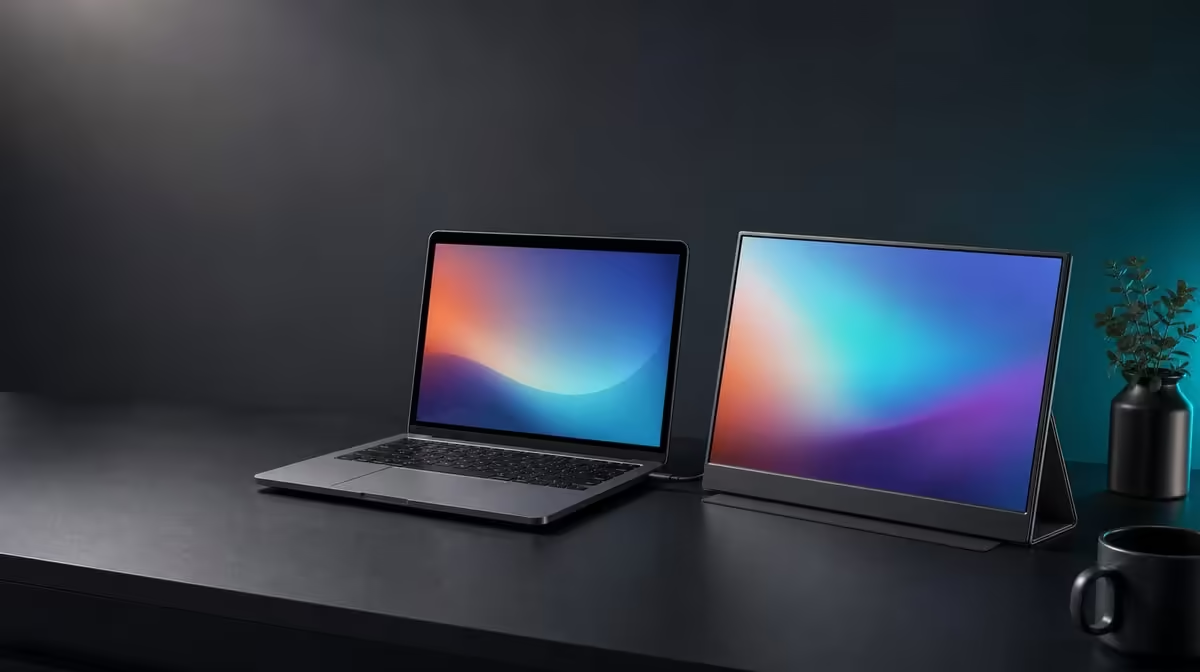
A second screen earns its place when it saves window switching more often than it complicates travel. Portable monitors for South African remote work suit people whose laptops support the input and whose temporary desks can safely hold the panel, stand and cables.
Quick Answer
The R2,399 UPERFECT UFree V is practical for remote workers who can use USB-C video or Mini HDMI and benefit from a 15.6-inch second screen. Its 1080p IPS panel, 350cd/m2 output and folding stand help rebuild an indoor workspace between locations.
💼 Give the second screen a job
Place communication, references or a preview on the UFree V while the laptop keeps the primary document. A fixed role makes the benefit easy to measure.
Set native 1920 x 1080 and readable scaling. Test a complete work session rather than judging the screen from an empty desktop.
Browse Evetech's portable monitor category with the job list and source device already written down.
🔌 Check every work laptop
USB-C needs a video-capable host port and suitable cable. Mini HDMI provides another display input, with power arranged separately.
Record a known-good connection for each location. Corporate laptop settings or port limits can differ from a personal device.
Leave cable slack around the folding stand and keep leads out of shared walkways.
☀️ Adapt to indoor rooms
The UFree V states 350cd/m2, useful as brightness headroom between home, meeting room and co-working space. It does not guarantee direct-sun clarity.
Move reflections by rotating the stand before raising output. Match the laptop and second screen closely enough for comfortable window movement.
Evetech's wider monitor range is relevant when a fixed home office may benefit more from a larger permanent panel.
🎒 Review the complete routine
Verify the UFree V's current weight before making a commute claim. Include cables and protection in the carried setup.
Plan audio through the laptop or compatible external hardware. Test meetings with the real camera, microphone and playback route.
At R2,399, the monitor is practical when it rebuilds quickly and its extra workspace supports repeated tasks. Check Evetech's popular monitor list at purchase time.
Create a five-minute arrival routine: clear the desk, open the stand, connect the labelled route, select the input and restore the saved desktop arrangement. Rehearse it at home before relying on a client or study location.
Keep sensitive content on the laptop when another person can see the side screen. The 178-degree viewing specification improves sharing but also means the panel should be positioned thoughtfully in public workspaces.
Use the UFree V's 125% sRGB gamut only through colour-aware tasks. For general office use, score legible text, reliable detection and reduced window switching more heavily.
Test the 1500:1 contrast with spreadsheets, dark interfaces and a video call rather than a single dramatic film scene. Remote-work value comes from ordinary material.
Build a power contingency around the equipment already required by the monitor and laptop, but do not invent battery operation or runtime for the display.
At the end of each location session, disconnect by the plugs, fold the support gently and store cables away from the panel. The travel routine matters as much as fast setup.
After two weeks, count days when the screen was deployed and tasks it improved. If it remained packed, identify whether weight, desk space, connection effort or lack of a defined role caused that result.
Create a home-office baseline even for a mobile worker. It provides a controlled place to distinguish a travel setup problem from a source or panel issue.
Use the R2,399 figure beside actual deployments and tasks, not beside a claim that every remote worker needs two screens.
Frequently Asked Questions
What remote work gains from a second screen?
It can keep communication, references or previews visible while the laptop holds the primary task.
Is 15.6 inches easy to carry?
It is a laptop-sized panel, but buyers should verify the complete carried weight before regular travel.
How do the two wired inputs help?
USB-C and Mini HDMI broaden source options when the port, cable and power arrangement are compatible.
Why is 350cd/m2 useful between locations?
It supplies brightness headroom across changing indoor light.
Does the included stand help temporary desks?
Yes. It provides a folding desktop support on a stable surface.
Can it serve a fixed home office too?
Yes, when Full HD, the connection route and either the stand or verified VESA mounting suit the desk.
What is the current remote-work price?
The UPERFECT UFree V costs R2,399.
Ready to give every temporary desk a defined second-screen role?
Explore Evetech's portable monitors, prove the laptop connection and rebuild the UFree V setup through one complete workday.