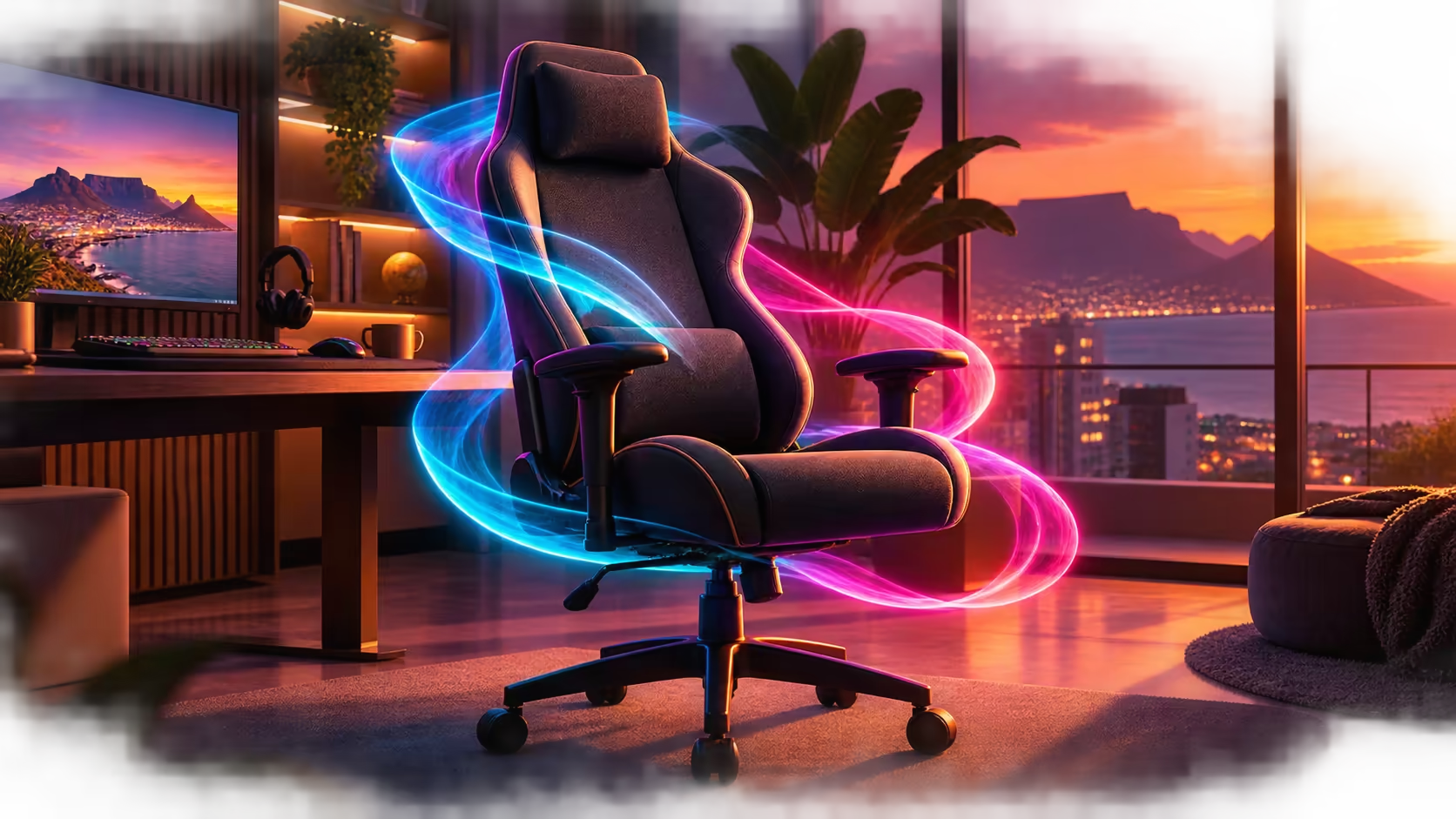
A South African work-from-home chair should support typing, calls and after-hours gaming without trapping the user in one posture. Fit and useful adjustment matter more than colour or the longest recline figure.
Quick Answer
Prioritise correct seat fit, reliable lumbar contact, armrests that align with the desk, stable height adjustment, comfortable upholstery and controlled movement. Check floor-compatible casters and the room's temperature. For shared work and gaming, save separate upright, mouse and break profiles.
Fit the user to the seat
Both feet should rest securely, the front edge should clear the knees and the user should reach the backrest without sliding. The gaming chair collection helps compare options after body and desk measurements are recorded.
The Pink Arozzi Vernazza Supersoft is standard-sized. An XL requirement needs a true XL product with appropriate dimensions and rated capacity.
Support desk tasks
Lumbar support should meet the lower-back curve. Four-dimensional armrests can serve typing, mouse and controller positions when height, width, depth and pivot are tuned correctly. Keep shoulders relaxed and inputs close.
At R5,299, the standard Pink Vernazza combines those supports with a rigid aluminium foundation beneath the chair.
Manage movement and breaks
For small posture changes, the chair rocks up to 12 degrees. Its backrest moves as far as 165 degrees for a deeper controlled break. Use a more upright angle for keyboard work and leave the desk before reclining fully.
Stand and walk regularly. Chair movement changes pressure but does not replace leaving the seat.
Account for the South African room
Test upholstery comfort in the room's warmest normal conditions. Control direct sunlight and follow an appropriate cleaning method. A soft surface can feel different after an hour than during a short trial.
Hard floors may need a protective mat or suitable caster tread; thick carpet can need a firm mat for controlled rolling.
Check video-call layout
Centre the screen and camera, keep notes nearby and use readable scaling. A laptop may need a stand plus external keyboard and mouse so the chair can remain supportive.
Compare premium desk chairs through gaming chairs above R4,000, and use the Arozzi setup range after fit is resolved.
Plan sharing and maintenance
Save adjustment references for each household user. Inspect fasteners, armrests, casters and base periodically. Keep documentation and proof of purchase accessible.
Manage power and cable paths
Route laptop power, headset and charging leads away from every caster. Use enough slack for chair movement but keep loops off the floor. A work notebook should use its proper charger at a stable position rather than a cable stretched across the rolling zone.
Check that reclining cannot pull a headset wire or strike a plug. Wireless accessories still need a safe charging location.
Test focus and meetings
Run a video call with the camera near the primary screen, then complete a focused writing block. Note whether the chair can approach the desk without armrest collision and whether the user leans towards small text. Increase display scaling before sacrificing backrest contact.
Keep notes on a stand or side pane inside easy reach. Repeated twisting towards a second screen can undermine a centred chair.
Plan hot-weather comfort
Use the chair in the warmest ordinary room conditions and with typical clothing. Evaluate surface temperature, sliding and pressure after an hour. A fan or room-ventilation change may improve comfort more than another chair setting.
Protect upholstery from direct harsh sun where practical. Follow material-appropriate cleaning and let any damp area dry fully before use.
Support multiple household users
Measure every regular user separately. The chair may fit one standard-size body and not another. Store click counts or images for height, arms and lumbar support, then reset the chair rather than asking someone to tolerate another person's arrangement.
Larger users should compare true XL models from their own measurements. The Pink standard chair's colour and adjustment list do not change its size.
Make movement automatic
Use calendar blocks, completed calls or game rounds as cues to stand. Walk, stretch only within a comfortable range and focus the eyes farther away. Return by placing feet and pelvis before adjusting the arms.
The best work-from-home feature is one used consistently. A deep recline seen once does less than a repeatable movement routine.
Frequently Asked Questions
Is deep recline essential for home work?
No. Upright fit and arm support matter more; recline is useful for controlled breaks.
Does a pink chair suit professional calls?
Colour is a personal room choice and does not change ergonomic function.
Is the Pink Vernazza XL?
No. It is a standard-size chair.
Why test upholstery in a warm room?
Heat and clothing can change surface comfort across long sessions.
Building a home chair setup that works before and after office hours?
Measure fit, align the desk, test room comfort and save separate profiles for work, play and breaks.