


Quick Answer
For a clean cable-managed setup, AR glasses matter when you want to remove a second monitor and its cables entirely - they project a big private screen over one USB-C cable. AR glasses run R6,000-R12,000+. If you're staying with a desk monitor, they don't help tidiness; spend on a cable tray and velcro ties instead.
When AR Glasses Cut The Clutter
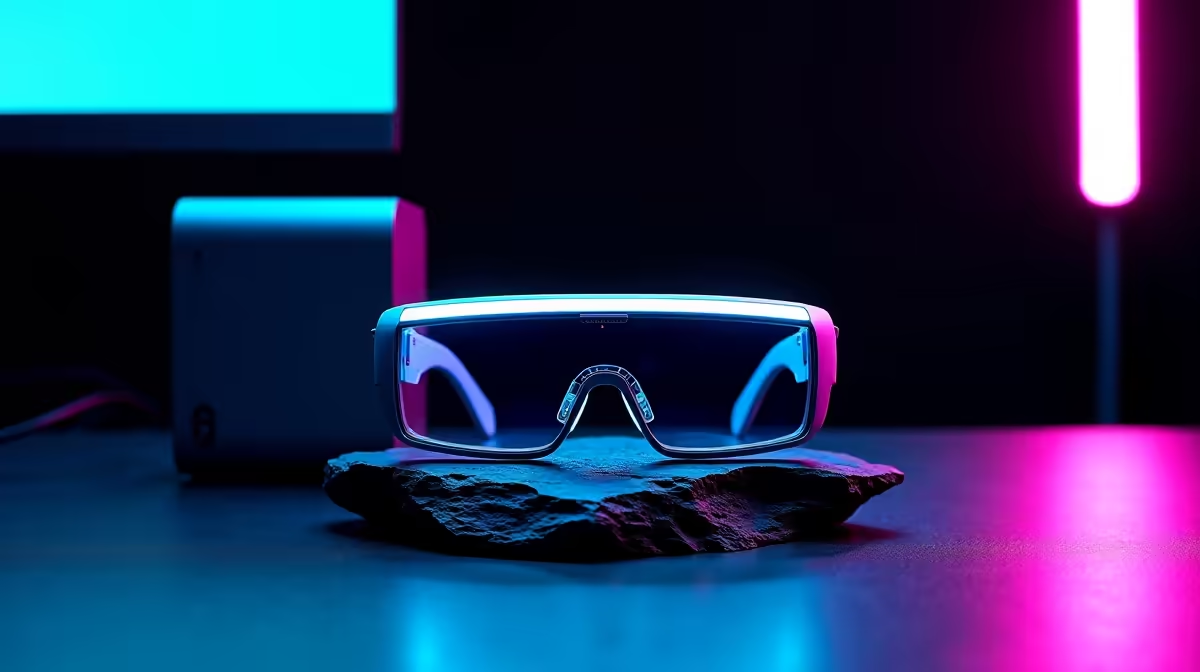
A second monitor brings a stand, a power cable and a video lead - three things to route and hide. AR glasses replace all of it with a single USB-C cable to a laptop or handheld, projecting a 1080p-per-eye virtual screen around 120Hz. For a minimalist cable-managed build, that's the genuine appeal: a large display with almost no desk footprint and one cable to manage.
When They Don't Help Tidiness
If you keep a single desk monitor and want it tidy, AR glasses add nothing - the cleanup comes from a R150-R400 cable tray, velcro ties down one desk leg, and an under-desk multiplug mount. AR glasses solve the multi-monitor clutter problem specifically.
Matching To Your Source
AR glasses need a video-capable USB-C output. A modern laptop, Steam Deck or ROG Ally drives them directly. Confirm your device's USB-C carries video before buying, and pair with a passthrough hub if you want to charge while you use them.
FAQ
Do AR glasses make a setup cleaner?
Yes, by replacing a second monitor, its stand, power and video cable with one USB-C lead. For a multi-monitor desk, that's a real tidiness win.
Are AR glasses worth it if I only use one monitor?
Not for tidiness. A single monitor is cleaned up with a cable tray and velcro ties for under R600. AR glasses solve the second-screen clutter specifically.
What do I need to run AR glasses?
A device whose USB-C carries video - a modern laptop, Steam Deck or ROG Ally. Confirm DisplayPort Alt Mode support, then add a passthrough hub to charge while using them.
| If a clean desk is the goal and you run dual monitors, AR glasses remove a whole screen's worth of cables - the biggest single tidy-up.











