


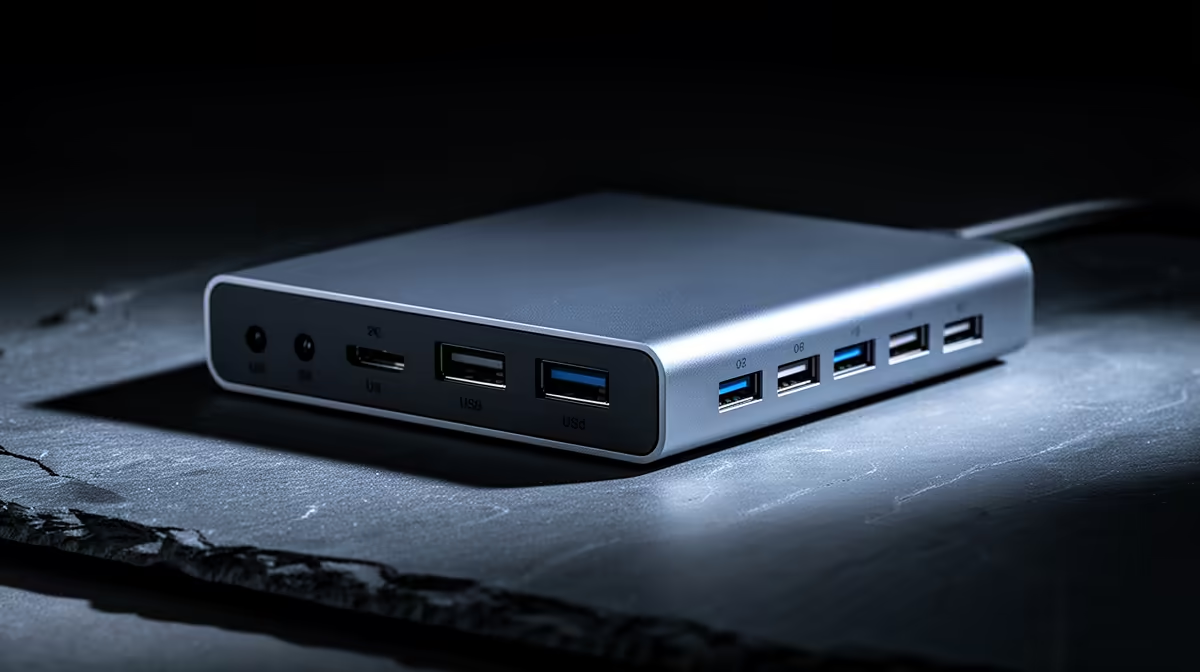
For a commuting SA student moving between home, campus and the library, a dock turns a laptop into a desktop in seconds, but only if your laptop and monitor setup justify it.
Quick Answer
A docking station matters for commuting students who plug into a fixed monitor and peripherals daily at one spot; it saves connecting four cables to one. For students who only use the laptop screen, skip it. Compact USB-C docks are stocked locally from around R1,500.
When the Dock Pays Off
If you have a home desk with a monitor, keyboard and mouse, a single USB-C dock connection means you sit down and you are working, no cable hunting. This matters when you commute daily and want a real two-screen setup at home for assignments. A dock with power delivery also charges the laptop through the same cable.
When to Skip
A Vaalie or res student who works mainly on the laptop screen with no external monitor gains little from a dock. A simple USB-C hub for the odd HDMI connection or SD card is cheaper and pocketable for campus.
Choosing One That Travels
If you want to dock at both home and campus, a small portable dock beats a bulky desktop unit. Confirm it supports your monitor resolution (1080p or 1440p) and supplies at least 65W to charge a study laptop.
FAQ
Is a docking station worth it for a commuting student?
Yes if you plug into the same monitor and peripherals daily; one cable replaces four. If you mostly use the laptop screen, a cheaper USB-C hub is the better choice.
What should a student docking station support?
At least 1080p or 1440p video, a couple of USB ports, Ethernet, and 65W+ power delivery so it charges the laptop through the same connection you use for displays.
Portable or desktop dock for campus use?
A compact portable dock if you move between locations. Desktop docks offer more ports but are bulky; students who dock in two places benefit from something pocketable.
dock with 65W+ power delivery so one cable charges your laptop and drives your monitor; pick a portable model if you dock at both home and campus.











