


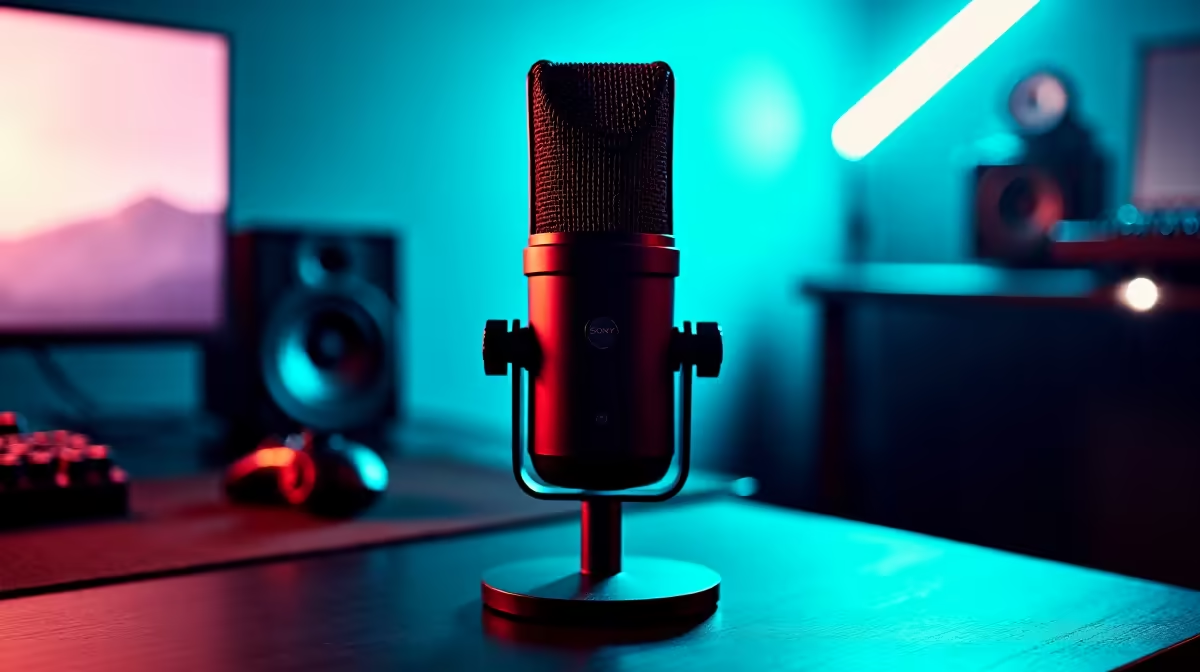
Most AI noise reduction controls look deceptively simple, a toggle or a three-position dial, but the setting you choose directly shapes whether your voice sounds natural or slightly processed. Switchable AI noise reduction exists because different recording situations need different amounts of intervention, and starting at the wrong level costs you either audio quality or audible background noise. Getting the configuration right takes less than ten minutes once you understand what each setting is actually doing.
Quick Answer
Start AI noise reduction on the light setting, which removes steady hum around 100Hz without touching your voice body. Step up to medium only if traffic or aircon still bleeds through. Reserve the strong setting for genuinely noisy rooms. Switch it off entirely for acoustic instruments and room tone recordings.
🔧 Starting on Light: The Default That Protects Your Voice
The light setting targets the most predictable background noise: steady-frequency hum from PC fans, aircon units and fluorescent lighting. These sit in a narrow band and are straightforward for an AI model to suppress without touching the frequencies where your voice lives.
The practical result is that light removes audible hiss and low-frequency drone without thinning the warmth of your voice. Mid and upper frequencies, where consonants and your speaking character sit, are left essentially untouched. A PC tower fan running at full speed next to a Joburg or Cape Town desk is exactly the noise source this setting was built to handle.
Start here for every session. Run a ten-second test recording before you begin, play it back with headphones, and listen for steady-frequency noise. If it is gone or nearly gone at light, stay there. Stepping up when you do not need to is how voice quality degrades unnecessarily.
⚡ Moving to Medium: When and Why
The medium setting adds roughly 5 to 6dB more rejection across a wider frequency band. This reaches traffic noise bleeding through a window, aircon running at varying speeds, and ambient noise that shifts slightly over time.
The cost is a small but measurable reduction in the low-frequency body of your voice. The AI model, targeting a wider range, will attenuate some of the room contribution to your recorded sound. Most listeners will not notice this in streaming commentary. In close-mic narration where voice warmth is central, it can be audible on direct comparison.
Use medium when a light-pass test reveals consistent noise under 100Hz that light mode does not suppress, or when external traffic is present and unpredictable.
🎯 Strong Mode: Reserve It for Difficult Rooms
The strong setting applies the most processing. It can suppress noise sources that vary substantially in level and frequency, such as a lively street below a flat, a HVAC system cycling on and off, or a shared office environment with background conversation.
The voice-quality cost is real. Aggressive suppression thins the chest resonance and natural warmth that make a voice sound present. Extended speech under strong mode sometimes produces an audibly processed quality.
Reserve strong mode for genuinely difficult environments where the alternative is unusable noise. On days when your room is reasonably quiet, running strong mode removes audio quality you did not need to lose.
✨ Disabling Reduction for Acoustic Recordings
The switchable part of switchable noise reduction is its most important feature for versatile home studios. When recording an acoustic guitar, vocal harmonies, a room tone sample or any source where the acoustic of the space matters, AI noise reduction should be switched fully off.
The same algorithms that remove fan hum also process the room reflections and harmonic content that give acoustic recordings their depth. Even light processing smears transients in a fingerpicked guitar or softens breath in a close vocal. With the filter off, the mic captures the actual acoustic reality of the space.
Switch off is also correct for ASMR recording, where near-silence between sounds is part of the content. The ability to disable the filter mid-session without restarting software is the practical reason this feature is worth prioritising in a mic purchase.
Frequently Asked Questions
Which AI noise reduction level should I start on?
Start on light for every session. It targets steady hum and fan noise without touching your voice. Run a short test and listen back before committing to a higher setting. If light handles the room noise, stay there.
When should I move to a stronger setting?
When traffic noise, aircon or variable-frequency background sounds remain audible after a light-pass test. Medium adds around 6dB of additional rejection at a small tonal cost. Strong is for rooms where medium still leaves unacceptable noise. Both steps up should be responses to confirmed problems, not preventive moves.
Does strong noise reduction hurt my recorded voice?
It can, particularly in the lower registers. Aggressive processing attenuates a wider frequency range and can thin the chest resonance that makes a voice sound natural. Most creators notice a slightly flat or processed quality on close listening. Use strong mode when the room forces it, not as a default.
Can I switch off noise reduction for music recording?
Yes, and you should. AI noise reduction processes the acoustic detail and harmonic content that gives music recordings their depth. Even a light setting smears transients and softens room reflections. Switch the filter off entirely for acoustic instruments, vocal harmonies or any recording where the natural room sound is part of the source.
Will my noise reduction setting be remembered next session?
Most mics with onboard AI noise reduction store the last active setting internally. Unplugging the mic and restarting the PC typically preserves the mode you last used. Confirm this with a short test after the first install. If your mic resets on each power cycle, check the setting at the start of each session before recording.
Ready to dial in cleaner audio from your home studio? Browse the microphone range with onboard AI noise reduction built for South African streamers and creators who record in real rooms, not acoustic booths.











