A home cybersecurity lab runs VMs, captures and sometimes always-on services, so power continuity matters in a way it does not for a casual gaming PC. Knowing when a UPS earns its place, and when it is overkill, keeps your lab budget focused on the hardware that does the work.
Quick Answer
A UPS matters for a cyber lab when you run always-on services or long unattended captures that a sudden outage would corrupt; a line-interactive 1000-1500VA unit (around R2,500 to R4,500) covers a typical lab rig. It matters less for a lab you only run while present and can shut down by hand.
When A UPS Genuinely Matters
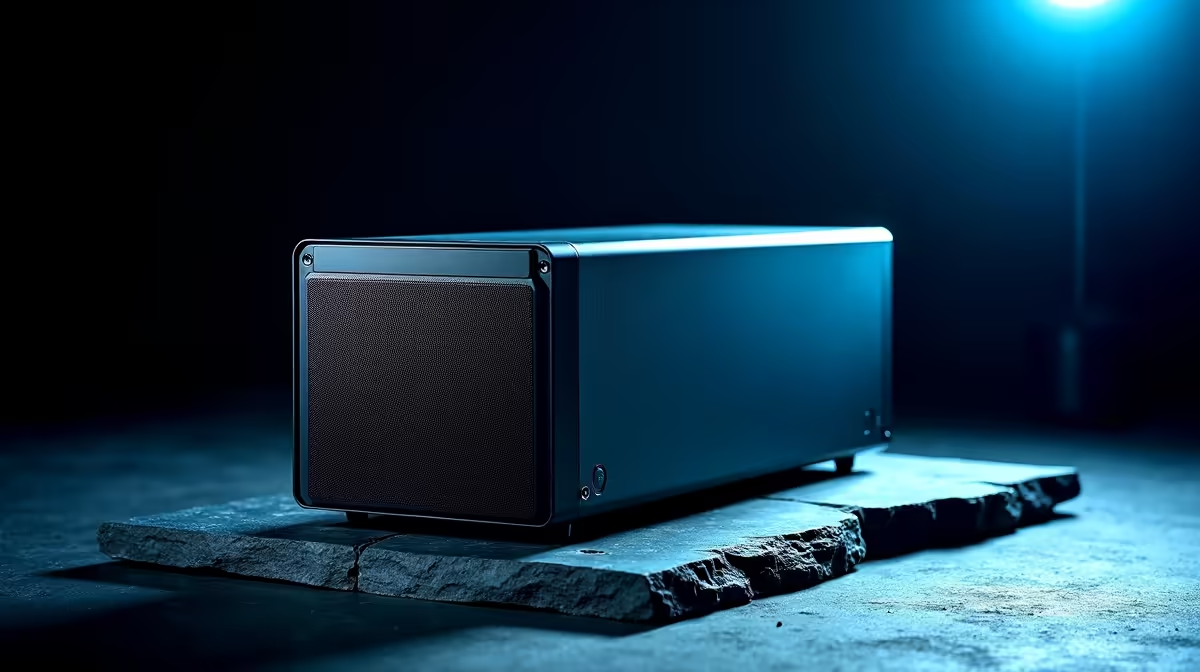
If your lab hosts always-on VMs, a local server, or runs long packet captures and scans unattended, an outage can corrupt data or interrupt a multi-hour job. A line-interactive UPS (1000-1500VA, R2,500 to R4,500) gives the rig time to shut down cleanly or ride out a brief dip, protecting both data and the drives. For a lab pulling 300-500W, that VA range gives a sensible shutdown and bridging window.
When It Matters Less
If you only run the lab while sitting at it and can shut everything down manually, a UPS is less critical, though surge protection is still wise. A student lab on a laptop with its own battery already has built-in bridging for brief interruptions. In that case, your Rand is better spent on RAM for more VMs or faster storage for captures than on a large UPS you rarely need.
Spend On The Lab Hardware First
A cyber lab benefits most from RAM (32GB+ to run several VMs), a fast NVMe SSD for snapshots and captures, and a capable multi-core CPU. Add a UPS once the core hardware is sorted and if your usage justifies continuity. Size any UPS to your draw plus 20-30 percent headroom, and buy locally with warranty so a battery fault is a quick swap that keeps the lab protected.
FAQ
Does a cybersecurity lab need a UPS?
It matters if you run always-on services or long unattended captures an outage would corrupt. A line-interactive 1000-1500VA unit covers a typical lab. For present-only use, it matters less.
What UPS size for a home cyber lab?
For a rig pulling 300-500W, a 1000-1500VA line-interactive unit gives a sensible shutdown and bridging window. Size to your draw plus 20-30 percent headroom for reliable operation.
What should I upgrade first in a cyber lab?
RAM to 32GB or more for multiple VMs, a fast NVMe SSD for snapshots and captures, and a capable CPU. Add a UPS after the core hardware if your always-on usage justifies it.
UPS to a cyber lab when you run always-on or unattended jobs; otherwise spend first on 32GB RAM and a fast NVMe for snapshots and captures.