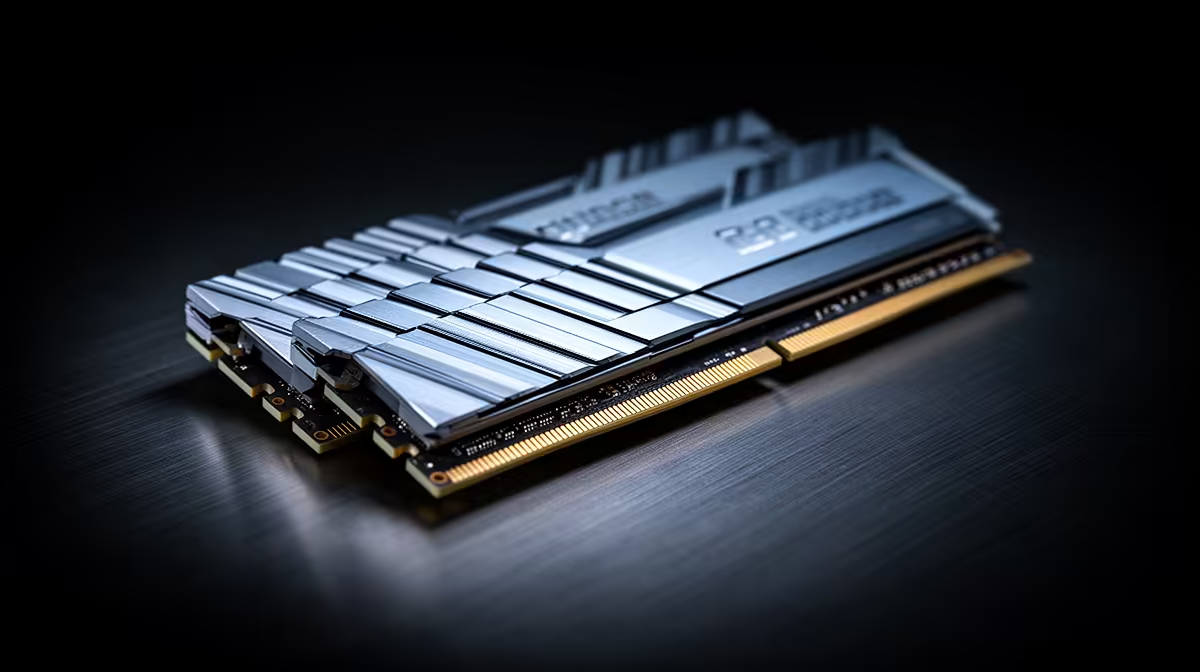
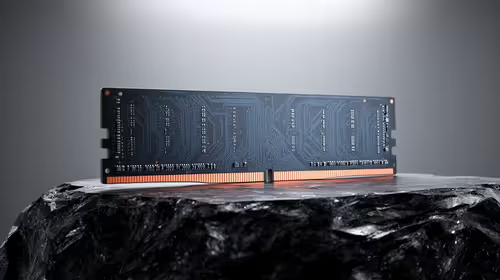
You press the power button after changing DDR5, the screen stays black and the motherboard restarts twice. Leave it alone for a few minutes. DDR5 memory training is the board testing timings and signal settings for the modules you installed, and the first boot can take far longer than the one you see each morning.
Quick Answer
A first boot after a RAM or BIOS change can take several minutes and include restarts. Watch the motherboard's memory debug light and give the process time before clearing CMOS. The MSI Pro B650M-P motherboard was R2,499 at Evetech in July 2026; boards differ, so use its manual to tell a training cycle from a stuck boot.
🧠 What the board is learning
The memory controller must find timing, voltage and signal values that let it communicate with every DDR5 module. A new kit, changed EXPO or XMP profile, BIOS update or cleared CMOS can trigger a fresh search.
During that work, the board may show a memory LED, switch itself off or restart. Keep the power connected. Repeated manual shutdowns can prevent it from finishing the same training stage.
Evetech's DDR5 memory selection includes kits with different capacities and speeds, both of which can change training time and difficulty.
⏱️ Know when patience has run out
Give a new configuration five to ten minutes unless the motherboard manual states another window. Four modules and an ambitious memory profile can take longer than two modules at stock speed.
If the PC cycles for fifteen minutes without reaching BIOS, switch it off and follow the board's recovery steps. Reseat the modules in the recommended slots, load defaults and try one stick at stock speed. A debug-code display or speaker beep can narrow the next step.
⚙️ Shorter later boots can be normal
Some boards save the trained values and reuse them, which shortens later starts. A firmware setting may control this behaviour. Keep the default until the system proves stable, since skipping parts of training can expose a marginal memory profile.
After Windows loads, run a memory test. A fast boot has no value if the saved training result produces errors. The memory kits local builders buy provide comparison options when your current set will not train at a useful speed.
Frequently Asked Questions
Why does a DDR5 PC take longer to boot after changing RAM?
The motherboard retrains communication between the CPU memory controller and the new module layout.
How long is a normal DDR5 training boot?
Several minutes can be normal after a change. Use the board manual and debug lights to judge a longer cycle.
Does memory training happen on every boot?
Boards may perform a short check or reuse saved values on later boots. Firmware settings control part of that behaviour.
Can you disable DDR5 memory training?
Some firmware offers a memory-context setting that shortens boot. Prove the RAM stable before changing it.
When does a long DDR5 boot indicate a problem?
Repeated cycles that never reach BIOS, a persistent memory error light or failed training at stock settings needs troubleshooting.
Choosing DDR5 for an easier first boot?
Compare matched memory kits at Evetech and check the motherboard support list before you change capacity, module count or speed.