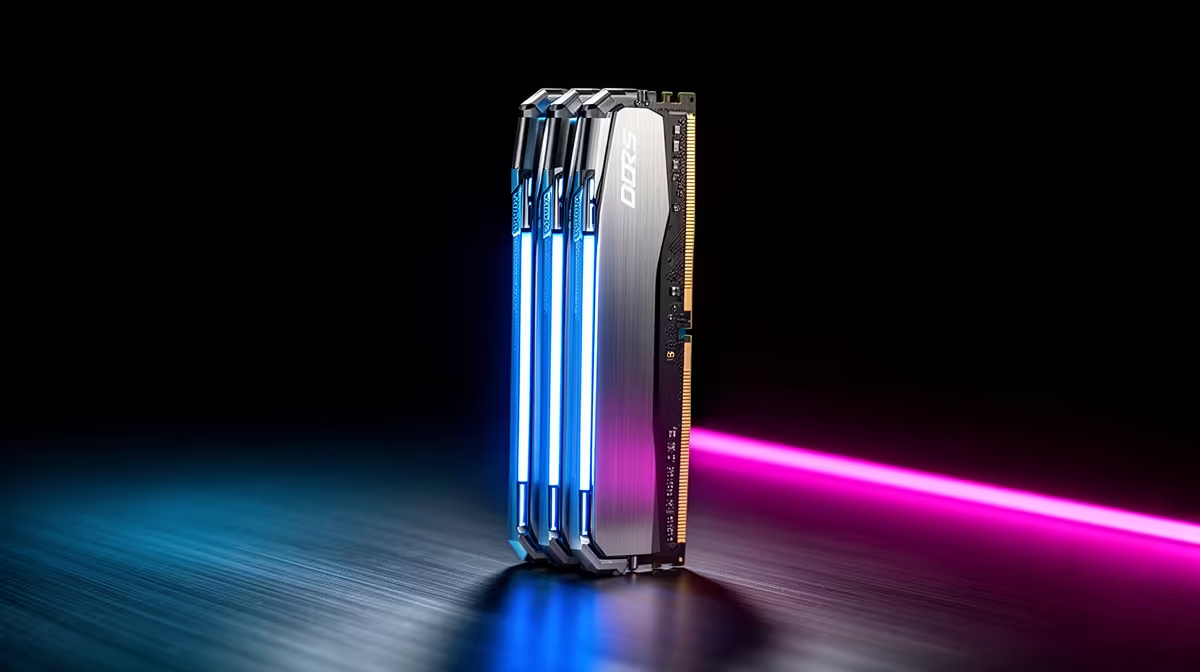
DDR5 is now the default for new SA gaming builds, and the question that matters is speed and capacity, not whether to buy it. The sweet spot is a 32GB DDR5-6000 CL30 kit, which suits both AMD Ryzen and Intel platforms.
Quick Answer
For SA gamers, a 32GB (2x16GB) DDR5-6000 CL30 kit is the value sweet spot, stocked at Evetech from roughly R1,600 to R2,500 depending on brand. It feeds AMD's Infinity Fabric ideally and gives Intel solid bandwidth, with 32GB enough for modern games plus background apps.
How Much DDR5 And How Fast?
16GB is the bare minimum but tight for modern titles; 32GB is the recommended standard and 64GB only matters for heavy creation or local AI. On speed, DDR5-6000 CL30 is the Ryzen sweet spot; pushing past 6400 on AMD often forces a slower Infinity Fabric mode that loses performance. Intel can use faster kits like DDR5-6400 to 7200, but the gaming gains over 6000 are small.
SA Buying Notes
Run your XMP (Intel) or EXPO (AMD) profile in BIOS to actually reach the rated speed; out of the box, kits run at a slow JEDEC default. For dual-rank stability and best latency, a matched 2x16GB kit beats four sticks. Quality brands stocked at Evetech include Kingston Fury, Corsair Vengeance and G.Skill Trident, all with the EXPO and XMP profiles SA builders need.
FAQ
How much DDR5 RAM do I need for gaming?
32GB (2x16GB) is the recommended standard for modern games plus background apps. 16GB still works but is increasingly tight, while 64GB only benefits heavy creation or local AI workloads.
What DDR5 speed is best for a Ryzen build?
DDR5-6000 CL30. It matches AMD's Infinity Fabric sweet spot; going faster often triggers a slower fabric mode that costs performance, so 6000 CL30 is the smart default.
Do I need to enable EXPO or XMP?
Yes. Without enabling the EXPO (AMD) or XMP (Intel) profile in BIOS, DDR5 runs at a slow JEDEC default well below its rated speed.
DDR5, enter BIOS and enable EXPO or XMP; otherwise a DDR5-6000 kit defaults to around 4800 and you lose the speed you paid for.