


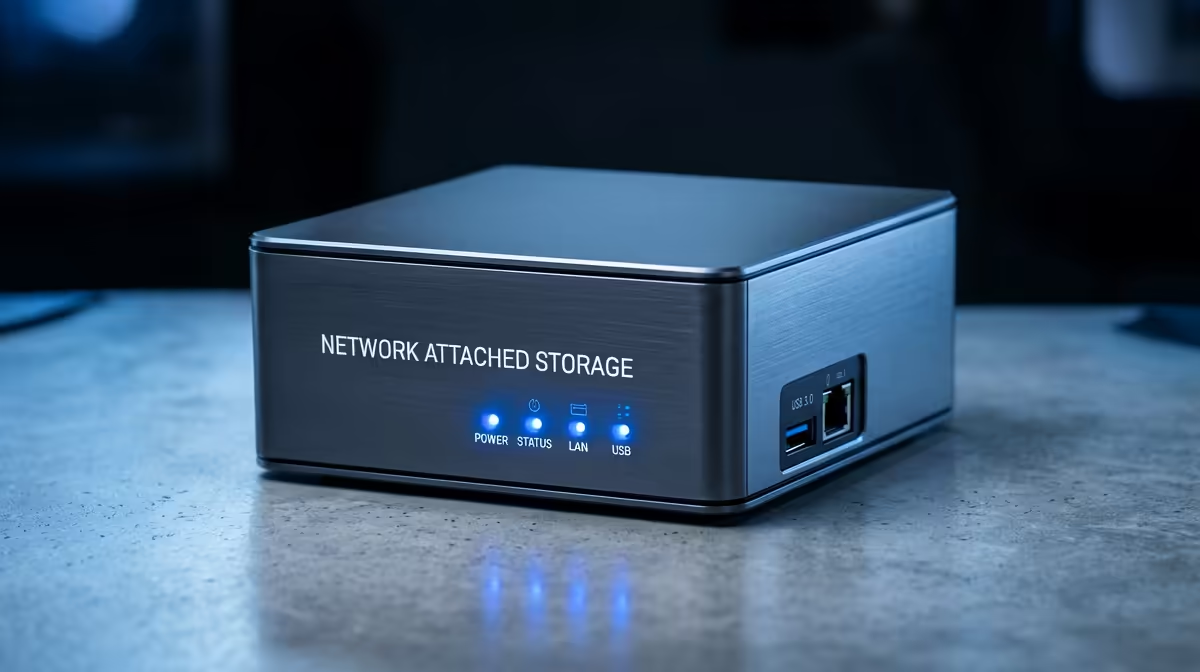
A diskless NAS lets you choose your own drives, so the specs that actually matter are the bays, CPU, RAM and network ports, not bundled storage. Knowing what counts helps a South African buyer build a NAS that fits their backup, media or work needs without overspending.
Quick Answer
For a diskless NAS, the specs that matter are bay count for capacity, CPU and RAM for apps, and at least 2.5GbE networking for speed. A capable 2 to 4 bay diskless NAS sits around R4,000 to R9,000 at Evetech before drives, handling backups, media streaming and file sharing for a home or small office.
Bays, CPU And RAM
Bay count sets your capacity and redundancy: a 2-bay NAS mirrors two drives for safety, while a 4-bay allows more capacity with RAID protection. The CPU and RAM decide what the NAS can do beyond storage; a dual-core unit with 2GB handles backups and file sharing, but Plex transcoding, virtual machines or many apps want a quad-core CPU and 4GB to 8GB RAM. Match the internals to whether you just store files or run services.
Networking And Drives
Networking is the throughput bottleneck. Gigabit (1GbE) caps transfers near 110MB/s, while 2.5GbE roughly doubles that, which matters for large media or backup jobs. Choose NAS-rated drives for 24/7 reliability, and plan capacity with one drive's worth of redundancy so a single failure does not lose data.
Plan For Growth And Backup
Buy a NAS with a spare bay or expansion option so capacity can grow, and remember a NAS with redundancy is not a backup on its own. Keep a separate backup of irreplaceable data, since RAID protects against drive failure, not deletion or disaster.
FAQ
How many bays does a home NAS need?
A 2-bay NAS suits basic backups and file sharing with mirrored redundancy, while a 4-bay gives more capacity and flexibility for media and growth. Choose based on how much you store and whether you want room to expand.
Does NAS networking speed matter?
Yes. Gigabit caps transfers near 110MB/s, while 2.5GbE roughly doubles throughput, which speeds up large media and backup jobs noticeably. Pick 2.5GbE if you move big files often.
Is a NAS a backup?
Not on its own. RAID redundancy protects against a drive failing, but not against accidental deletion, ransomware or disaster. Keep a separate backup of important data in addition to the NAS.
Choose a diskless NAS at Evetech sized to your bays and with 2.5GbE for speed, then fit NAS-rated drives with redundancy plus a separate backup of key data.









