


Quick Answer
Yes, a microphone arm is worth it for 4K video editing when desk bumps, keyboard noise, or awkward mic distance make recordings sound rough. It is not mandatory, but it helps keep the capsule 10cm to 20cm from your mouth without blocking the keyboard, controller, or monitor.
What It Actually Changes
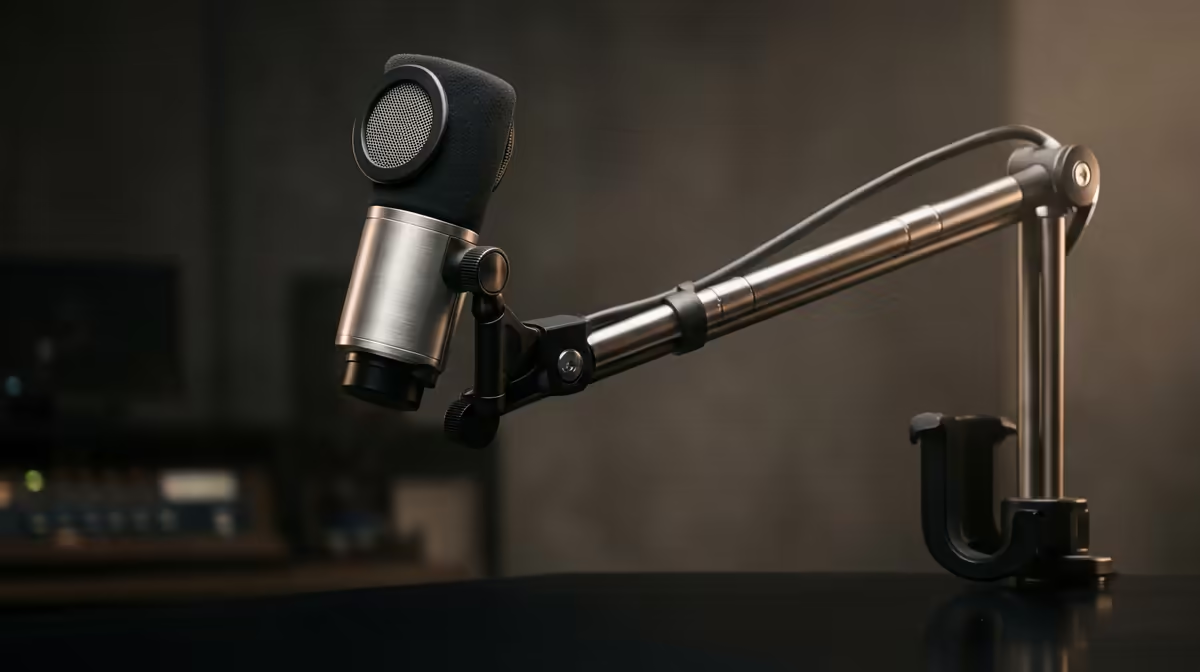
For 4K video editing, the arm improves mic placement and reduces handling noise. A mic sitting on the desk can pick up keyboard thumps and chair movement, while an arm keeps position repeatable. This matters more for podcasts and voiceover than for casual party chat.
Specs And Price Checks For SA Buyers
Broad SA pricing is around R400-R2,500 depending on load rating and build. Compare Rode PSA1+, Elgato Wave Mic Arm, HyperX QuadCast boom options, and basic spring arms for lighter USB mics. Check clamp depth, desk thickness, mic weight, shock mount thread, and whether the arm can clear a 27-inch or 32-inch monitor.
Where The Money Works Hardest
Buy the arm after choosing the microphone. Heavy broadcast mics need stronger arms, while compact USB mics can use simpler mounts. If the room is echoey, keep budget for a pop filter and soft furnishings because placement alone cannot remove room reflections.
Local Fit Check
For South African buyers, also check delivery timing, warranty handling, plug or cable needs, and whether the part fits the desk or case you already own. A practical fit check prevents a good product from becoming the wrong purchase.
FAQ
Does a microphone arm improve sound?
It improves placement, which often improves sound. The mic still needs correct gain, distance, and room control.
How close should the mic be?
Start around 10cm to 20cm from your mouth, slightly off-axis to reduce plosives. Then set gain so normal speech does not clip.
Will any arm fit any desk?
No. Check clamp depth, desk lip shape, and mic weight before buying. Thick or bevelled desks can need a different mounting method.









