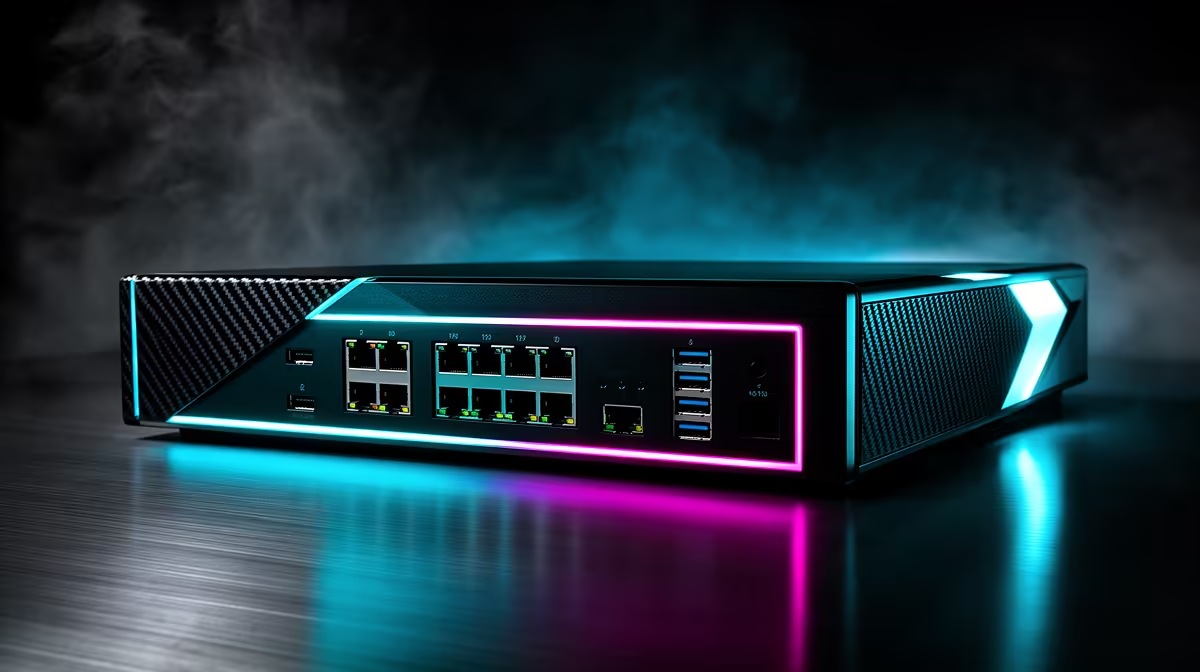
Several PCs in one room can share a single router uplink while keeping every local connection wired. A network switch for a game room earns its place through port count, link speed and cleaner expansion.
Quick Answer
A network switch is useful when several PCs share a room and you have one router uplink or too few router ports. It gives each machine a wired first hop and keeps local transfers off Wi-Fi. It does not create internet capacity or replace the router. Choose the switch from port count, link speed, management needs and the shared uplink.
Compare unmanaged and managed models in Evetech's networking catalogue. For patch leads and cable management, browse the separate best-selling accessories range. Include one port for the uplink when counting.
A switch beats more Wi-Fi for fixed PCs
Several desktops in one room compete for wireless airtime and can suffer interference. Ethernet gives each a dedicated switch port. The switch forwards local traffic only where it needs to go.
Use Wi-Fi for mobile devices and add a wired access point when the room needs better coverage. A switch and access point work together; they solve different layers.
Count ports and shared links
List PCs, consoles, storage, access point and uplink. Add a spare. A five-port switch supports four devices after one port connects upstream.
Match switch speed to the router, cabling and client adapters. Long Ethernet runs work within the cable standard and quality when installed correctly; distance inside a normal compliant room run should not be guessed from a loose cable.
All internet traffic shares the router WAN. Local PC-to-PC or storage traffic can remain on the switch, which is useful for LAN games and file transfer.
Keep management simple
An unmanaged switch suits most trusted home game rooms. A managed model makes sense when you need VLANs, monitoring or planned traffic controls.
Do not buy a managed switch for a gaming-priority button. WAN queues sit at the router, and local switching rarely needs per-game QoS.
Use proper cable routes and ventilation. Avoid loops, damaged leads and switches hidden under carpet.
Test the result
Ping the router from each PC, confirm link speed, and run a local transfer. Then play simultaneous games while another machine downloads under the router's normal queue rules.
If every PC spikes together only when the WAN fills, configure the router. If one link drops locally, inspect that cable, port and adapter.
Plan local storage traffic
Several PCs installing from a local server or copying captures can fill one uplink. Connect shared storage to a suitable switch port when you want that traffic to remain inside the room, then secure accounts and backups.
Measure local transfer while another PC plays. A sound switch handles both within port and storage limits. When the game remains smooth and the copy slows, the network is sharing capacity as designed.
FAQ
Does a switch reduce ping variation?
It removes Wi-Fi variation for wired PCs. Provider routing and an overloaded WAN queue remain.
Do I need a managed switch?
Most home game rooms do not. Choose one only for a documented VLAN, monitoring or other managed requirement.
Does it help LAN-party latency?
Yes by keeping local wired traffic on a fast switch path, provided cables and clients negotiate correctly.
Count fixed devices and the uplink, wire the game room through a suitable switch, and leave internet traffic control with the router.