


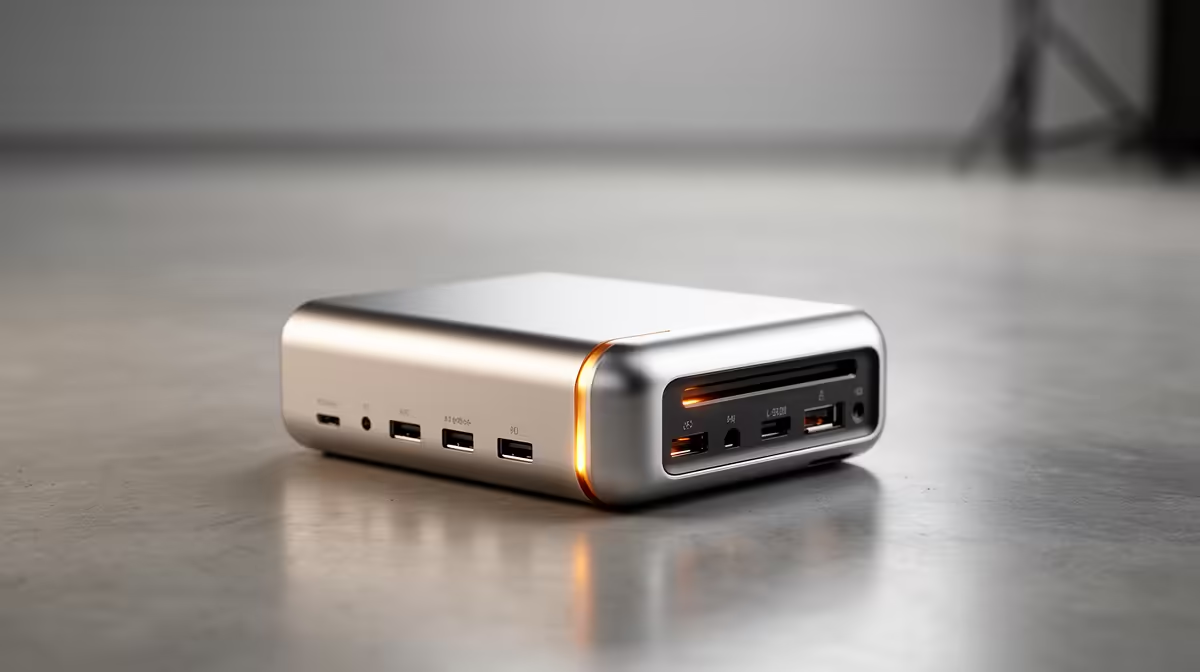
Medical students juggle dense PDFs, anatomy atlases, lecture recordings and clinical software, often moving between res, library and hospital placements. The docking station for med school is about turning a portable laptop into a comfortable two-screen study station at home while staying easy to grab and go.
Quick Answer
For medical students, a USB-C dock that drives dual 1080p or 1440p displays at 60Hz, supplies 65W-plus power, and offers a few USB ports plus an SD reader is the practical floor. Solid docks cost R1,500 to R3,500. A second large monitor for atlas-plus-notes study beats a pricier dock, so split the budget toward the screen.
Two screens for reading-heavy study
Medicine is relentless reading: textbooks, journal articles, lecture slides and anatomy images. A dock that drives dual 1080p or 1440p displays lets a student keep an atlas or recording on one screen and notes on the other, which is far less tiring than constant window-switching on a laptop panel. 1440p at 60Hz keeps small text and detailed images crisp at a comfortable size, and a 27-inch second monitor is the upgrade that most improves long study sessions.
Portability and quick setup for a mobile life
A med student's laptop travels to lectures, library and clinical rotations, so the dock has to make returning to the desk effortless. A single USB-C cable that restores both monitors, charging and peripherals means a student can drop in, study, then grab the laptop for a ward round without unplugging a tangle. Pick a compact dock that lives on the desk and supplies at least 65W so the laptop is always charged and ready when it is time to head out.
Storage and peripherals for clinical work
Lecture recordings, scanned notes and clinical images add up, so a 10Gbps USB port for an external SSD keeps a growing library fast and off the laptop's main drive. An SD reader on the dock helps when transferring images or recordings. A couple of spare USB ports cover a keyboard, mouse and the occasional dictaphone or external drive, so the whole study station connects through one cable and the laptop stays uncluttered for the next move to the hospital.
FAQ
What docking station suits a medical student?
A USB-C dock with dual display output, 65W-plus power and an SD reader. It turns a portable laptop into a two-screen study station for atlas-plus-notes reading while staying easy to grab for clinical rotations.
Should med students prioritise the dock or a second monitor?
The second monitor. A 27-inch 1440p panel for side-by-side atlas and notes improves long study sessions more than a premium dock, so split the budget toward the screen.
How do I keep lecture recordings and images organised?
Store them on an external SSD connected through a 10Gbps dock port, keeping a growing library fast and off the laptop's main drive. An SD reader speeds transferring clinical images from a camera or device.
compact dock that restores both monitors and charging from one USB-C cable. A med student grabs the laptop for ward rounds constantly, so the easier the daily drop-in, the more the dock gets used.










