


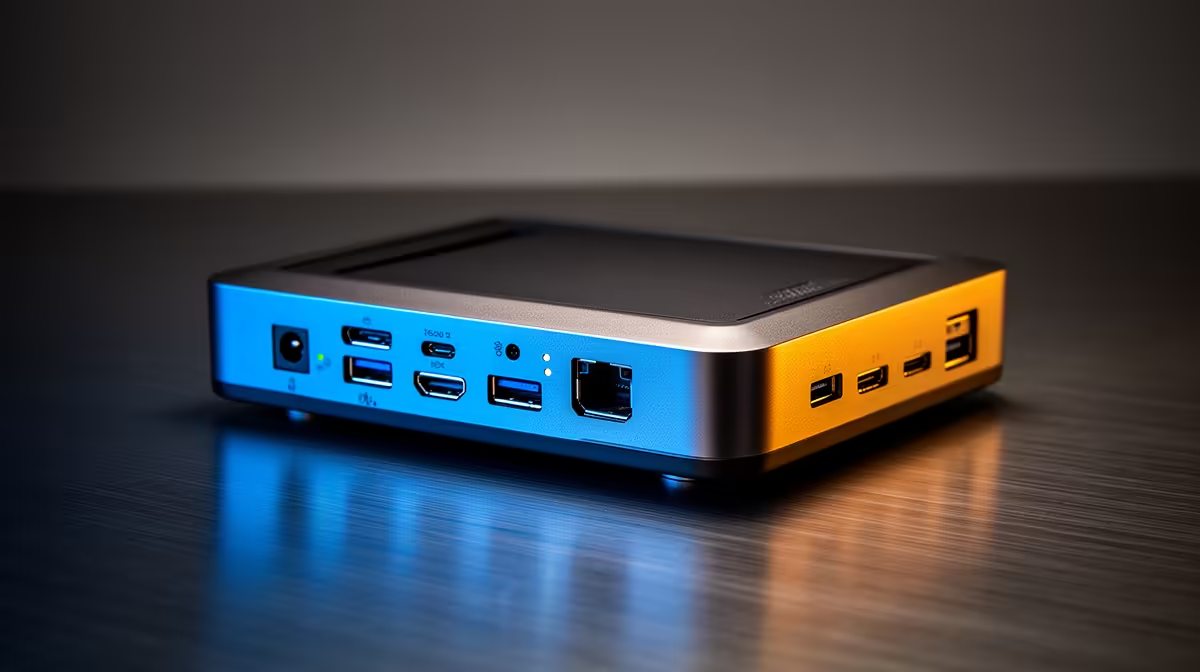
For creators, a docking station's USB port count and speed directly affect how smoothly cameras, drives, audio interfaces and accessories connect. More and faster ports cost more, so it pays to know when they are worth it. This guide helps South African creators decide when paying for extra USB ports makes sense.
Quick Answer
For creators, paying for more and faster USB ports is worth it when you connect several devices at once: a camera, an external SSD, an audio interface and a stream deck quickly fill a basic dock. Prioritise at least two 10Gbps USB ports for fast storage; a dock with six-plus ports (R2,500 to R4,000) suits a busy creator workflow.
When Extra USB Ports Pay Off
Creators rarely connect just one device. A typical setup might include a camera or capture card, an external SSD for footage, an audio interface, a stream deck, a keyboard and a mouse, which quickly exhausts a basic dock's three or four ports. If you regularly run several peripherals together, paying for a six-plus-port dock avoids the dongle stacking and constant unplugging that disrupt a creator's flow.
When Port Speed Matters Most
For creators, port speed matters as much as count. A 10Gbps USB 3.2 port transfers large video files to an external SSD twice as fast as a 5Gbps port, saving real time on every offload. Prioritise having at least two high-speed ports for storage and a capture card. Slow shared USB 2.0 ports bottleneck fast drives, so paying for genuine 10Gbps bandwidth is worth it for a footage-heavy workflow.
Right-Size The Port Count
Count your simultaneous devices and add two spare ports for future kit. For most creators that means a dock with six to eight ports, including two fast 10Gbps ports and ideally a dedicated one for an audio interface. Do not overbuy a 13-port dock you will not fill, but do not undersize either, since recreating ports with hubs adds clutter and shared-bandwidth slowdowns that a right-sized dock avoids.
FAQ
When are more USB ports worth it for creators?
When you connect several devices at once, a camera, SSD, audio interface and stream deck quickly fill a basic dock. A six-plus-port dock avoids dongle stacking and constant unplugging.
Why does USB port speed matter for creators?
Because a 10Gbps port transfers large video files roughly twice as fast as a 5Gbps port, saving time on every footage offload. Prioritise at least two high-speed ports for storage and capture.
How many USB ports should a creator dock have?
Count your simultaneous devices and add two spares, usually six to eight ports including two fast 10Gbps ones. Avoid overbuying a 13-port dock you will not fill, but do not undersize it either.
devices you run at once and add two spares. For a busy creator, a dock with six-plus ports including two 10Gbps ports avoids dongle stacking and speeds up every footage offload.











