


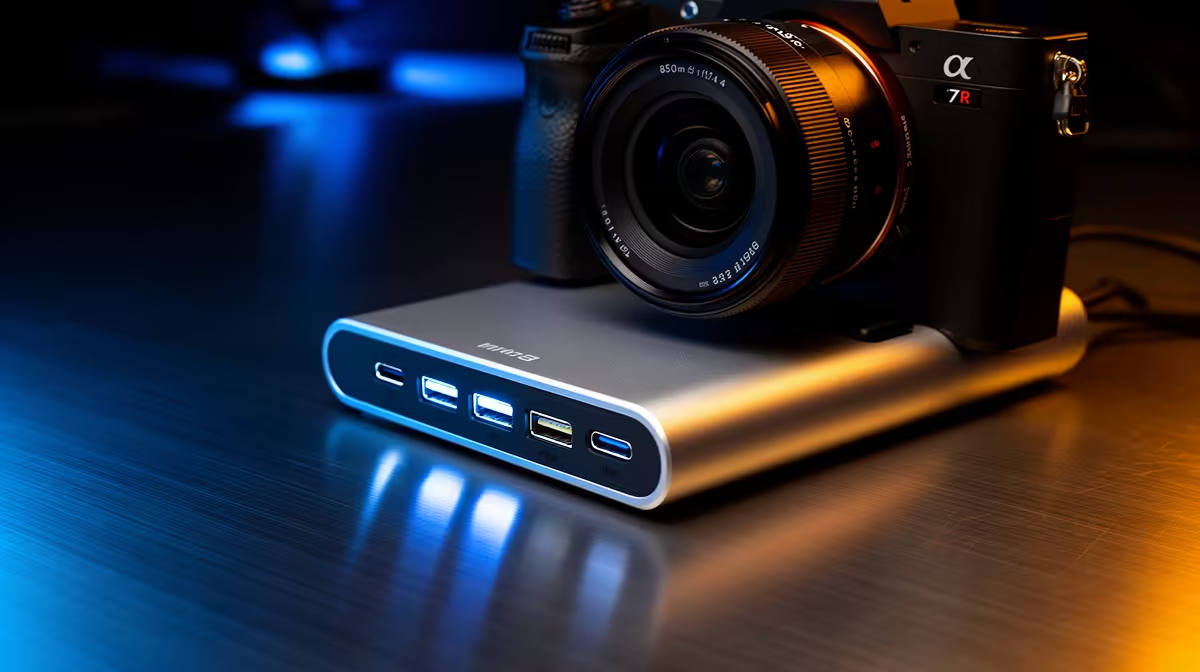
Deal hunters want maximum value, and on a docking station that means knowing which USB ports are worth paying for and which are marketing padding. Not every extra port adds real value. This guide helps South African bargain-focused buyers spot when paying for USB ports is a smart deal and when it is wasted spend.
Quick Answer
For deal hunters, paying for USB ports is worth it when they are genuinely fast 10Gbps ports you will use; it is wasted money on a dock padded with slow USB 2.0 sockets to inflate the port count. Buy for two or three fast, useful ports rather than a cheap 11-port dock where most sockets share one slow controller.
Spot The Value: Fast Ports You Will Use
The smart deal is a dock with a couple of genuine 10Gbps USB 3.2 ports plus the connections you actually use daily. Two fast ports for a drive and a peripheral, a display output and reliable power often deliver more real value than a dock boasting eleven ports. Count what you will plug in, and pay for quality and speed on those, not for a long spec-sheet number that looks impressive but does little.
Avoid The Trap: Padded Slow Port Counts
A common bargain-dock trap is a high port count where most USB sockets are slow USB 2.0 or share a single overloaded controller. Plugging an SSD into one of these crawls. Deal hunters should read the port speeds, not just the count, since a cheap 11-port dock with mostly slow ports is worse value than a focused six-port dock with two fast ones. The headline number hides the real performance.
Judge The Deal On Total Capability
Assess a dock deal on the whole package: port speeds, display output, power delivery matched to your laptop, and build quality, not the port count alone. A genuinely good-value dock balances these for what you need at a fair price. Check that the fast ports, power and displays all meet your real use; a low price means little if the dock cannot do the jobs you actually need it for.
FAQ
When is paying for USB ports a good deal?
When the ports are genuine 10Gbps and you will use them. Two or three fast, useful ports deliver more value than a cheap dock padded with slow USB 2.0 sockets to inflate the count.
What is the trap with cheap high-port docks?
Most sockets are often slow USB 2.0 or share one overloaded controller, so an SSD crawls. Read the port speeds, not just the count, since a padded number hides poor real performance.
How should deal hunters judge a dock?
On the whole package: port speeds, display output, power delivery matched to your laptop, and build quality. A low price means little if the dock cannot do the jobs you actually need.
Deal hunters, read the port speeds not just the count. Choose an Evetech dock with two genuine 10Gbps ports and the connections you actually use over a cheap dock padded with slow USB 2.0 sockets.











