


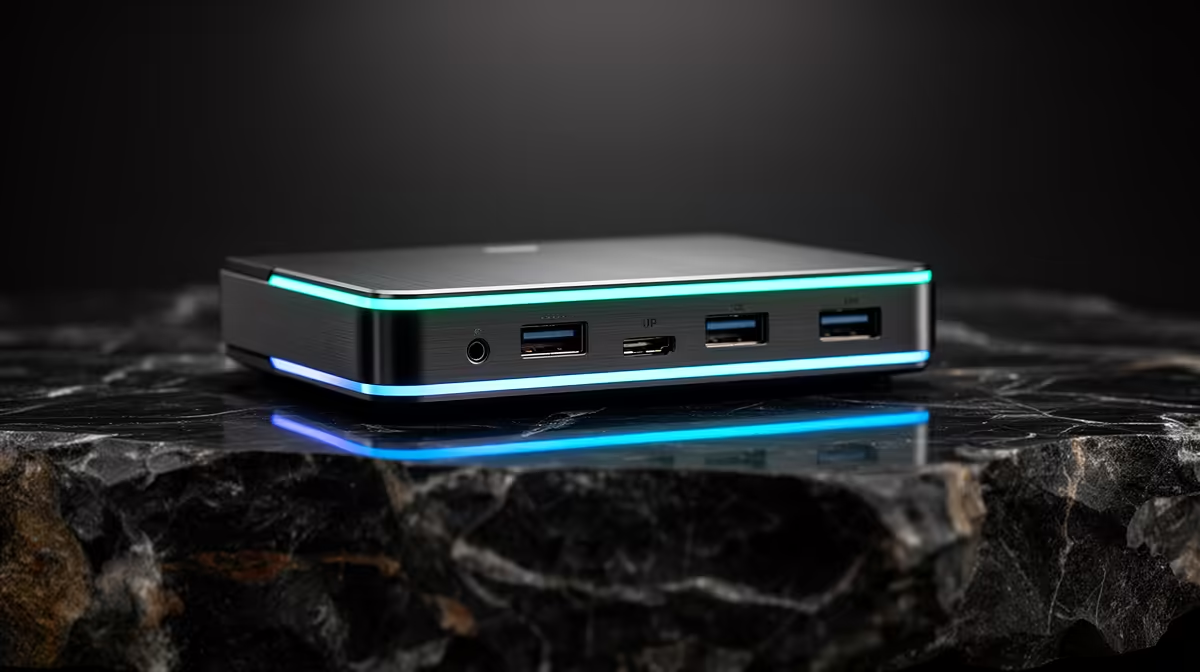
In a small res room or shared desk, a dock is as much about cable length and footprint as features. The wrong cable layout makes a tidy dock messy again.
Quick Answer
For space-limited buyers, choose a dock by how it routes cables and where the host cable reaches, not just port count; a 0.8-1m host cable and rear-facing ports keep a cramped desk clean. Compact USB-C docks are stocked locally from around R1,500.
Cable Length Is Worth Paying For
A dock with a short, fixed host cable forces the laptop right next to it, wasting the little desk space you have. A model with a 0.8-1m detachable host cable lets you tuck the dock behind a monitor while the laptop sits where it suits you. Detachable cables also mean a frayed cable is a cheap fix, not a dead dock.
Footprint and Mounting
Vertical or under-desk mountable docks free up surface area in a tight space. Look for a unit small enough to sit behind a 24-inch monitor stand. Rear-facing ports keep the visible cable run minimal.
Don't Overbuy Ports
In a small setup you likely need one monitor, two USB devices, Ethernet and SD. A modest dock covers this for less than a 13-port unit that just adds clutter you will not use.
FAQ
What dock cable length is best for a small desk?
A 0.8-1m detachable host cable. It lets you hide the dock behind a monitor while keeping the laptop where you want, unlike a short fixed cable that ties them together.
Should I buy a dock with many ports for a small space?
Usually not. Match the dock to what you actually plug in: one display, a couple of USB devices, Ethernet and SD. Extra ports add cost and cable clutter you will not use.
Can a docking station be mounted out of the way?
Yes. Many compact docks can sit vertically or mount under the desk, freeing surface area, which matters most in a res room or shared workspace.
Pick a dock with a detachable 0.8-1m host cable and rear-facing ports so you can hide it behind your monitor and keep the desk clear.










