


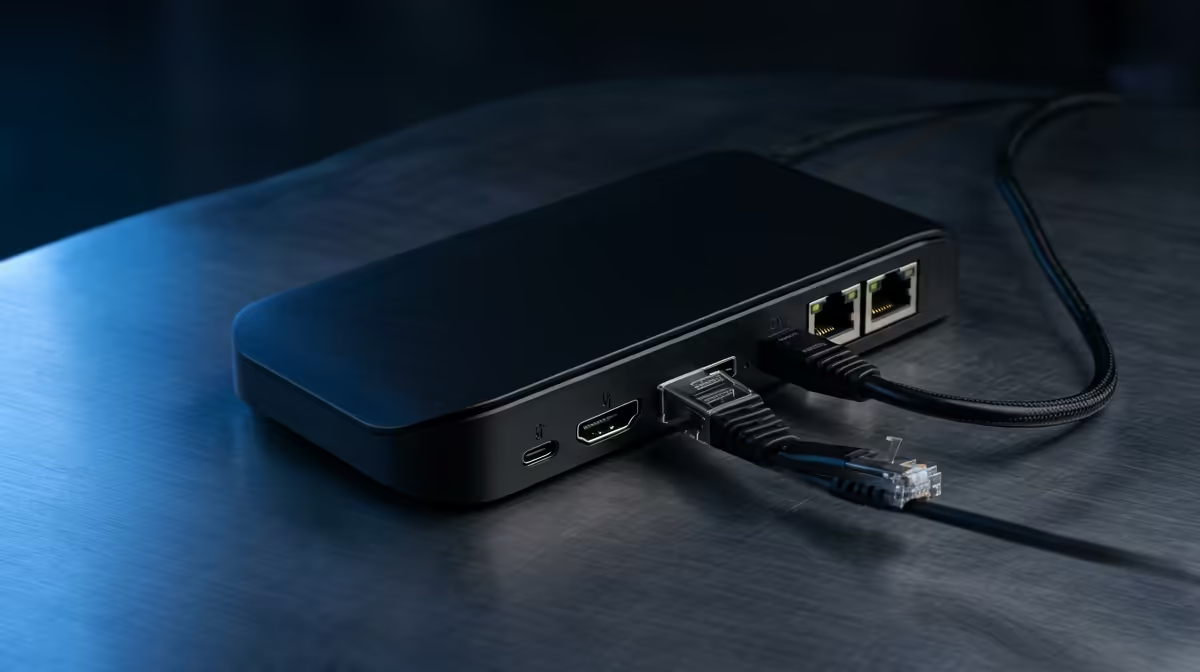
Quick Answer
Pay more for a docking station only when the paid feature directly improves student and res use. Put the spend into 65 W or 100 W USB-C PD, HDMI or DisplayPort, Gigabit Ethernet and enough USB-A ports; styling extras matter less than reliability, and roughly R700-R4,500 is the broad SA band to plan around.
Match The Buy To Student And Res Use
Space, theft risk, noise and a realistic sa student budget matter before premium extras. In South Africa, also check warranty handling, courier timing and whether replacement cables, straps, mounts or chargers are easy to source. For a 1080p 144 Hz monitor, the dock must expose the right display mode; cheap hubs often fall back to 4K 30 Hz or 1080p 60 Hz.
Price And Spec Floor
Plan around roughly R700-R4,500. Useful reference models include Anker 555 USB-C Hub, UGREEN Revodok Pro 209 and Dell WD22TB4, but the exact choice must match the device and room you already have. The practical spec floor is 65 W or 100 W USB-C PD, HDMI or DisplayPort, Gigabit Ethernet and enough USB-A ports. If the accessory misses that floor, the saving can disappear through adapters, noise, disconnects or early replacement.
When To Spend More Or Wait
Spend extra when it removes a real blocker: unstable charging, cramped desk space, poor airflow, weak voice capture, short battery life or unreliable wireless coverage. Wait when the core setup still needs a better SSD, monitor, router, cooling path or microphone position. A dock with 100 W PD, Ethernet and the right display output can replace three loose adapters without dropping a 144 Hz monitor to 60 Hz.
FAQ
What is the safe budget for this docking station in South Africa?
Use roughly R700-R4,500 as a planning range, then adjust for warranty, included cables and the device you already own. The cheapest option is only good value when it includes the key spec you need.
Which spec should SA buyers check first?
Start with 65 W or 100 W USB-C PD, HDMI or DisplayPort, Gigabit Ethernet and enough USB-A ports. That spec decides whether the accessory works in the real room, laptop, PC or travel bag before nice-to-have features matter.
When should I delay this upgrade?
Delay it when the core setup still struggles with 60 fps gaming, slow storage, unstable Wi-Fi, poor desk space or bad audio. The accessory should support the setup, not distract from the part clearly holding it back.
dock to the exact laptop USB-C mode, charger wattage and monitor refresh rate. If the current problem is not clear, test one normal session first and buy only when the docking station fixes that named issue.











