


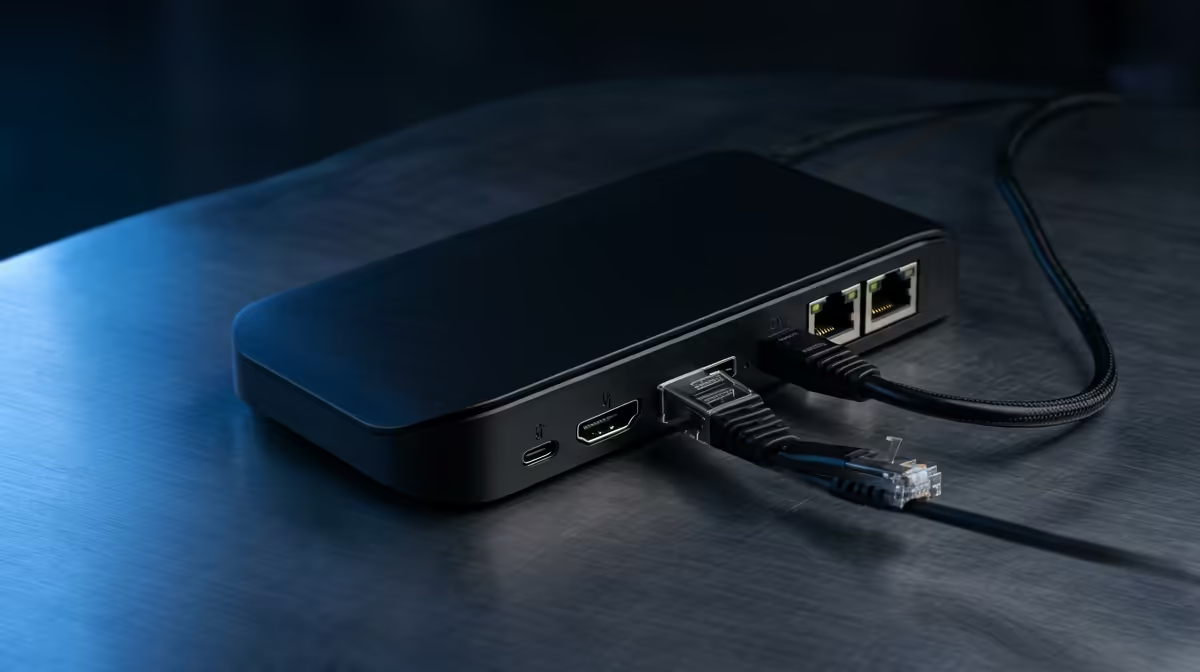
In a res room, a dock that drives an external monitor turns a small laptop screen into a proper study station. The display outputs are the spec that decides what you can connect.
Quick Answer
Display outputs matter when you want to add one or two monitors to a laptop in res; check the dock supports your monitor's resolution and connector (HDMI or DisplayPort). Docks with HDMI output are stocked locally from around R1,500.
Why Outputs Matter in Res
A 13- or 15-inch laptop screen cramps long assignment sessions. A dock with an HDMI or DisplayPort output lets you add a larger monitor for a comfortable two-screen study setup in a small room. Confirm the dock outputs your monitor's resolution, since some basic docks cap at 1080p.
Single vs Dual Output
For most res students, one external monitor alongside the laptop is enough. Dual-output docks cost more and need a laptop that supports two external displays, so only step up if you genuinely run two screens.
Practical Res Setup
Pick a dock with the right connector for your monitor, enough USB ports for a keyboard and mouse, and power delivery to charge the laptop. A compact dock keeps a small res desk uncluttered while still driving a full study setup.
FAQ
What display output should a student dock have?
Match it to your monitor: HDMI is most common, DisplayPort for higher refresh rates. Confirm the dock supports your monitor's resolution, since cheaper docks may cap at 1080p.
Do I need a dual-display dock in res?
Only if you run two external monitors and your laptop supports them. For most res students, one external screen plus the laptop is enough, so a single-output dock saves money.
Will a dock charge my laptop too?
Many do, through power delivery over USB-C. Check the wattage matches your laptop, usually 65W+, so one cable handles both the display and charging.
dock outputs your monitor's full resolution and supplies 65W+ power, so one cable drives your external screen and charges the laptop in res.











