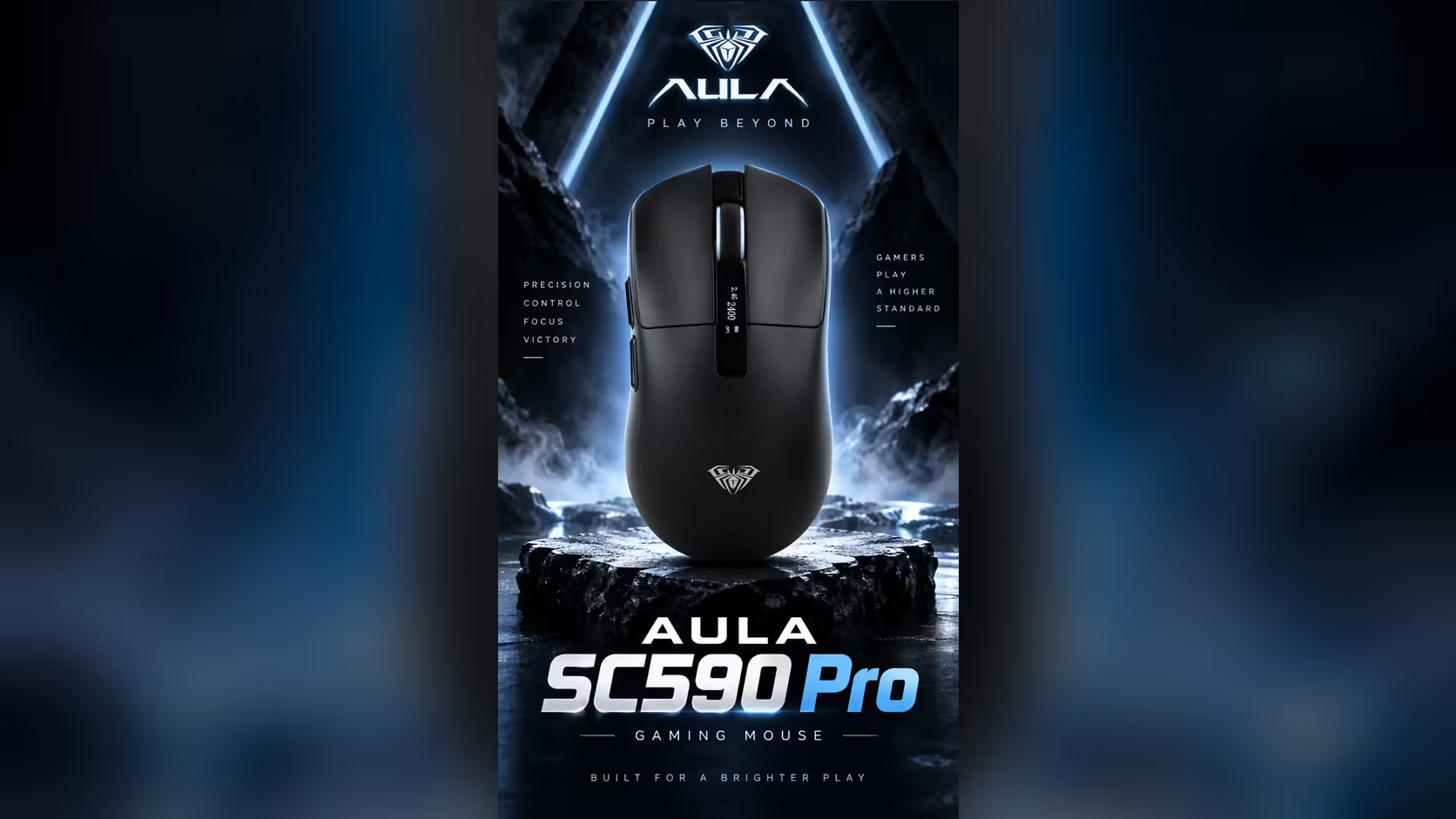
A screen on a mouse sounds like a gimmick until you think about how often you check the same three things. Is it charged? Which DPI am I on? Is it on the dongle or on Bluetooth? The AULA SC590 Pro puts all three on a small mouse with a built-in display, and whether that is worth having depends on how often those questions come up in your day.
Quick Answer
No mouse strictly needs a display, but the SC590 Pro's screen shows the connection mode, exact battery level and active DPI at a glance, with no software to open. That saves a check before a match or a meeting. It still weighs only about 64g, uses a PAW3311 sensor at 1000Hz and connects over 2.4GHz, Bluetooth or USB-C. The SC590 Pro costs R319 at Evetech.
🤔 The problem a readout solves
Most wireless mice communicate through a single coloured light, or not at all. To find the exact battery level you usually open an app, and DPI steps are often indicated by a colour you have to memorise. The result is that people find out the battery is low when the cursor stops, and find out the DPI is wrong when their aim feels off.
The SC590 Pro replaces those guesses with plain information. The display lists three things:
- Connection mode, so you know whether it is on 2.4GHz, Bluetooth or the cable.
- Exact battery level, not just a low-battery warning.
- Active DPI, from its six levels between 1200 and 20,000.
Buttons beside the display change the DPI, and the screen confirms the new step immediately.
🎮 Will it distract you in a game?
The display sits on the body of the mouse, under your hand while you play. In practice your eyes are on the monitor, and the screen is something you glance at between rounds or before a session starts. It is a check-in tool, not something you watch.
Its real value in gaming is avoiding surprises. Starting a ranked match on the wrong DPI, or with a mouse about to run flat, is exactly the kind of mistake a quick glance prevents.
⚖️ Does the screen add weight?
Surprisingly little, going by AULA's numbers. The SC590 Pro weighs about 64g with the display fitted. The plain SC590, which has no display, weighs 81g. So the version with the screen is actually the lighter of the two. It measures about 118 x 60 x 38mm and runs on a 500mAh battery.
The rating AULA Argentina gives that cell is around 20 hours of active tracking, or some 120 hours sitting on standby, and everyday use will move those numbers. With the battery level always visible, you are rarely caught short.
👥 Who the display is really for
- People who switch devices. Seeing the connection mode saves confusion when moving between a PC and a laptop.
- Anyone sharing a PC. The last user's DPI setting is visible before you start.
- People who hate driver software. DPI changes and battery checks happen on the mouse itself.
- Mixed gaming and office users. Six buttons and six DPI levels cover both, and the screen shows which setup is live.
If none of those describe you, a simpler mouse will do the job. If one or two sound familiar, the display earns its place. Evetech carries the black SC590 Pro, and you can compare it in the gaming mice section or among cable-free options on the wireless mouse page. A 1 Year Local Warranty applies, handled through Evetech.
Frequently Asked Questions
What problem does a display on a mouse solve?
It shows battery level, DPI and connection mode instantly, so you never have to guess or open software to check.
Without a display, how would I check DPI?
Usually through a coloured light or driver software. The SC590 Pro simply shows the number.
Is the SC590 Pro heavier because of the screen?
No. It weighs about 64g, while the plain SC590 without a display weighs 81g.
Will the screen distract me while playing?
It sits under your hand, so it is something you glance at between rounds rather than watch.
Which buttons are next to the display?
DPI buttons, which switch between the six levels while the screen confirms the choice.
Who benefits most from the readout?
People who share a PC, switch devices often or prefer not to use driver software.
Want your mouse to tell you what it is doing?
Browse Evetech's gaming mouse range and see how the SC590 Pro's display compares with more traditional designs.