Quick Answer
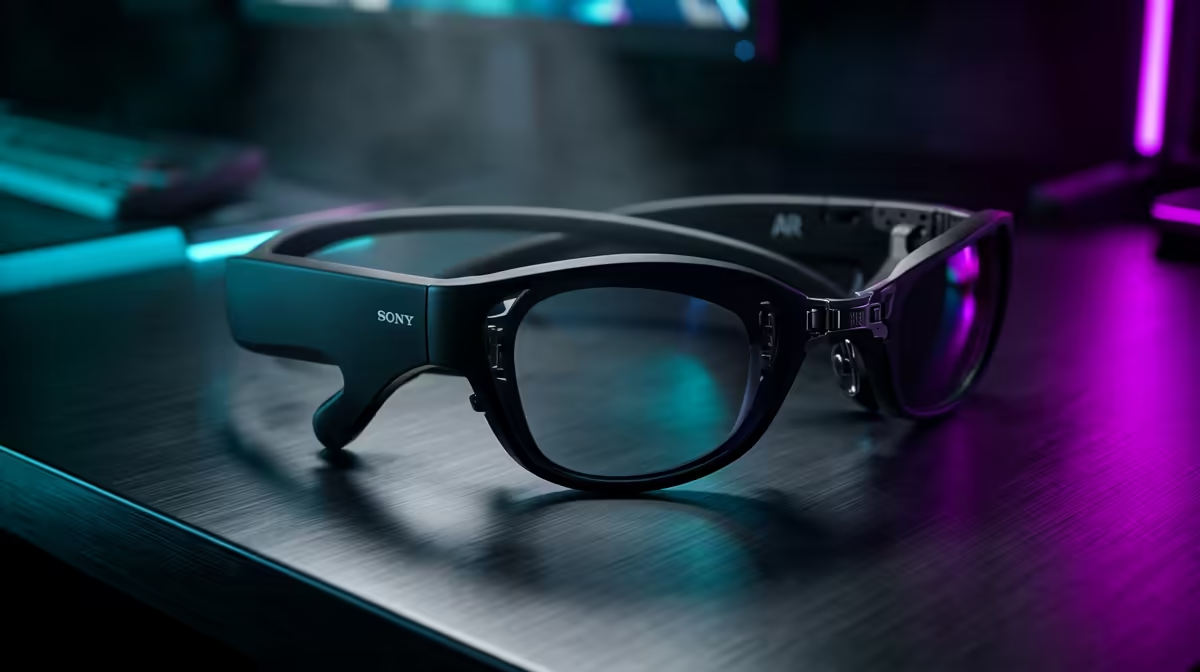
Yes, device compatibility is the make-or-break spec when a new PC builder buys AR glasses: the glasses need a USB-C DisplayPort video source, and many motherboards and GPUs only output video over HDMI or DisplayPort, not USB-C. Check your build's USB-C video-out before spending R6,000 to R10,000, or you'll need a separate adapter.
Why compatibility trips up new builders
AR glasses like the XReal Air-class models receive video over USB-C DisplayPort Alt Mode. The catch for a desktop builder is that most GPUs output through HDMI and DisplayPort, and most motherboard USB-C ports don't carry video unless explicitly specified. So a brand-new build can't drive AR glasses out of the box. Before buying R6,000 to R10,000 glasses, confirm either a USB-C port with DisplayPort Alt Mode or plan for a DisplayPort-to-USB-C adapter that supports the glasses' resolution.
How to make AR glasses work on a desktop build
If your GPU only has HDMI and DisplayPort, you can use an active DisplayPort-to-USB-C adapter that carries video, or pick glasses that ship with a compatible hub. Check the glasses' required input: most want a 1080p-per-eye signal at 60Hz, so the adapter must support that. On a laptop the situation is easier because many already have a USB-C video-out port. For a fresh desktop, factor the adapter into your budget and confirm it before you order the glasses.
FAQ
Do AR glasses plug into a normal GPU port?
Not directly. GPUs output HDMI and DisplayPort, while AR glasses need USB-C DisplayPort. You'll need a USB-C port with DisplayPort Alt Mode or an active adapter to bridge the connection.
Will any USB-C port on my motherboard work?
No. Only USB-C ports that explicitly support DisplayPort Alt Mode carry video. Many motherboard USB-C ports are data-only, so check the spec sheet before assuming the glasses will work.
What signal do entry AR glasses need?
Typically 1080p per eye at 60Hz over USB-C DisplayPort. Any adapter or port you use must support that resolution and refresh, or the glasses won't display a clean image.
Check your GPU and motherboard for a USB-C DisplayPort output, then confirm the AR glasses you want at Evetech match that connection or budget for a compatible adapter.