Quick Answer
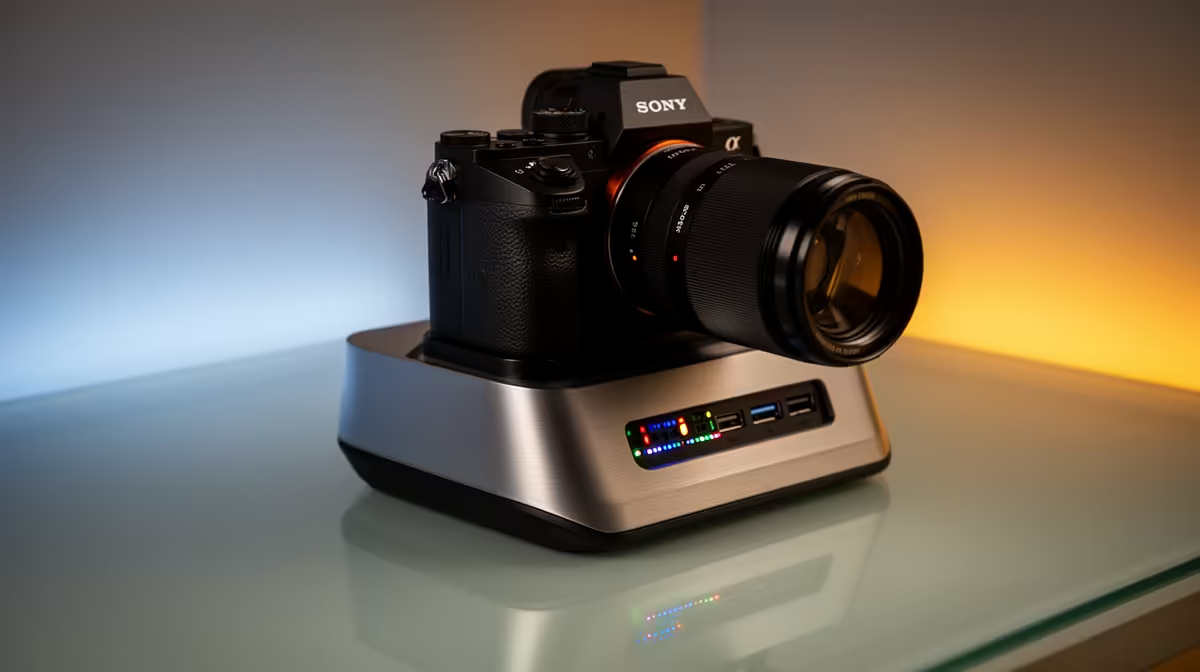
For first-time PC builders, docking-station display outputs matter only if you build a laptop-plus-desktop hybrid setup - a desktop tower drives monitors from its GPU, not a dock. If you dock a laptop, check the dock supports the number and resolution of screens you want: dual 1080p or 1440p at 60Hz needs DisplayPort Alt Mode with MST. Capable docks run R1,500 to R2,800 at Evetech.
Towers Use The GPU, Not A Dock
A first-time builder should know a desktop drives its monitors straight from the graphics card's HDMI and DisplayPort outputs - no dock involved. Display outputs on a dock only matter for laptops, which use a dock to add external screens. If your build is a tower, plug the monitors into the GPU and ignore docks.
If you also use a laptop at the same desk and want it to drive your monitors, then the dock's display outputs become the deciding spec.
Matching Display Outputs To Your Screens
For a laptop dock, confirm three things: the laptop's USB-C supports DisplayPort Alt Mode, the dock has the right output type (HDMI 2.0 or DisplayPort 1.4) for your monitor's resolution and refresh, and it supports MST if you want two screens. Dual 1080p or 1440p at 60Hz is the common goal and needs MST.
Watch the refresh ceiling - some docks only do dual 4K at 30Hz, which feels laggy. Check the spec at your actual resolution before buying.
Spend Bands
A single-display dock runs R1,200. A dual-display dock with MST and 100W charging sits at R1,800 to R2,800. For a tower build, you need none of these - the GPU drives the screens.
FAQ
Do I need a dock's display outputs for a desktop build?
No. A desktop drives monitors directly from the graphics card. Dock display outputs only matter for laptops adding external screens, not for a tower build.
What does a dock need to run dual monitors?
DisplayPort Alt Mode on the laptop, MST support in the dock, and the right output type (HDMI 2.0 or DisplayPort 1.4) for your monitors' resolution and refresh rate.
Why does my second monitor not work on the dock?
Usually the laptop lacks MST over USB-C, or the dock does not support it. Confirm both support MST and that the laptop's USB-C has DisplayPort Alt Mode.
tower? Plug monitors straight into the graphics card. Only a docked laptop needs the dock's display outputs - and dual screens require MST plus DisplayPort Alt Mode.