Quick Answer
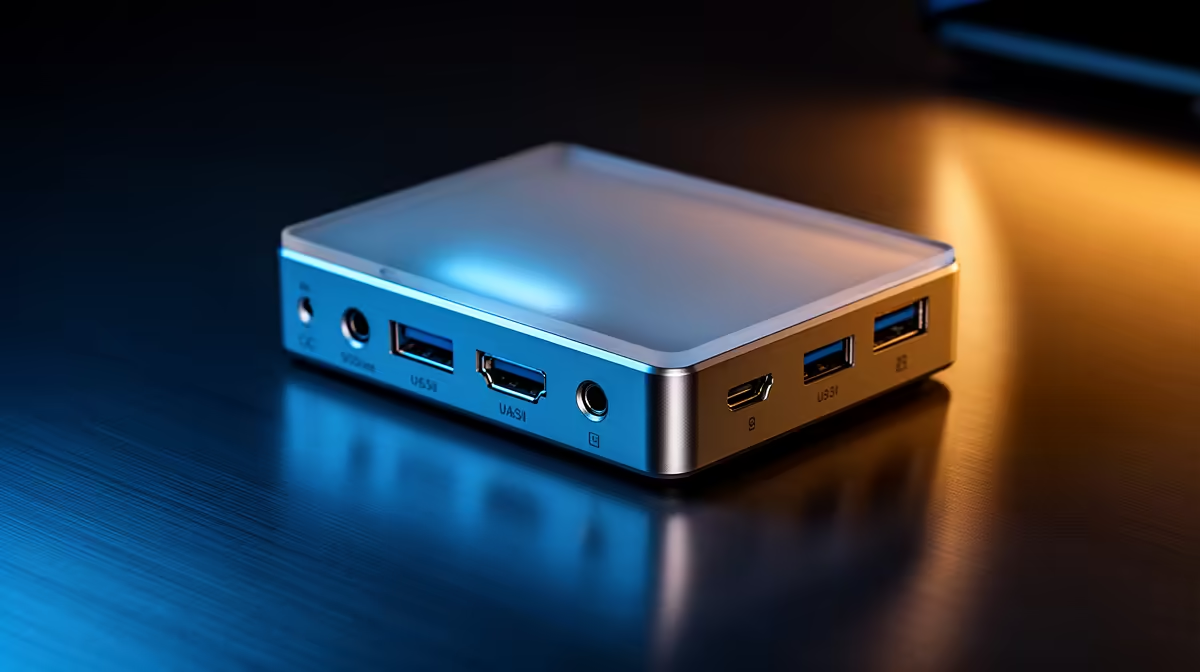
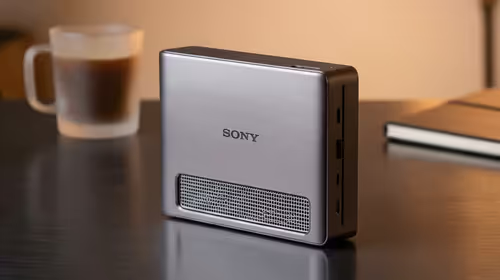
For a quiet-setup builder, display outputs matter when you run more than one monitor and want them driven without a noisy second GPU or extra cables. A dock with dual DisplayPort 1.4 output around R1,700 lets a quiet rig run two 1440p screens cleanly off one connection.
Why Outputs Suit A Quiet Build
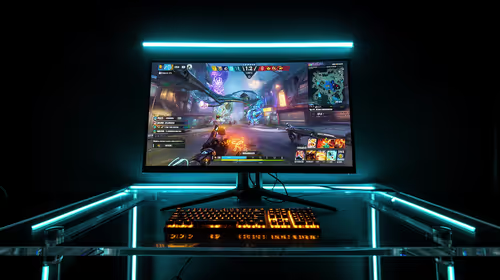
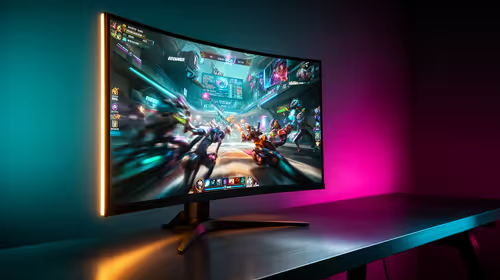
A quiet build aims to minimise heat, fans and clutter. Routing a second or third monitor through a dock keeps the GPU's own ports free and avoids a tangle of cables behind a tidy case. Confirm each output's resolution and refresh: for a quiet, distraction-free desk you want stable dual 1440p, not a second port that drops to 1080p 60Hz and stutters.
Plan the cable routing before you buy, because a quiet, tidy build wants the dock's video leads running neatly to each screen, and a unit with rear-facing DisplayPort outputs keeps those cables hidden behind the desk where they belong.
Match Outputs Without Overspending
Count your screens before buying. Two monitors need a true dual-output dock; one screen needs only single output and costs less. Do not pay for triple-display docks unless you have three panels. DisplayPort handles high refresh more reliably than HDMI on most docks, so favour it for the screens where smoothness matters in a calm, focused setup.
FAQ
Can a dock drive two monitors without adding noise?
Yes; a dock has no fans, so it routes extra displays without the heat or noise of a second GPU, keeping a quiet build quiet.
Will a dock cap my high-refresh monitor?
A cheap dock may limit a second screen to 1080p 60Hz. For dual 1440p high-refresh, pick a dock that explicitly lists that support.
How many outputs should a quiet build dock have?
Match outputs to your screen count plus none extra; two screens need dual output, and paying for triple output you will not use just wastes money.
monitors and their refresh rates, then choose a dock that lists those exact outputs so a quiet build stays cable-light and stutter-free.