


Quick Answer
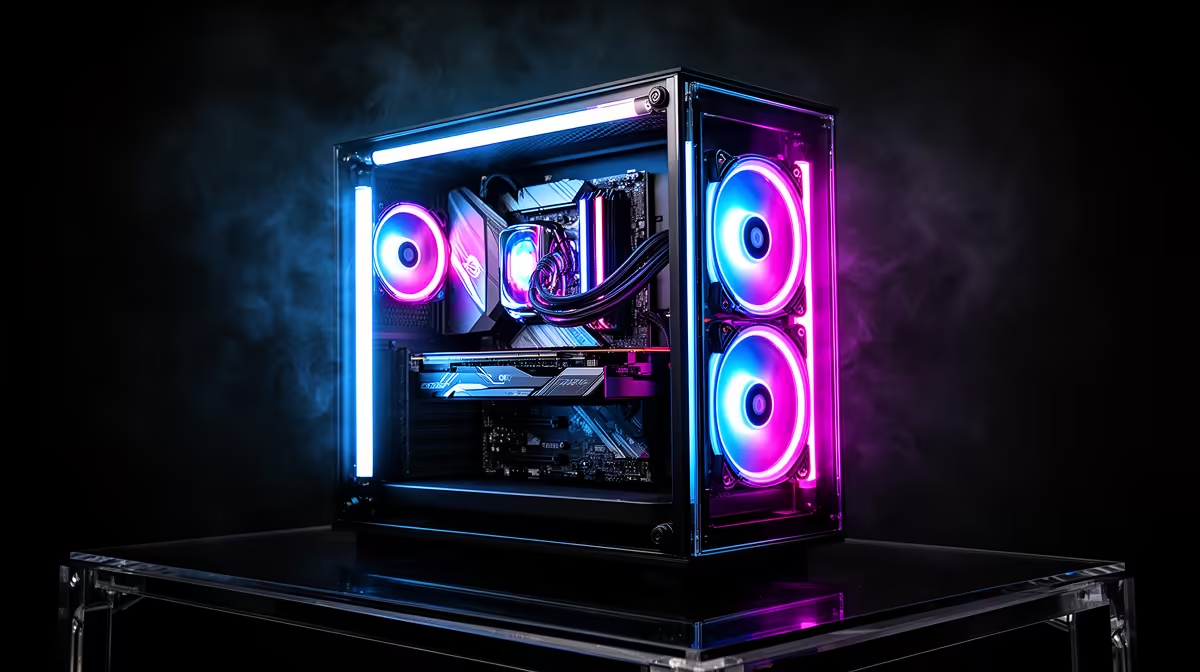
Dual ARGB stage lights are independently addressable LED strips mounted at two separate positions inside a showcase case, typically at the base and along a front column, providing layered ambient lighting that changes colour and pattern independently. Combined with a mirror display panel beneath the GPU, they create an infinity-mirror-like effect where the base lighting reflects upward through the card and ARGB fans, giving the interior a depth that flat ARGB fan arrays alone cannot achieve.
What Dual ARGB Stage Lighting Does Differently ✨
Single ARGB fan arrays light the interior from one direction: intake fans illuminate the GPU from the front, and the light travels to the rear of the case. Dual ARGB stage configurations add a second light zone, usually a strip along the base or PSU shroud edge, that illuminates the GPU from below and bounces light off the mirrored display stage upward into the camera. The result is that the interior has no dark shadow zones: the GPU is lit from the front by fans and from below by the stage strip, creating a fully illuminated chamber at every angle. On builds with ARGB RAM modules and an ARGB AIO pump head, the dual stage lights add cohesion by filling the visual gaps between the brighter components.
The Mirror Panel: How It Amplifies the Effect 💫
A mirror display panel is a reflective surface at the case base, positioned so that the ARGB stage light strip illuminates it directly. When the strip cycles through a colour sequence, the mirror reflects the same sequence upward into the GPU shroud and fan blades, creating an additional light source from below without adding a second physical LED position in that area. This is the mechanism behind the infinity-style depth effect: the original light, its mirror reflection, and the GPU itself all appear to be at different depths in the visual field, despite being in a flat-floored case.
Syncing Dual ARGB to Your Build's Ecosystem 🔧
Dual ARGB case lighting connects via the motherboard's ARGB (3-pin 5V) header. Both stage strips and the integrated lighting channels should share one ARGB controller so that lighting patterns synchronise across all case zones simultaneously. Premium ATX motherboards from ASUS ROG, MSI MEG, and Gigabyte AORUS offer three to five ARGB headers, which can individually control the case strips, front fans, top fans, AIO pump, and RAM independently or grouped. For SA builders using an X870E or Z890 motherboard, this level of per-zone control via Aura Sync or MSI Center gives complete customisation of the lighting show without third-party controllers.
Use Static Colour for the Best Mirror Effect ⚡
animated rainbow effects look dramatic in reveal videos, a static single-colour setup shows off the mirror reflection and depth effect most clearly in person. Try a deep blue or soft white at medium brightness: the mirror will pick up the colour with good definition, and the layered depth from strip to mirror to GPU surface reads clearly from the desk viewing angle.
FAQ
Do ARGB stage lights require a separate controller or software?
If connected to a motherboard ARGB header, they are controlled via the motherboard's lighting software (Aura Sync, MSI Center, RGB Fusion). If the case ships with its own ARGB controller hub, the strips connect to that hub, which may have fewer customisation options.
Can dual ARGB stage lighting affect case temperatures?
No. LED strips generate negligible heat: the thermal output of an ARGB strip is well under 1W, which has no measurable effect on case ambient temperature.
What is the difference between 3-pin ARGB and 4-pin RGB headers for stage lights?
3-pin ARGB (5V) headers support individually addressable LEDs, allowing per-pixel colour control and animation effects. 4-pin RGB (12V) headers control all LEDs on the strip as a single zone with one colour at a time.
Building a custom showcase PC with premium ARGB lighting? Browse Evetech's showcase gaming cases with integrated ARGB stage lighting and mirror display panels for your build.











