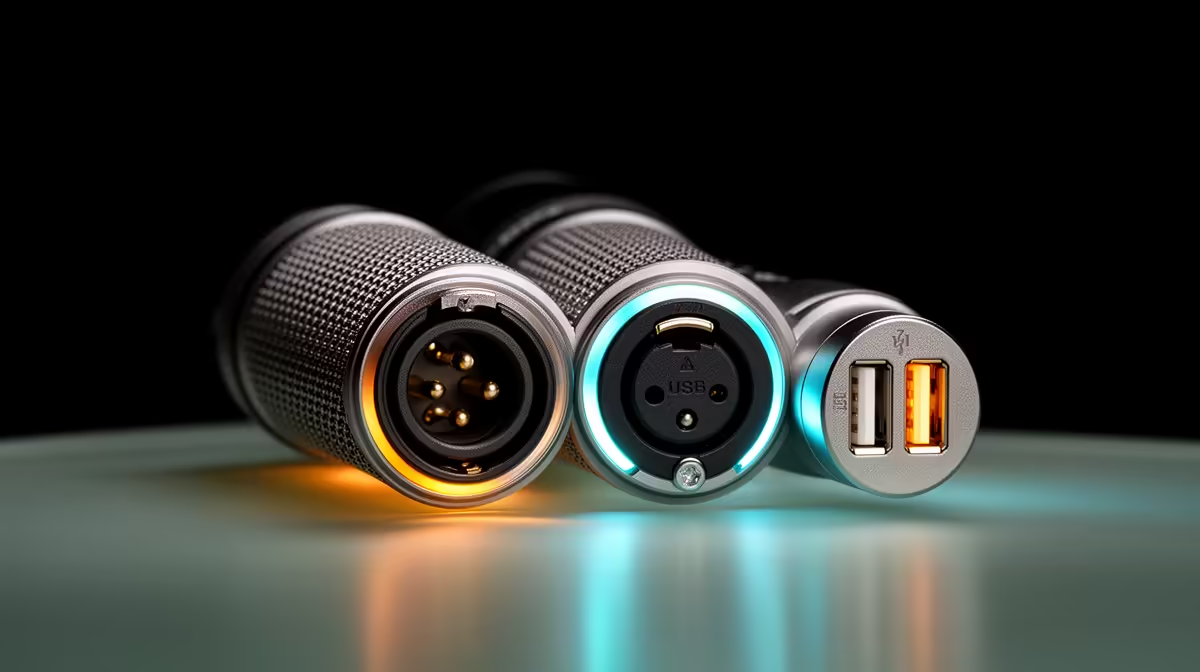
A microphone with both a USB port and an XLR connector looks like it is asking you to choose one, but that is not how it works. Dual USB and XLR connections running simultaneously on a single streaming mic split the capsule signal into two independent paths before they leave the mic body, sending each down a completely separate route. One path goes to your PC, the other goes to a mixer or interface. Both carry full-resolution audio at the same time, without either connection degrading the other.
Quick Answer
The capsule signal inside the mic splits into two separate paths. One is converted to digital and sent over USB to the PC. The other stays analogue and travels over the XLR cable to a mixer or interface. Both paths carry full 24-bit audio independently, so neither connection degrades the other.
🔌 How the Signal Split Works Inside the Mic
A single capsule sits at the centre of the mic. When you speak, the diaphragm vibrates and produces an analogue electrical signal. Inside the mic body, that signal is routed simultaneously to two separate electronics stages.
The USB path feeds an onboard analogue-to-digital converter. That converter samples the analogue signal, typically at 24-bit 48kHz, and sends the digital data through the USB interface chip to the PC. Your streaming software or recording application sees a standard USB audio device.
The XLR path carries the capsule signal directly to the XLR output connector without converting it to digital. The signal remains analogue and travels down the XLR cable to whatever receives it, an audio interface, a mixing desk, or a hardware processor. The receiving device handles its own conversion.
Both paths are active simultaneously. There is no switching between them and no shared converter. Each carries a complete, independent copy of the capsule signal.
⚡ Why You Would Use Both at the Same Time
The most useful scenario for simultaneous USB and XLR is live broadcasting with a backup recording. The XLR feeds a hardware mixer driving the live stream output, while the USB path records directly to the PC as an isolated backup. If the live board has a problem mid-broadcast, the USB recording preserves the full session.
A second common use case is monitoring flexibility. The USB side typically drives the mic's built-in headphone jack for direct monitoring, with under 10ms latency. The XLR side simultaneously feeds the mixer, so you hear your own voice in real time through the USB path while the mixer handles the audience output.
🔧 Gain and Level Control on Each Path
The two paths do not share a single gain control. The onboard gain knob on most dual-connectivity mics adjusts the USB path, setting how much the internal preamp boosts the signal before the onboard converter samples it. The XLR path gain is set independently on the interface or mixer that receives the analogue signal.
This independence is useful. You might run the USB path at a moderate gain level calibrated for comfortable direct monitoring, while the mixer driving the live stream sets its own input gain to match the XLR output level. Neither setting interferes with the other.
Pro Tip ⚡
Run a test recording on the USB path while the XLR feeds your live board. Compare the two captures afterwards. If the interface preamp is audibly cleaner than the onboard USB converter, route the primary audience feed through the XLR side. If you cannot hear a difference, the USB path simplifies the whole chain at no quality cost.
🎯 Phantom Power and Dynamic Mics
One important note for dual-connectivity dynamic microphones: XLR dynamic mics do not need or use phantom power, the 48V supply that condenser mics require through an XLR cable. The USB side powers itself from the USB cable. The XLR side needs no power from the interface.
This matters if you are running a dynamic mic's XLR side into an interface that has phantom power switched on globally. Some older or cheaper units supply it across all XLR inputs permanently. Phantom power sent to a dynamic mic does not usually cause permanent damage, but it can introduce noise or hum. Confirm the interface setting before connecting.
Frequently Asked Questions
How does a mic run USB and XLR at the same time?
The capsule signal splits inside the mic body into two separate paths before it exits. One path feeds an internal analogue-to-digital converter and outputs digital audio over USB. The other stays analogue and exits through the XLR connector. Both run simultaneously without sharing a converter or reducing quality.
Why would anyone feed both connections at the same time?
The most common reason is redundancy. The USB path records a backup on the PC while the XLR drives a live mixer or broadcast board. Monitoring is another reason: the USB headphone jack provides direct low-latency monitoring while the XLR simultaneously feeds the output chain.
Does splitting the signal reduce quality on either path?
No. Each path has its own converter or output stage. Both paths carry full 24-bit audio independently. The split happens at the signal level inside the mic, not by digitally copying and compressing one stream from the other.
Can I monitor from the USB side while XLR feeds the mixer?
Yes. Most dual-connectivity mics with a headphone output use the USB side for direct monitoring, providing under 10ms latency. The XLR simultaneously feeds whatever hardware receives it, giving a clean separation between personal monitoring and audience output.
Does an XLR dynamic mic need phantom power when running simultaneously?
No. A dynamic mic does not require the 48V phantom power that condenser mics use. The USB side draws power from the USB cable. The XLR side is passive. Check that phantom power is not switched on for the XLR input channel on your interface, since unnecessary voltage on the line can introduce noise in some setups.
Ready to run USB and XLR from a single capsule?
Browse the dual-connectivity microphone range at Evetech and find the mic that covers your live board and your backup recording in one clean setup.