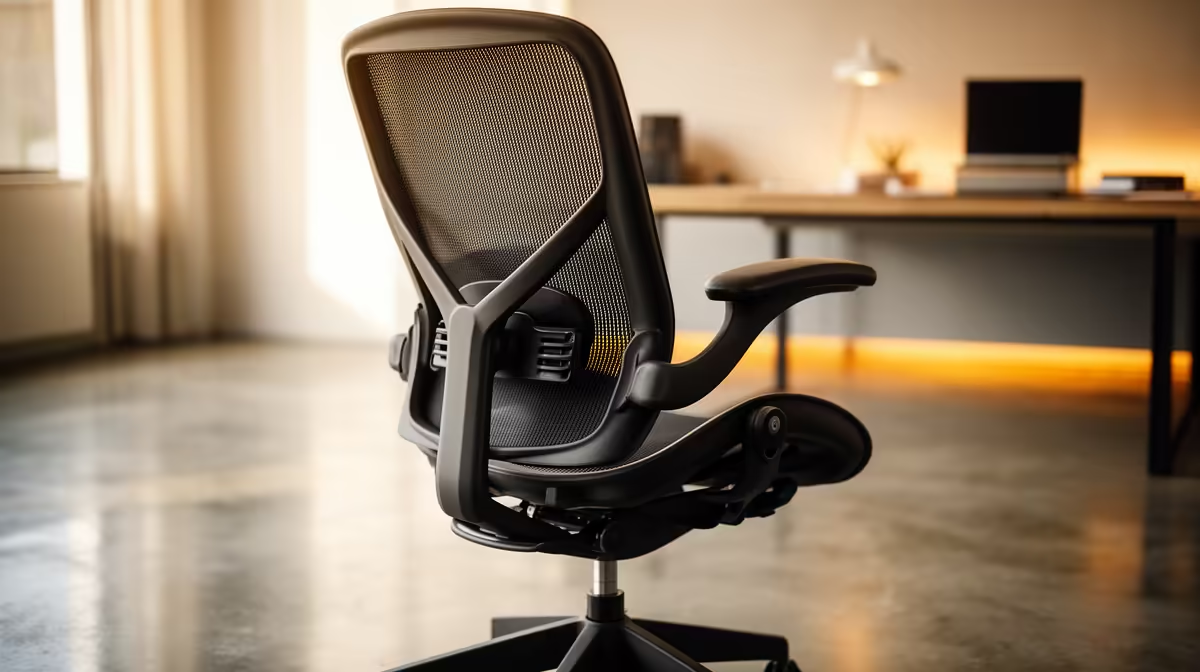
An ergonomic office chair is worthwhile for DaVinci Resolve editing when its adjustment ranges fit the user, desk and long timeline sessions. It does not accelerate playback or exports, and even a well-fitted chair cannot replace movement, suitable screen placement or correctly positioned controls.
Measure the complete editing position before comparing chair features
Check seat height, usable depth, back support, arm position and floor space. Feet should rest securely, shoulders should remain relaxed and hands should reach keyboard, mouse or control surface comfortably. Include monitor height, speaker placement and cable routes around chair wheels.
The GAMDIAS ZELUS E5 at R1,540 and HBADA E3 Pro at R5,700 are verified chair references. Confirm current dimensions, adjustment range, materials, assembly, weight guidance and warranty on live listings. The NearStream USB/XLR microphone at R676 is a separate voice-over reference.
Position the primary display after final seat height is set, route audio and power cables away from wheels and schedule movement between long edits or exports. Stop if numbness or pain develops and seek appropriate professional guidance for persistent discomfort.
Buy the model whose ranges match real measurements. Upgrade the computer separately when representative timelines expose performance limits.
Review a full timeline with the chair correctly adjusted, because editing posture changes when hands move repeatedly between shortcuts and pointing controls.
Improving an editing desk? > Compare Evetech chairs and microphones by fit and production needs.