


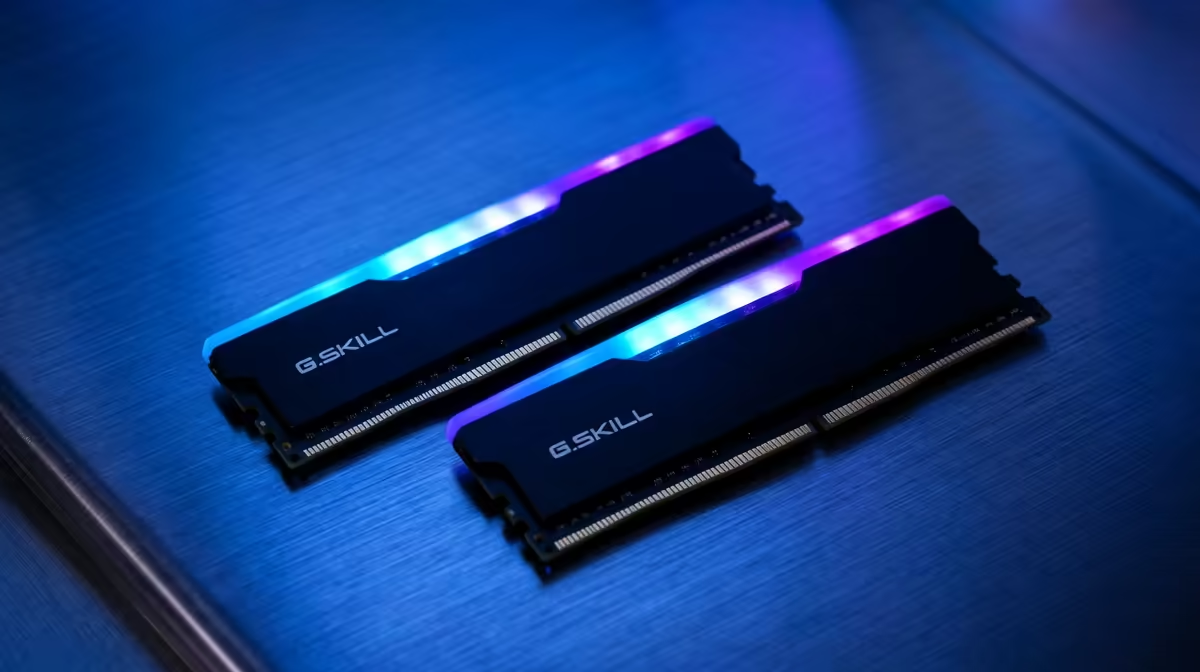
Quick Answer
64GB of DDR5 is worth it only if you stream and game together, edit large video projects, run VMs or work with big datasets; for pure gaming 32GB still suffices. Target a 2x32GB DDR5-6000 kit so you keep dual-channel speed while gaining the capacity for heavy multitasking.
When 64GB Pays Off
Games alone rarely exceed 20GB of system RAM, so a gamer who only plays sees little benefit from 64GB. The capacity earns its place when you layer workloads: streaming with browser sources, video editing with large timelines, running virtual machines, or compiling big projects. In those cases the extra 32GB stops the system from swapping to disk and stuttering.
If your work involves 4K editing, 3D scenes or many open creator apps, 64GB removes a real bottleneck. Treat it as a productivity capacity tier rather than a gaming upgrade.
Buying The Right 64GB Kit
Choose a 2x32GB kit, not 4x16GB, so you keep two-stick dual-channel running cleanly and avoid the downclocking that four sticks often force. DDR5-6000 remains the sensible speed; very high capacity at very high speed gets harder to stabilise, so 6000 CL30 or CL32 is the practical target. Confirm the kit is on your board's QVL and enable EXPO or XMP after fitting.
FAQ
Do I need 64GB of RAM for gaming?
No. 32GB covers current games with headroom. 64GB only helps if you also stream heavily, edit video, run VMs or work with large datasets alongside gaming.
Is 2x32GB better than 4x16GB?
Yes for stability. Two sticks are easier on the memory controller and hold rated speed more reliably, while four sticks may force a downclock that costs performance.
Will 64GB make my games run faster?
Not on its own. Once you have enough capacity, more RAM does not raise frame rates. Speed and timings matter more for gaming than going from 32GB to 64GB.
are a gamer who occasionally edits, 32GB at DDR5-6000 is usually the better spend. Move to 64GB only when you genuinely fill 32GB during real work.











