


Quick Answer
For a high-end gaming build, the airflow features that matter most are a perforated mesh front panel, PWM fan headers, radiator-rated fan mounts, filtered intakes, and a PSU shroud that separates heat zones. Each feature solves a different thermal problem, and missing one can undermine an otherwise excellent component lineup.
Mesh Front Panels and Why Solid Fronts Hurt Performance 🌬️
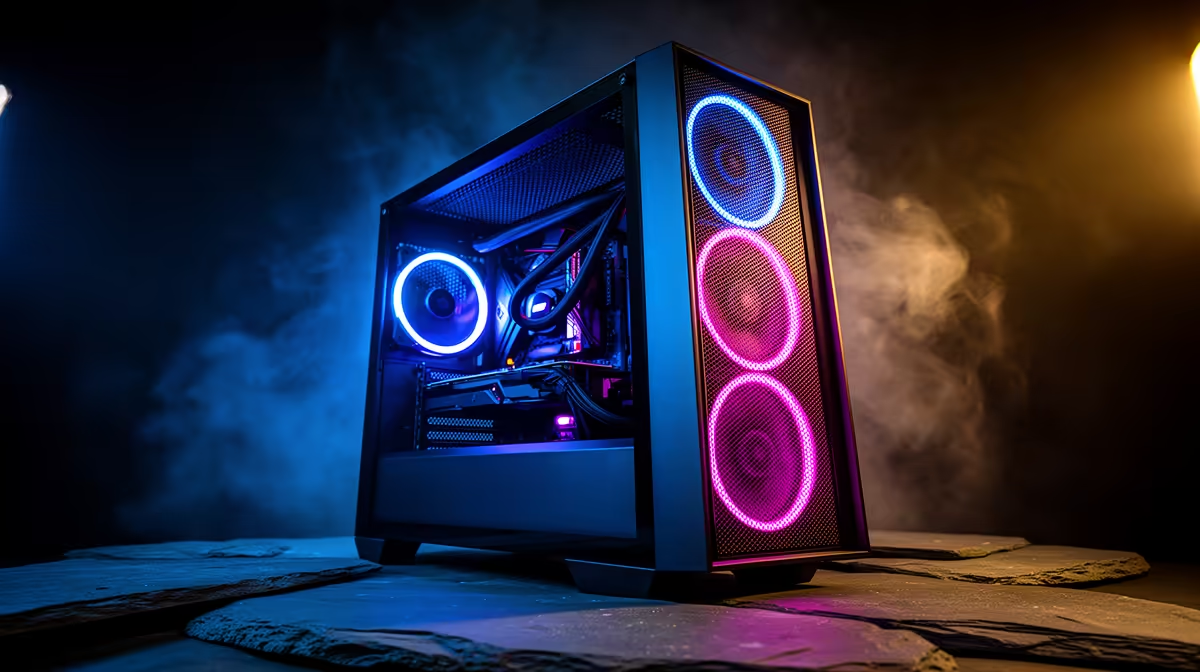
The front panel is the case's primary intake surface. A fully perforated mesh front, with open area exceeding 70 percent, allows three intake fans to pull cool air without significant restriction. A solid or minimally ventilated front reduces the effective CFM of those fans by 20 to 40 percent, raising GPU intake temperatures by 4 to 10 degrees Celsius. Many premium cases offer a reversible front panel so you can choose between aesthetics and maximum airflow. For an RTX 5080 or RX 9070 XT running at sustained boost clocks, that temperature margin directly affects GPU performance because thermal throttling begins when the die hits the TJunction limit.
PWM Fan Mounts, Radiator Support, and Hub Integration 🔧
PWM (4-pin) fan headers allow the motherboard's thermal management system to modulate fan speed based on real-time temperature readings. Cases that include a built-in PWM fan hub let you connect five or six fans to a single motherboard header, simplifying cabling and keeping the wiring harness tidy behind the motherboard tray. Radiator mounts rated for 360mm or 420mm at the front and 240mm or 360mm on top give you the flexibility to install an AIO cooler now and upgrade to a larger unit later. Confirm that the front mount clears the top PCIe lanes on your motherboard when a 420mm radiator is fitted, as the fan brackets can intrude if the board layout places the top slot near the top edge.
PSU Shrouds, Dust Filters, and Thermal Zoning 📡
A PSU shroud physically separates the power supply and storage drives from the main airflow path cooling the CPU and GPU. Without a shroud, waste heat from the PSU fan recirculates into the GPU zone during sustained loads. Dust filters at every intake point, typically magnetic or friction-fit panels on the front, bottom, and top, prevent particulate accumulation on fins and fan blades. In South African homes, fine dust from garden or construction sources can collect on radiator fins over weeks and measurably reduce cooling capacity. Cleaning dust filters every four to six weeks extends component life and takes less than five minutes.
Route Cables Behind the Tray First ⚡
In cases with a PSU shroud and cable routing channels, threading all power cables behind the motherboard tray before mounting the board eliminates the single biggest airflow obstruction. A flat GPU power cable routed behind the tray can drop case temperatures by 2 to 4 degrees Celsius compared to a cable crossing in front of the GPU.
FAQ
What is the difference between a fan hub and a PWM splitter?
A fan hub connects multiple fans to one motherboard header using its own SATA power, allowing group speed control. A PWM splitter clones a single header signal to two or three fans without additional power, which can exceed the header's 1A limit if too many fans share it. A hub is the better choice for four or more fans.
Does a tempered glass side panel affect case airflow?
A glass side panel has no measurable effect on airflow because air enters and exits through front, top, rear, and bottom panels rather than the side. Only a glass front panel restricts airflow by limiting intake area.
How often should I clean case dust filters in South Africa?
Every four to six weeks for most home environments. Homes near dusty roads or construction sites may require cleaning every two to three weeks. Blocked filters reduce effective airflow and raise temperatures without any change in fan noise.
Want a case engineered for real airflow, not just looks? Browse Evetech's range of high-airflow gaming cases, from dual-chamber designs to full mesh builds that keep your components running at their best.









