


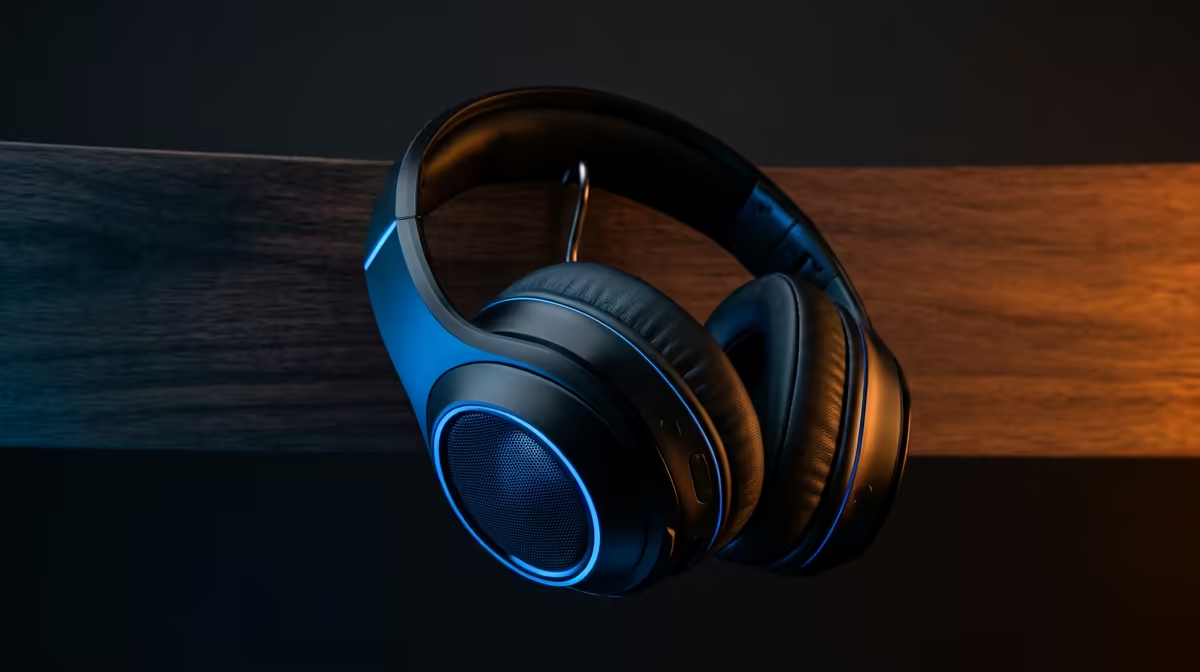
Quick Answer
The Razer Barracuda Pro is a premium wireless headset with simultaneous 2.4 GHz and Bluetooth 5.2 connectivity, hybrid ANC, THX Spatial Audio, and a SmartSwitch dual-wireless system that manages gaming and mobile calls from a single device. It costs approximately R3,500 to R4,500 at Evetech.
Dual Wireless and SmartSwitch Explained 📡
The Barracuda Pro's standout feature is its dual-wireless architecture. The headset maintains two active radio connections simultaneously: a 2.4 GHz proprietary HyperSpeed Wireless link to a USB-C dongle connected to your PC or PlayStation, and a Bluetooth 5.2 link to your phone or another device. SmartSwitch is Razer's software layer that manages these connections, automatically mixing incoming phone call audio into your game stream and ducking game volume when a call arrives. You do not need to remove the headset or manually switch modes. For a South African gamer in a flat who receives frequent WhatsApp calls during evening gaming sessions, this is a genuinely practical feature.
ANC and Microphone Performance 🎙️
Hybrid ANC on the Barracuda Pro uses both feedforward (outward-facing) and feedback (inward-facing) microphones to achieve its noise cancellation. This dual-mic approach cancels a broader frequency range than single-point ANC, reportedly attenuating up to 25 dB of ambient noise. The voice microphone is a separate integrated beamforming array built into the left cup, not a boom arm. It uses AI noise rejection to filter keyboard clicks and fan noise from your voice. For music and media, 50 mm TriForce Titanium drivers deliver a wide frequency response from 20 Hz to 20,000 Hz with the Barracuda Pro tuned for a slightly V-shaped response (boosted bass and treble, slightly recessed mids) that suits gaming soundscapes and bass-heavy music genres.
Battery Life and Charging 🔋
The Barracuda Pro achieves up to 40 hours on 2.4 GHz wireless without ANC enabled. With ANC active, this drops to approximately 30 hours. Bluetooth-only mode extends battery to around 40 hours since BT draws less power than the proprietary 2.4 GHz radio at full strength. Charging via USB-C takes approximately 1.5 hours for a full charge, and a 15-minute fast charge delivers roughly 3 hours of playback. Volume controls, ANC toggle, and SmartSwitch are managed via a combination of a volume wheel, a multi-function button, and a dedicated SmartSwitch button on the left cup.
Enable THX Spatial Audio Only for Compatible Games ⚡
THX Spatial Audio in Razer Synapse works best on games that output a stereo or virtual surround signal. Enabling it for music playback compresses the soundstage and sounds unnatural. Set up separate audio profiles in Synapse for gaming (THX on) and music (THX off) so you switch with one click rather than digging through menus.
FAQ
Does the Barracuda Pro work with PlayStation 5?
Yes. The USB-C 2.4 GHz dongle connects to the PS5's USB-C port for full wireless audio with game and party chat. Bluetooth on PS5 is restricted by Sony to official accessories, but the 2.4 GHz path is fully functional.
Can I use the Barracuda Pro without the Razer Synapse app?
The headset functions without Synapse: audio plays, ANC toggles, and SmartSwitch operates using onboard hardware controls. Synapse is required for custom EQ profiles, firmware updates, and advanced ANC strength adjustments.
Is the Barracuda Pro good for music compared to dedicated audio headphones?
For casual music listening, the 50 mm drivers and V-shaped tuning perform well, particularly for electronic and hip-hop genres. Audiophiles who listen to acoustic or orchestral music will find the tuning coloured compared to reference-grade headphones, but for the dual-purpose gaming and music use case it delivers solid value at its price point.
Want the full dual-wireless, ANC gaming and calls experience? Check current Razer Barracuda Pro availability and pricing at Evetech.











