


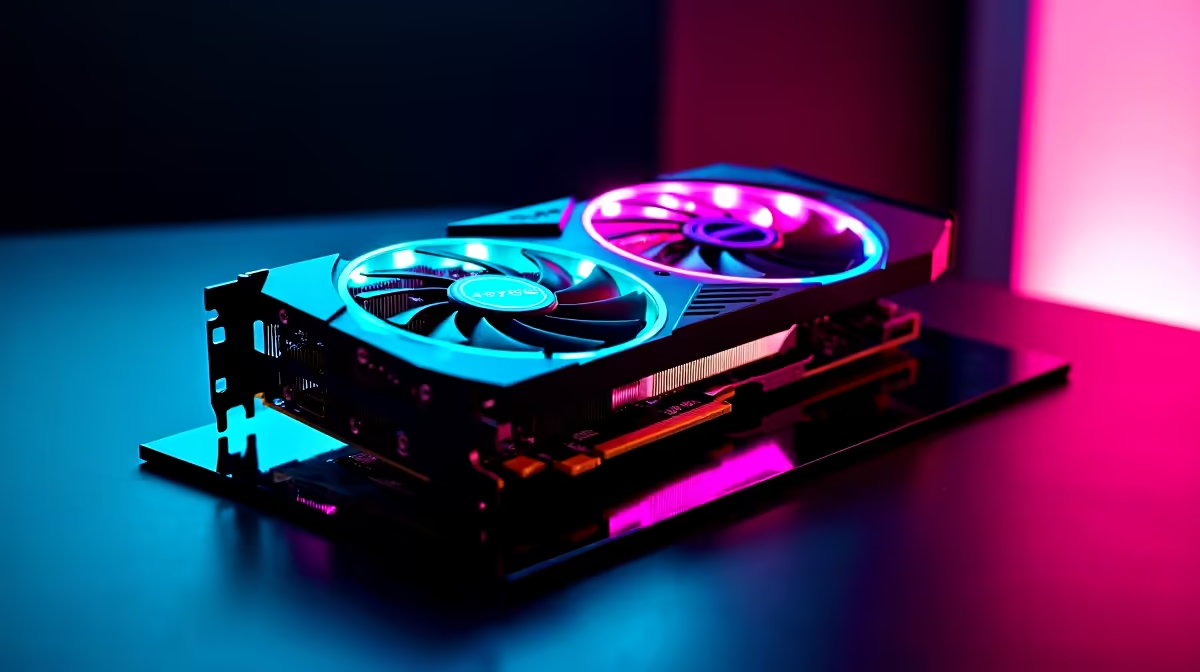
Quick Answer
The RTX 5060 combines fourth-generation tensor cores for DLSS 4 Multi Frame Generation, dedicated RT cores for hardware ray tracing, and GDDR7 memory for substantially higher bandwidth than the GDDR6 on previous-generation cards. Together these features deliver 100-plus fps at 1080p and 1440p in demanding titles at a price around R9,500 to R11,000 at Evetech.
DLSS 4: How Multi Frame Generation Works 🚀
DLSS 4 Multi Frame Generation uses the RTX 5060's fourth-generation tensor cores to generate up to three AI-predicted frames for every one frame rendered natively. In practical terms, a scene the GPU renders at 60 fps natively is presented to the display at up to 240 fps. This is not traditional interpolation: the AI model predicts motion vectors and reconstructs full detail frames using context from multiple prior frames. DLSS 4 Super Resolution also uses tensor cores to upscale a lower-resolution render to the target output with less detail loss than spatial upscaling approaches. SA gamers on 1440p 165 Hz monitors get the most benefit, since effective output can exceed the display's refresh ceiling with ray tracing enabled.
Ray Tracing Cores and What They Render 🔧
Every RTX card includes dedicated RT cores separate from shader processors. In Blackwell, the third-generation RT cores accelerate bounding volume hierarchy traversal, the mathematical process determining whether a ray of light intersects game geometry. This hardware offload means RT calculations do not consume the shader budget handling standard rasterisation, allowing both to run simultaneously without the severe fps penalty seen on non-RTX hardware attempting software RT. Visible effects in supported titles include accurate reflections in wet surfaces, soft area shadows, and global illumination that makes indoor scenes feel lit from real light sources.
GDDR7 Memory and Tensor Core Architecture 🖥️
The RTX 5060's GDDR7 memory delivers over 320 GB/s of bandwidth on a 128-bit bus. Compared to the GDDR6 VRAM on the RTX 4060 at around 272 GB/s on the same bus width, this represents roughly 18 percent more bandwidth without increasing the bus width or VRAM amount. The fourth-generation tensor cores handle both FP8 and INT8 matrix operations powering the AI inference behind DLSS 4's frame generation model. The combination of GDDR7 bandwidth and updated tensor cores allows DLSS 4 Multi Frame Generation to run in real time without the frame construction artifacts earlier DLSS versions produced at lower settings.
Use DLSS 4 Quality Mode, Not Performance ⚡
At 1080p, DLSS 4 Performance mode renders at 540p and upscales, introducing softness on fine text and foliage. Quality mode renders at 720p and upscales to 1080p with significantly less visual loss. For the RTX 5060 at 1080p, Quality setting delivers sufficient fps headroom without the image quality penalty of Performance or Ultra Performance modes.
FAQ
What is the difference between DLSS 4 and DLSS 3?
DLSS 3 Frame Generation on RTX 40-series inserts one generated frame between each rendered frame. DLSS 4 Multi Frame Generation on RTX 50-series inserts up to three generated frames per rendered frame, multiplying effective fps more aggressively with an improved AI model.
Does the RTX 5060 support hardware ray tracing at 1080p?
Yes. With DLSS 4 Quality mode and medium-high ray tracing settings, the RTX 5060 maintains above 60 fps at 1080p in most RT-supported titles. Native 1080p ray tracing without DLSS runs at 45 to 60 fps in the most demanding scenes.
Is the GDDR7 on the RTX 5060 more future-proof than GDDR6?
Yes. Higher memory bandwidth allows the 8GB buffer to service frame data more efficiently, delaying the point at which VRAM capacity becomes a bottleneck. GDDR7 makes the 8GB specification meaningfully more capable than 8GB GDDR6 was at launch.
Want the RTX 5060 for your build? Browse RTX 5060 models currently stocked at Evetech to compare board partner variants, cooling designs, and pricing for your next GPU upgrade.











