At 1440p, online gaming still hinges on latency rather than bandwidth, but larger game downloads make a Wi-Fi 7 router's wired ports and steady throughput more noticeable.
Quick Answer
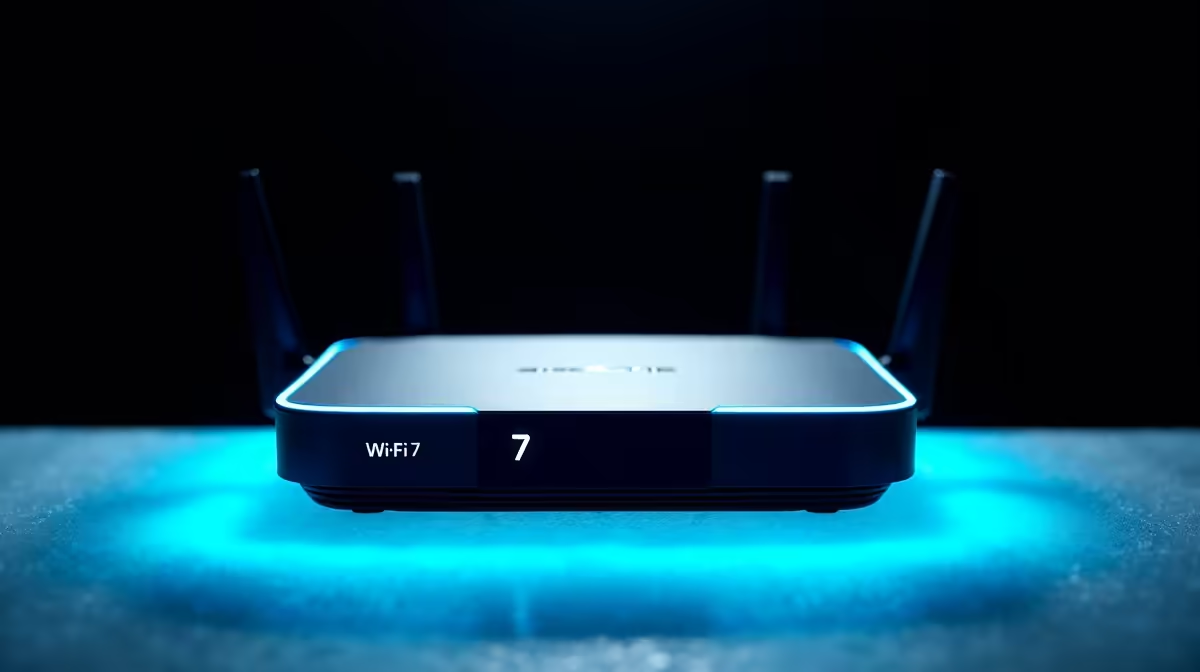
For a 1440p gaming setup, a tri-band Wi-Fi 7 router with a 6GHz band and at least one 2.5GbE port is the sensible target. It steadies latency and speeds large game updates. Expect SA pricing around R4,500 to R8,000 for capable units that comfortably suit this tier.
Why The Middle Tier Fits 1440p
A 1440p rig is usually a more serious setup, often pulling large game and update files regularly. A 2.5GbE wired link removes the old gigabit ceiling on these downloads, while a clean 6GHz band keeps online latency steady during play. This middle tier of Wi-Fi 7 router balances both needs well.
You still do not need a 10GbE flagship unless your internet line is extremely fast. The mid-to-upper tier covers a 1440p gamer's real needs without overspending on ports the line cannot fill.
Getting The Best From It
Wire your 1440p gaming PC to the 2.5GbE port for both steady latency and faster downloads. Keep the 6GHz band for capable nearby devices, and position the router with clear line of sight to your gaming room. Quality-of-service rules help prioritise game traffic on a shared connection.
FAQ
Does 1440p gaming need more router than 1080p?
Not for latency, but heavier game downloads make a 2.5GbE wired port more valuable. A mid-to-upper tri-band unit suits a 1440p setup well.
Will a 2.5GbE port speed up my game updates?
If your internet line and PC support it, yes; it lifts the old gigabit ceiling so large downloads complete faster over a wired connection.
Is a 10GbE router worth it at 1440p?
Only with a very fast internet line. For most 1440p gamers a mid-to-upper tri-band Wi-Fi 7 router is the better-value choice.
1440p PC to a 2.5GbE port on a tri-band Wi-Fi 7 router; it steadies latency and speeds the large downloads heavier rigs pull often.