



1000W PSU Planning for RTX 5090 Builds in SA
1000W for RTX 5090 needs a full-build check, not a simple yes. Review GPU guidance, CPU draw, transient load, connectors, PSU quality, and upgrade plans before deciding.
Read moreYou fix static interference by swapping a noisy gain stage for an ultra-low-noise high-gain preamplifier that keeps EIN near -128dB, so you never boost a hissy signal. Pair it with balanced XLR cables to reject buzz past 2 metres.
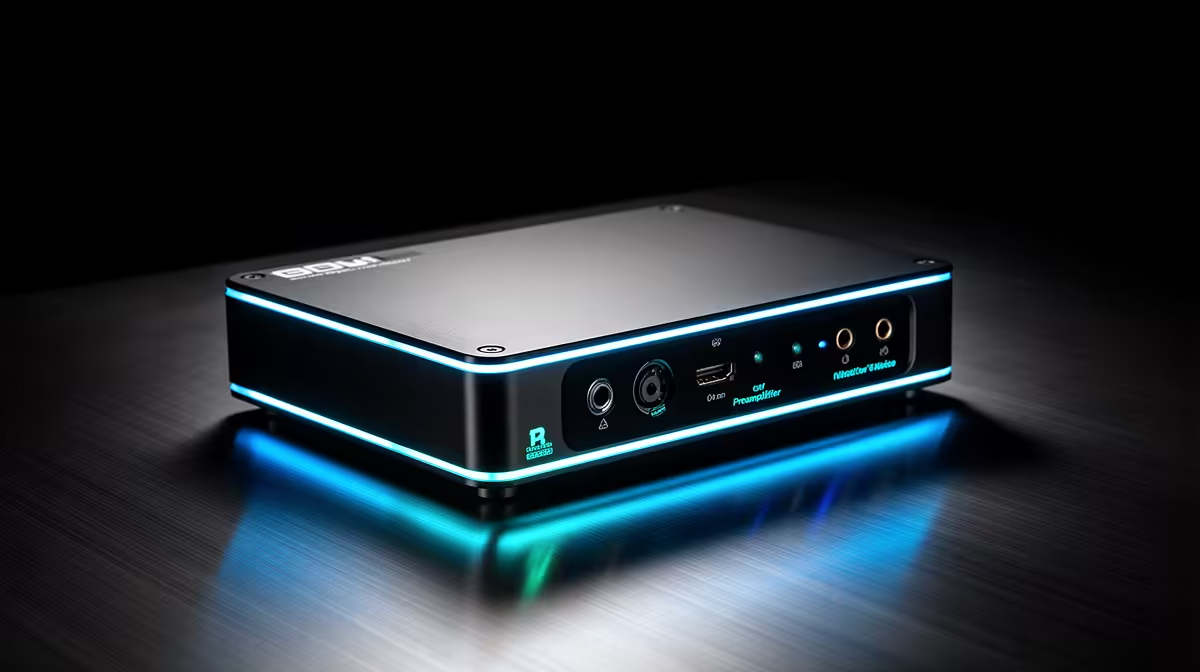
Static on a microphone feed is almost never random. It has a source, and once you match the symptom to the cause, the fix is usually straightforward. Ultra-low-noise high-gain preamplifiers address the most common culprit: a noisy analogue gain stage that amplifies its own thermal noise alongside your voice, producing a persistent hiss that rises in level every time you push the gain higher. Understanding what else generates static points you toward the complete solution.
Static interference comes from noisy preamps, unbalanced cables acting as aerials, and ground loops. Swap the preamp stage for one with EIN near -128dBu, replace unbalanced cables with balanced XLR on runs over two metres, and share the power source to clear ground-loop hum.
Every analogue amplifier contributes a small amount of thermal noise; this is physics. The specification that tells you how much is equivalent input noise, and a figure near -128dBu means the amplifier's contribution at full gain sits below audible thresholds. A budget preamp at -118dBu or -120dBu adds noise you can actually hear once gain climbs past about 45dB.
The pattern that identifies this issue: static increases as you raise the gain knob, even with no microphone connected and the input channel muted at source. That rising noise comes from the preamp, not the room, and a different cable or physical position will not change it.
A clean preamplifier breaks this relationship. With 60dB of gain at near-silent self-noise, you record at proper level immediately, removing the need for post-production digital boost. A 10dB digital push after a noisy capture roughly doubles perceived static, so getting the gain stage right at source removes the cascade entirely.
Unbalanced cables carry audio on two conductors: signal and shield. On short runs this works acceptably. Beyond roughly two metres, the cable acts as an antenna, picking up electromagnetic interference from nearby power supplies, routers, and laptop chargers. That interference appears as buzz or static in the recording.
Balanced XLR cables use three conductors, carrying the signal at opposite polarity on two of them. Any interference picked up by both wires equally is cancelled at the receiving end, leaving only the original signal. Switching to balanced XLR on any run longer than two metres commonly removes interference completely.
A ground loop produces a different character of static: a constant 50Hz hum or buzz rather than a hiss. It occurs when two pieces of equipment share an earth path through the power circuit, creating a small current that the audio cable picks up. The most reliable fix is ensuring the mixer and the PC share the same wall socket or power strip. A USB isolator inserted between the mixer's USB connection and the PC physically breaks the ground loop path for around R200 to R400, and it is reusable across setups.
Switching power sources and cable types solves most static problems, but placement matters too. A mixer within 20cm of a laptop charger, router, or external hard drive sits inside the electromagnetic field those devices radiate. Moving the mixer 30cm away often reduces high-frequency interference without any other change. On a South African home-office desk where chargers and networking hardware are clustered together, physical separation is the first free troubleshooting step.
Preamp self-noise. A gain stage with high equivalent input noise amplifies its own thermal hiss alongside the microphone signal. The louder the gain, the louder the hiss. Replacing or bypassing the noisy preamp stage with one rated near -128dBu EIN removes this relationship, keeping the noise floor low even at maximum gain.
Yes. Unbalanced cables act as aerials on longer runs, picking up interference that balanced XLR cables cancel by design. Static appearing on a run longer than two metres is a cable problem first; swap to XLR before investigating the preamp.
A ground loop forms when two devices share an earth path through the power circuit, generating a small circulating current that appears as a 50Hz hum. Plugging both into the same power strip or inserting a USB isolator between the mixer and PC resolves most cases.
Digital gain amplifies the entire recorded signal, including the noise floor. A 10dB post boost roughly doubles perceived noise. Clean analogue gain at the preamp stage captures the signal at proper level, removing the need for any post boost and keeping static inaudible.
Power supplies, routers, and chargers radiate fields that cables and circuits within range pick up. Keeping the mixer 30cm from these sources removes the recording chain from those fields. It is the fastest free troubleshooting step before investigating cables or preamp quality.
Ready to record without the hiss, buzz, or static that follows the gain knob? Browse the audio mixer and interface range at Evetech for units with confirmed low-noise preamp specifications and balanced XLR inputs suited to clean South African home studio setups.
Preamp self-noise. A gain stage with high equivalent input noise amplifies its own thermal hiss alongside the microphone signal. The louder the gain, the louder the hiss. Replacing or bypassing the noisy preamp stage with one rated near -128dBu EIN removes this relationship, keeping the noise floor low even at maximum gain.
Yes. Unbalanced cables act as aerials on longer runs, picking up interference that balanced XLR cables cancel by design. Static appearing on a run longer than two metres is a cable problem first; swap to XLR before investigating the preamp.
A ground loop forms when two devices share an earth path through the power circuit, generating a small circulating current that appears as a 50Hz hum. Plugging both into the same power strip or inserting a USB isolator between the mixer and PC resolves most cases.
Digital gain amplifies the entire recorded signal, including the noise floor. A 10dB post boost roughly doubles perceived noise. Clean analogue gain at the preamp stage captures the signal at proper level, removing the need for any post boost and keeping static inaudible.
Power supplies, routers, and chargers radiate fields that cables and circuits within range pick up. Keeping the mixer 30cm from these sources removes the recording chain from those fields. It is the fastest free troubleshooting step before investigating cables or preamp quality.
1000W for RTX 5090 needs a full-build check, not a simple yes. Review GPU guidance, CPU draw, transient load, connectors, PSU quality, and upgrade plans before deciding.
Read more
RTX 5080 Super with a 750W PSU is more comfortable than lower wattage if the unit is quality. SA builders should still confirm GPU guidance, CPU draw, connector type, airflow, and upgrade room.
Read more
How to fix FPS drops after a RX 9070 XT starts with driver cleanup, chipset updates, thermals, and power checks. For SA gaming PCs, confirm PCIe seating, monitor refresh, frame caps, and per-game graphics settings before replacing parts.
Read more
How to fix low FPS Windows 11 Wi-Fi 7 issues starts by checking whether the problem is frame rate or network lag. Test ping, drivers, power settings, Ethernet, and game FPS before adjusting visuals.
Read more
AM5 is smart for SA builders because it supports newer Ryzen CPUs, DDR5 memory, and a longer upgrade path. Compare board cost, cooling, gaming needs, and local part availability before choosing your next PC platform.
Read more
AM5 gives Randburg gaming builders a longer upgrade path. For SA buyers, DDR5 support, newer board features, and future CPU options can justify the platform. Weigh board cost, cooler support, BIOS maturity, and upgrade timing before choosing.
Read more
RTX 5090 on a 550W PSU leaves almost no practical room for OC plans. Treat the setup as constrained, with CPU draw, power spikes, cable quality, thermals, and stability checks more important than chasing extra clocks.

FPS drops on a Ryzen 9 9950X3D build often have a fixable cause. Check settings, drivers, thermals, background tasks, network conditions, and bottlenecks before assuming a part must be replaced.

The difference between PCIe 5.0 and PCIe 4.0 for SA gamers is mostly bandwidth headroom. Compare GPU slot needs, NVMe speed, motherboard support, and upgrade timing before paying extra for a newer platform.

Gaming PC stuck pixel checks in South Africa should confirm the monitor fault first. Use colour tests, screenshot comparison, cable swaps, display menu checks, and clear photos before deciding on support.

AMD's current driver now lists a Radeon RX 9050 4GB, while product coverage details a narrowed memory system. SA buyers should weigh the low VRAM ceiling against current local Radeon options.

Samsung Display has demonstrated a 16-inch 2.5K OLED laptop panel running at 300Hz. SA buyers should wait for a named notebook, full panel specifications and a local price before planning an upgrade.

Microsoft says some Windows 11 game crashes after recent updates are linked to RGB-related drivers. Affected SA gamers should confirm the update and driver before using the published registry workaround.

Thermalright's Fan Frame Vision-1 adds a 640x172 status screen to a standard 120mm fan. SA builders should check clearance, USB routing and local support before treating it as an easy upgrade.

Shokz OpenFit Air 2 earbuds weigh 7.2g each and use a redesigned dual-driver open-ear layout. SA buyers should choose them for comfort and awareness, not maximum isolation.

A fake 113GB GTA VI ISO reportedly used empty padding around a small malware payload. SA gamers should delete unofficial builds, keep Windows security active and wait for official channels.

The ROG Flux Charger Dock combines 260W total output, 140W laptop charging and HDMI 2.1. SA buyers should check laptop USB-C limits, display needs and local warranty first.

ASRock's Rock 360 Digital AIO adds a 1.05-inch CPU temperature display, 360mm radiator and simplified wiring. SA builders should check case fit, socket support and local warranty.