Sixteen gigabytes can still launch and run most games in 2026. The compromise appears around the game: browser tabs close, alt-tabbing slows and background tools compete for the last few gigabytes.
Quick Answer
Stay on 16GB when your games run smoothly, memory use has room and you keep background applications light. Move to 32GB when new titles stutter under memory pressure, shader work stalls multitasking or you run mods, streaming tools and a browser beside the game. Capacity improves consistency only when 16GB is the limit.
What you give up first
Modern Windows, game launchers, voice chat and a browser can consume a meaningful share before the game loads. When memory fills, the system moves data to storage. Even a fast SSD is far slower than RAM, so switching tasks can feel sticky.
Texture stutter can have several causes, including VRAM and storage. Watch system memory use before blaming capacity. A clean test with the same game scene and fewer background applications can reveal whether 16GB is under pressure.
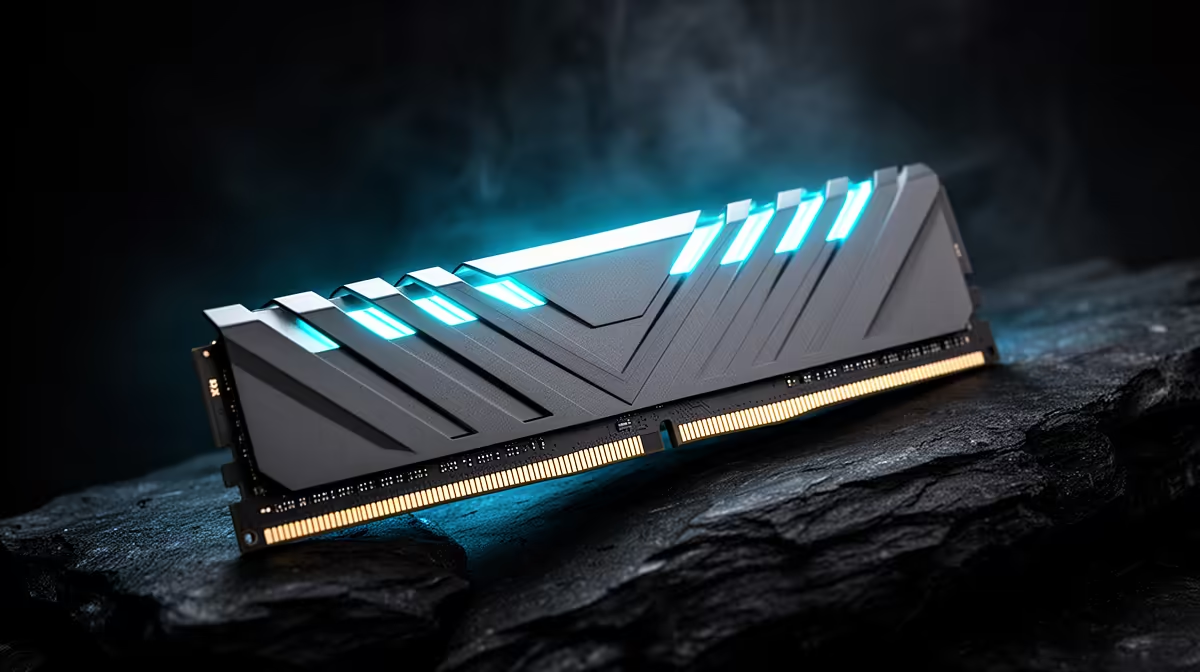
Compare current kits on the DDR5 product page and best-selling memory page. The named OEM KLEVV 16GB DDR4-3200 module gives a DDR4 reference at R2,699 in July 2026; it is no DDR5 quote.
Make 16GB work well
Use a matched dual-channel configuration where the platform supports it. Close old browser sessions, remove unnecessary startup tools and leave Windows to manage the page file. Keep the SSD from filling completely.
An upgrade needs compatibility checks. DDR4 and DDR5 do not mix, and adding a second kit can be less stable than replacing the old set with one matched 32GB kit. Check motherboard support and memory settings after installation.
Know when the compromise has become a limit
Keep a note of memory use in one demanding game today. Check the same scene after major updates or when you add streaming tools. A steady rise towards capacity tells you when the 32GB move has gained a job.
If the motherboard has four slots, confirm which pair the current kit occupies. Planning the final layout now avoids buying modules that leave the board full and the memory controller under strain.
Keep a screenshot of the baseline. It will make the later upgrade result easier to judge.
Shader compilation can be CPU and storage heavy as well as memory hungry. Watch the full desktop system during the pause. More RAM helps only when limited capacity and paging are part of the measured delay.
Frequently Asked Questions
Can 16GB still run modern games?
Yes. Many titles run well, though heavy games and background tasks can use most of the capacity.
Does 32GB raise frame rate?
It may improve lows when 16GB causes paging. If memory was not full, averages can change little.
What should I watch for?
Watch total memory use, paging, slow task switching and repeatable stutter with background applications open.
Check memory use in the games and multitasking setup you run, then move beyond 16GB when the limit is visible.