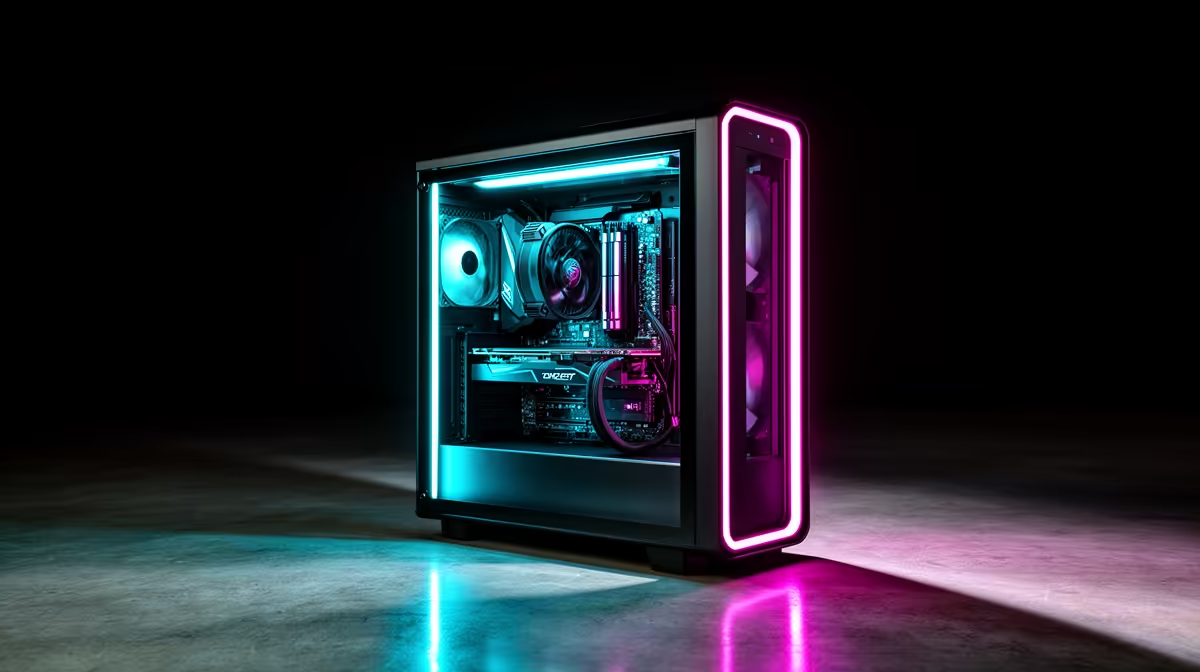
Why a Gaming PC Doubles as a Work Machine: SA Value Math
Quick Answer
A gaming PC can handle documents, video calls, coding and creative software beside games. Its fast processor, memory and storage suit many work tasks, while the graphics card helps workloads that support it.
That does not make every gaming tower a complete office. You may still need a webcam, quiet headset, backup, suitable software and a monitor that works for text. Count dual-use value only when the PC replaces another machine you planned to buy.
Start With the Workload
Spreadsheets and browser work need stable memory, storage and a comfortable display more than a large GPU. Video editing, 3D and supported AI tools can use stronger graphics.
Check the software's official requirements and plug-in support. A gaming benchmark does not prove that a specific professional application runs well.
Use 32GB of memory when the workload and game together exceed 16GB, based on measured use.
Build a Work-Ready Desk
Add a webcam, microphone or headset for calls. Check current gaming PC offers and complete-PC favourites, then verify ports, Wi-Fi, Windows edition and display outputs.
Keep work files backed up away from the game drive. Use separate user accounts when family members share the tower.
A second monitor can help research and meetings, but buy it after the first display proves too cramped.
Noise, Heat and Mobility
A gaming tower can be louder than a basic office machine under load. Set a quiet fan profile that stays inside safe temperatures and place the case where vents can breathe. Desktop value also stops at the desk. If work requires travel, site visits or classroom use, you may still need a laptop. Count that second device before claiming the tower replaced the whole work setup.
Count Only the Replaced Purchase
If you would have bought a R10,000 office laptop, that real planned purchase can form the baseline. The gaming PC's extra cost above it is the gaming and performance premium.
Do not assign the whole office-laptop amount when mobility still forces you to buy that laptop as well.
Console can handle media and some communication, but it does not replace a general Windows work environment for most people.
Protect Work From Game Problems
Keep drivers current after checking application compatibility. Do not apply unstable overclocks to a machine that must finish paid or school work.
Use an uninterruptible power source where the workload and local power conditions justify it, sized for the exact tower and display. Maintain backups before major updates.
FAQ
Can a gaming PC replace a work laptop?
It can replace its computing role when you do not need mobility and the software, ports and security requirements fit.
Does work use slow gaming performance?
Closed work apps do not impose a permanent penalty. Heavy background tasks can use CPU, memory, storage or network during a game.
Is a second monitor worth it?
It helps when you keep reference material, meetings or timelines beside the main task. Measure the need before spending.
List the work software and desk equipment you would otherwise buy, then count only the purchases this exact gaming PC can replace.