



RTX 5090 for Spider-Man 2 at 1440p: Cautious Setup Guide
RTX 5090 for Spider-Man 2 at 1440p should be judged by settings, CPU balance, cooling, memory, and monitor goals. Treat 2026 performance as setup-specific until tested on your build.
Read moreGenshin Impact low FPS on RTX 4080 Super usually needs settings and bottleneck checks. Use an SA tuning path to test drivers, overlays, thermals, CPU pressure, storage pressure, and visual settings before upgrading parts.
Low frame rates in Genshin Impact on RTX 4080 Super almost always come from a setting, a driver, or a hidden CPU bottleneck rather than the card's raw power. A few changes usually unlock the frames a high-end part should deliver.
Raise Genshin Impact's frame rate on RTX 4080 Super by setting the in-game cap to 60, putting Render Resolution to 1.0, and lowering Volumetric Fog and Shadow quality to Medium. With a current NVIDIA driver, RTX 4080 Super should hold 60fps locked in open-world Teyvat — if it does not, the cause is a setting or the CPU, not the GPU.
Genshin caps at 60fps by design, so the goal on RTX 4080 Super is a rock-solid 60 rather than a higher number. In the graphics menu, set the in-game frame rate to 60, keep Render Resolution at 1.0, and pull Volumetric Fog, Crowd Density and Shadow Quality down to Medium — these three cost the most frames in busy areas like Sumeru City. Leave textures high because 16GB is ample. Update the driver through the NVIDIA App for the latest optimisations.
If frames still drop in crowded scenes, the limiter is usually the processor, not RTX 4080 Super. Genshin is single-thread heavy, so a slower CPU stalls the card during combat with many enemies. Check that Windows Game Mode is on and the power plan is set to High Performance, and close background browser tabs that steal CPU time. On a balanced Evetech build from around R16,000, a modern CPU keeps RTX 4080 Super fed so the 60fps cap holds even in the busiest events.
miHoYo locks the PC client to 60fps by design for engine stability. Tools that force higher rates risk crashes and anti-cheat flags, so a stable 60 is the right target.
Comfortably — RTX 4080 Super far exceeds the requirements. If you are below 60fps, a setting or the CPU is the limiter rather than the graphics card.
They can. A stale driver leaves performance on the table, so update through the NVIDIA App and reboot before testing again.
{{TipBox title:"Settings tip" , Lock Genshin to 60fps, set Render Resolution to 1.0, and drop Volumetric Fog to Medium first. That trio recovers the most frames on RTX 4080 Super with almost no visible quality loss. }
RTX 5090 for Spider-Man 2 at 1440p should be judged by settings, CPU balance, cooling, memory, and monitor goals. Treat 2026 performance as setup-specific until tested on your build.
Read more
Wireless mice are replacing wired in Centurion esports because modern links can feel quick without cable drag. Check sensor quality, weight, shape, battery, dongle placement, and polling rate before switching.
Read more
Indiana Jones and the Great Circle on RTX 5080 Super at 4K should be planned around smooth settings, not fixed FPS claims. Use this SA-focused guide to compare CPU balance, display refresh, visual settings, and upgrade priorities.
Read more
RTX 5090 is enough for World of Warcraft at 4K if the rest of the PC matches your goals. Use this SA gamer guide to weigh settings, busy zones, raid load, CPU balance, and monitor goals before judging the experience.
Read more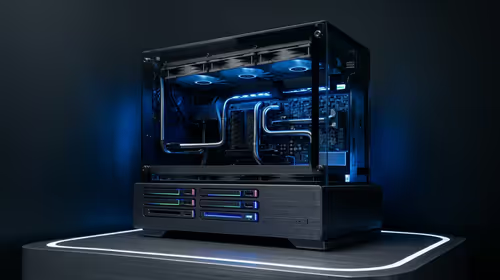
How Much You Should Budget For Upgrades Over 3 Years' planning depends on workload and budget. Use this SA buyer answer to frame sensible ranges, trade-offs, upgrade room, and what to verify before spending.
Read more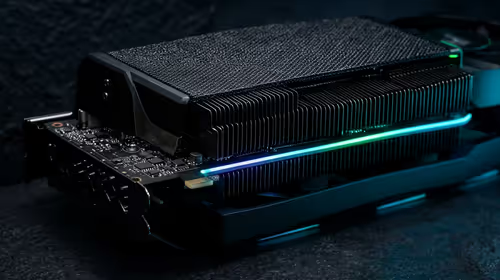
RX 9060 on a 750W PSU needs a quality power check before OC plans. SA builders should review vendor wattage guidance, connector needs, CPU load, PSU age, efficiency rating, case airflow, and upgrade headroom.
Read more
Windows never combine taskbar shows separate labelled buttons for open windows. Choose it in Taskbar behaviours, then review space and other-display settings; labels and grouping are linked in the available options.

8BitDo Ultimate 3C+ brings adjustable stick tension to the C Series. Windows uses wired USB or the 2.4 GHz adapter; Android uses Bluetooth. Confirm those modes and local pricing before buying.

EPOMAKER Galaxy75 previews an aluminium 75% keyboard with wireless modes and HUB/VIA customisation. It is still marked coming soon; final pricing and South African supply are not confirmed.

Windows Delivery Optimisation can share update files with other PCs. Review its activity, choose local-only sharing or turn peer sharing off, and use bandwidth controls; those choices do not disable Windows Update.
Windows never combine taskbar shows separate labelled buttons for open windows. Choose it in Taskbar behaviours, then review space and other-display settings; labels and grouping are linked in the available options.
Windows Delivery Optimisation can share update files with other PCs. Review its activity, choose local-only sharing or turn peer sharing off, and use bandwidth controls; those choices do not disable Windows Update.

Windows touch indicator adds visual feedback where you touch a screen. Change it in Accessibility, Mouse pointer and touch; a feedback circle is different from inaccurate input, ghost touches or a damaged panel.

Windows underline access keys makes supported menu letters easier to see. Enable the keyboard accessibility option, then follow the app's displayed Alt cues; this does not remap keys or create missing app shortcuts.

Windows Task View button visibility is a taskbar preference. Hide it in Taskbar settings if you prefer Windows plus Tab, and keep virtual desktop switching separate from closing your applications.

Windows taskbar search box display options can free space without removing search. Choose Hide, an icon or a box in Taskbar settings, then use Windows plus S when you need to search.

Windows text suggestions can offer word choices while you type with a physical keyboard. Enable the setting under Typing, test a supported app, and keep suggestions separate from automatic corrections.
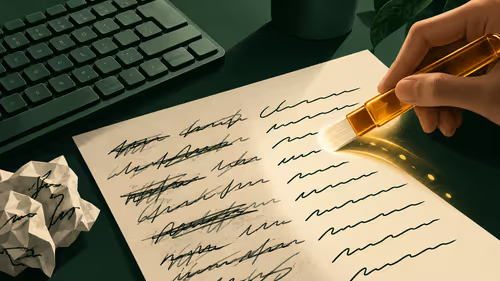
Windows autocorrect settings and application spelling tools are separate controls. Change one at a time, test a harmless sentence, and keep useful spelling highlights if automatic replacements get in your way.