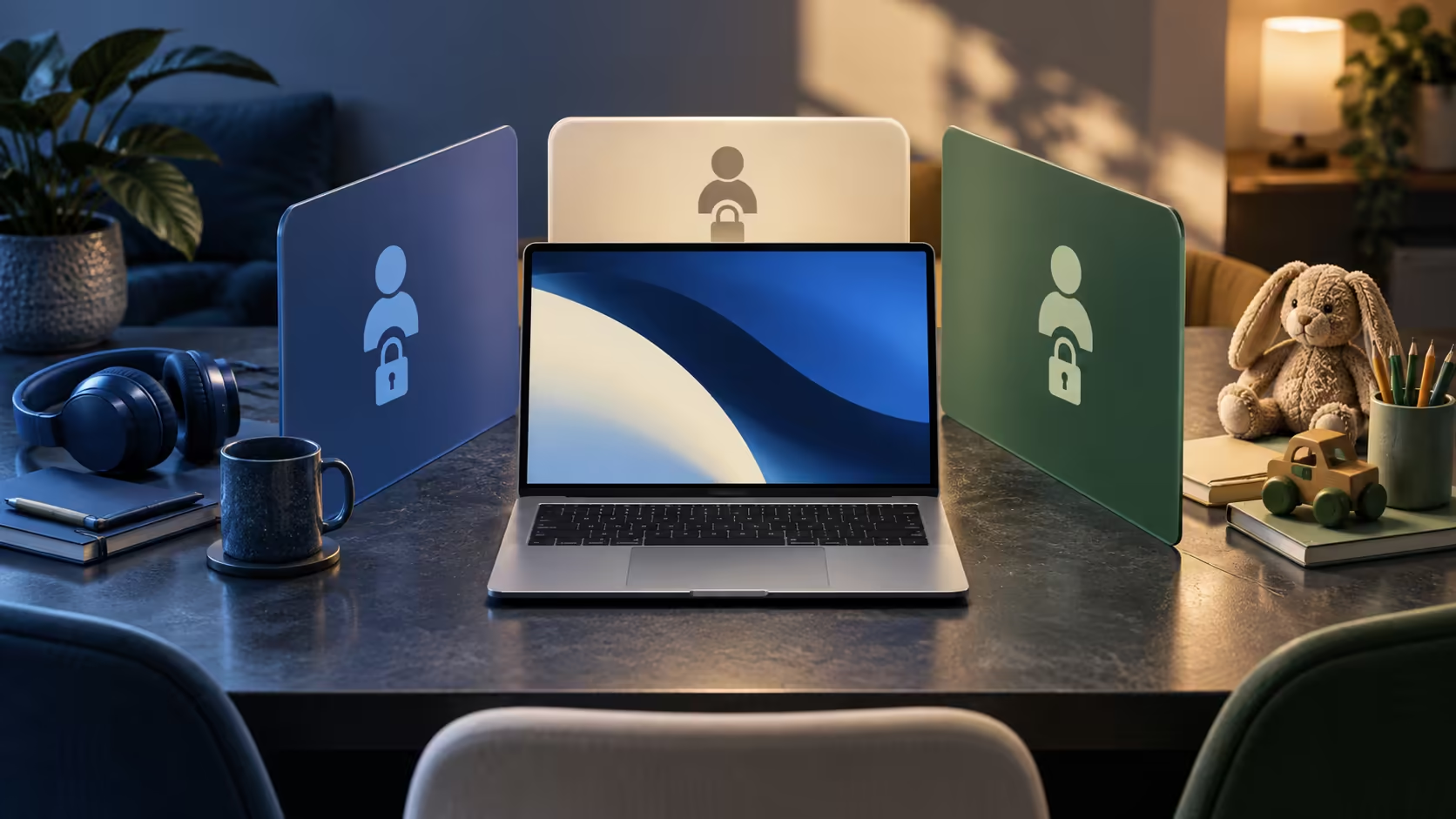
One person checks email, another opens homework and a third wants a video. A shared family Googlebook can quickly become a shared identity if everybody uses the first account that was signed in. Plan who owns each service before convenience turns private messages, saved passwords and recovery prompts into household fixtures.
Quick Answer
Use individual accounts for personal services and confirm how the specific Googlebook separates device sessions. Browser profiles alone are not a strong privacy boundary, and Googlebook AI features carry age restrictions. Start with account organisation and a handover routine; these cost R0 and matter before buying extra accessories.
👥 Draw the household account map
List the people using the laptop and their actual tasks. A child completing homework needs their school identity, while an adult managing photographs needs their own photo account. A family calendar may be deliberately shared, but that does not require sharing an entire personal login. Give shared resources explicit access instead of passing around one password.
Next, identify who controls recovery. An email account that receives password-reset links should not be left open for every family member. Record the recovery address and phone for each adult account privately. If the laptop is lost, the person who owns the account must still be able to reach its recovery method elsewhere.
Googlebook is a new platform. Do not purchase it on the assumption that every familiar Chromebook guest, supervision or multi-user control exists unchanged. Ask for the relevant Googlebook documentation or a demonstration of the precise separation you need. A visible account picture in an app only identifies that app's current user.
🔐 Make handovers deliberate
Create a small handover sequence that everybody can remember: finish the task, stop sharing, close sensitive documents and leave the appropriate device session locked or signed out. Simply closing a browser tab may leave the service authenticated. Switching a browser profile does not prove that local documents have become inaccessible to somebody using the same device session.
Downloads deserve special attention. A saved school report, scanned form or PDF statement can remain after the website has been signed out. Keep private files in an appropriately protected location and remove temporary copies when they are no longer needed. Review the contents before a family member borrows the computer for a presentation or a call.
For shared desk use, comfort is worth planning too. Browse Evetech's keyboard range for layout and connection options, then confirm compatibility with the laptop. An external keyboard can make a common workspace easier to adjust without weakening the account boundary.
🧒 Match permissions to the person
Age eligibility is separate from ownership. Buying a laptop for a learner does not make age-restricted AI services available to them. Google states age limits on Googlebook AI features, so assess homework requirements using the services the learner can actually use. Ordinary document work and a promotional AI demonstration are different reasons to buy.
Discuss microphone and screen sharing in plain language. If somebody shares a screen while another person's messages are visible, account separation alone cannot prevent disclosure. Begin a call with only the needed material open. End screen sharing explicitly when the demonstration finishes, rather than assuming it stops because another app has moved to the front.
A family photo project illustrates the benefit of a deliberate shared folder. Place selected pictures there, rather than signing everybody into the entire personal photo account. Keep the source collection private and make a second copy of important originals. Evetech's external hard-drive category can help with storage planning once the connection and file format requirements are known.
Agree who handles maintenance and subscription notices. One responsible adult can record software updates and renewal dates without knowing every family member's passwords. A short household rule is easier to follow than a complicated system nobody remembers: personal accounts stay personal, and shared files go in named shared locations.
Frequently Asked Questions
Can a family share one Google Account on Googlebook?
A shared login mixes personal access and recovery. Give people individual service identities and verify device-level separation before sharing.
Are Chrome profiles a secure family boundary?
Browser profiles organise browsing data; they should not be treated as a substitute for protected operating-system user sessions.
Can a child use every Googlebook AI feature?
Googlebook advertises age restrictions for AI features. A laptop suitable for homework does not grant a child access to every AI tool.
Does signing out remove downloaded documents?
Signing out of a website does not necessarily delete files saved to the device. Review local downloads separately.
Build a family setup with clear boundaries.
Explore Evetech laptop and desk accessories around the people who will use them, then verify the device's account controls.