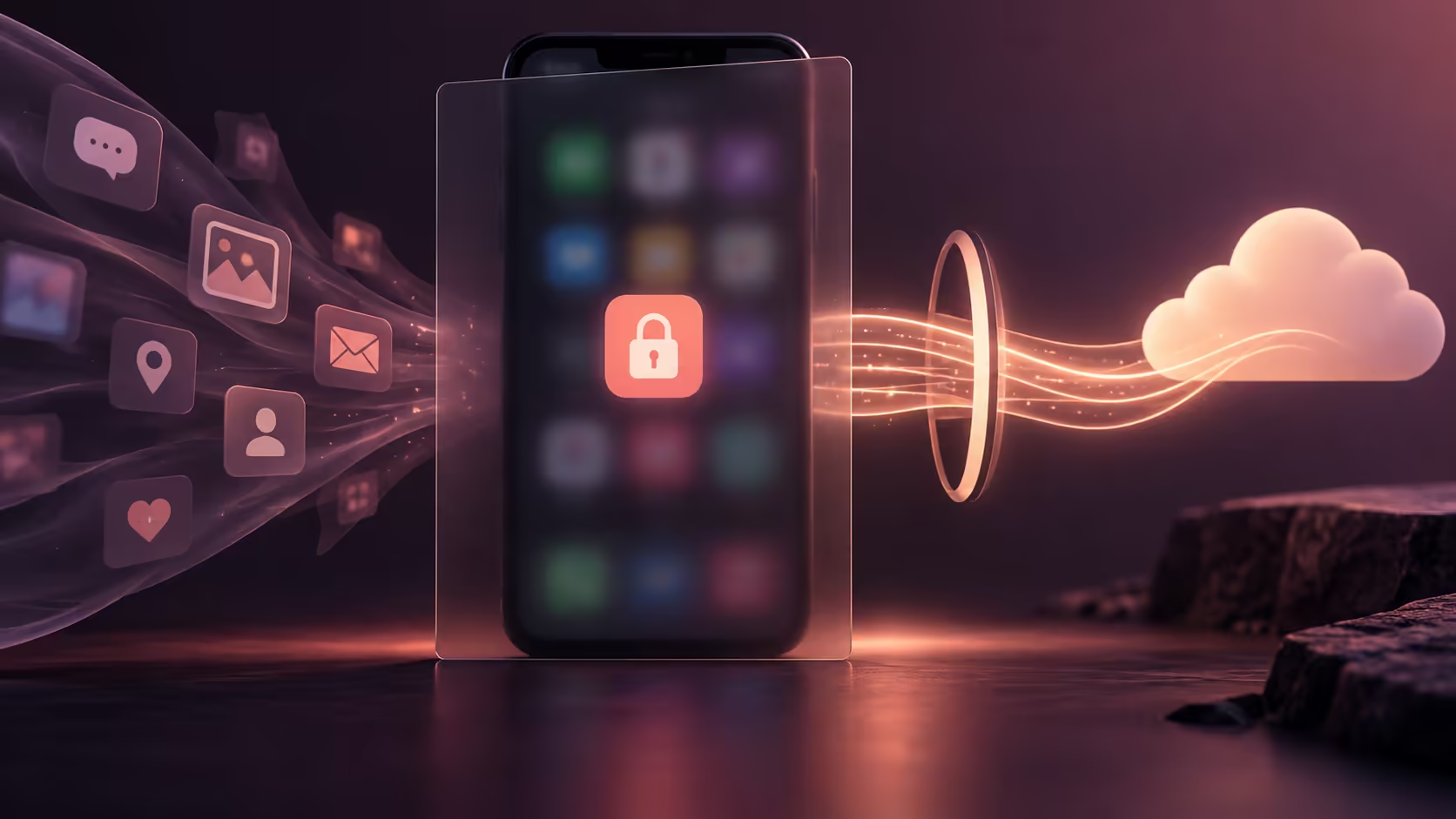
A phone screen usually has an audience of one. Put the same app on a laptop beside other people, and that assumption changes. Googlebook phone app streaming makes access convenient, but you still need to decide who can see the content and what else may appear while the session is open.
Quick Answer
Cast My Apps streams an application from a paired phone rather than establishing a separate laptop installation. Treat the displayed content as visible to anybody watching the laptop or its shared screen. Begin with a R0 privacy rehearsal using harmless material, then confirm the app's restrictions and the current controls for ending access.
📲 Understand where the app is running
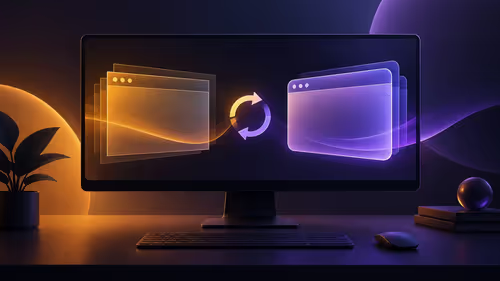
Google distinguishes phone streaming from Android apps installed through the Play Store on Googlebook. The distinction matters for privacy as well as convenience. A streamed app still belongs to a phone workflow, while the laptop becomes another place where its content can be viewed and interacted with.
Do not infer that every app will permit every type of display or interaction. Developers can place restrictions around sensitive content, capture and authentication. If an app declines to show a screen, consult its supported behaviour instead of searching for a bypass. A restriction may be intentional rather than evidence that the laptop is broken.
Start with a low-risk example, such as a non-private note. Observe the window, the information around it and what happens when you change screens. This gives you a practical understanding of the experience without using personal records as the experiment.
👀 Control the audience around the laptop
Physical visibility is the first boundary. A screen at a kitchen table, shared desk or public venue can be read by more people than a phone held close to you. Angle the display appropriately and close the app when the task ends. A quick interaction can still expose names, messages or account details.
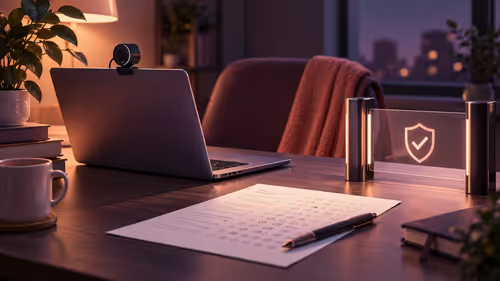
Meeting software creates a second audience. Before sharing, confirm whether you are showing a particular window or a wider screen area. Keep unrelated phone content closed and rehearse the presentation with a harmless example. Switching applications while sharing can reveal something you did not intend to demonstrate.
Use the smallest amount of information necessary for the task. If somebody needs one photograph, share or copy that selected file through an appropriate method instead of opening the entire personal collection in front of them. Deliberate selection is easier to control than a live tour through private apps.
For calls, a suitable headset can help keep received audio from filling the room. It does not hide the laptop screen, so treat sound and visual exposure as separate decisions.
🔚 End the session and account for saved material
Learn the documented stop control before using streaming for anything sensitive. Closing a visible window and removing a device relationship may be different actions. Use the operation that matches your intention: ending today's display, signing out of a service or removing access when a laptop changes hands.
Think about any copies created during the task. A downloaded attachment or deliberate screenshot has its own lifecycle after the stream ends. Put useful files into their intended protected location and remove temporary material you no longer need. Do not assume the end of a display session erases every saved artefact.
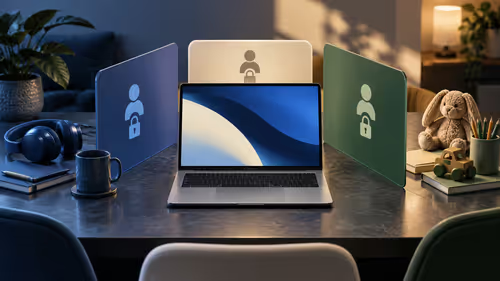
If the laptop is shared, return it through a deliberate handover. Stop sharing, close the sensitive content and secure the appropriate account session. Avoid lending an already authenticated environment merely because the phone is no longer beside it.
An external keyboard for longer input may make a supported app easier to use at a desk. Test its actual input behaviour first, because a larger screen does not guarantee desktop shortcuts or layout. Convenience is useful once the access boundary is clear.
Frequently Asked Questions
Is Cast My Apps a fresh laptop installation?
No. Google describes it as streaming an app from the phone, so the phone remains part of the workflow.
Will every sensitive app allow streaming?
Do not assume that. Individual app developers may restrict capture, display or authentication behaviour.
Can other people see a streamed phone app?
Anyone able to view your laptop screen may see the displayed content. Meeting screen sharing can extend that audience.
Does stopping a stream delete all copies?
Ending display does not necessarily remove files you deliberately saved or screenshots you created. Review those separately.
Make the larger screen work for the right audience.
Choose desk accessories at Evetech after you have checked the app's supported controls and your privacy routine.