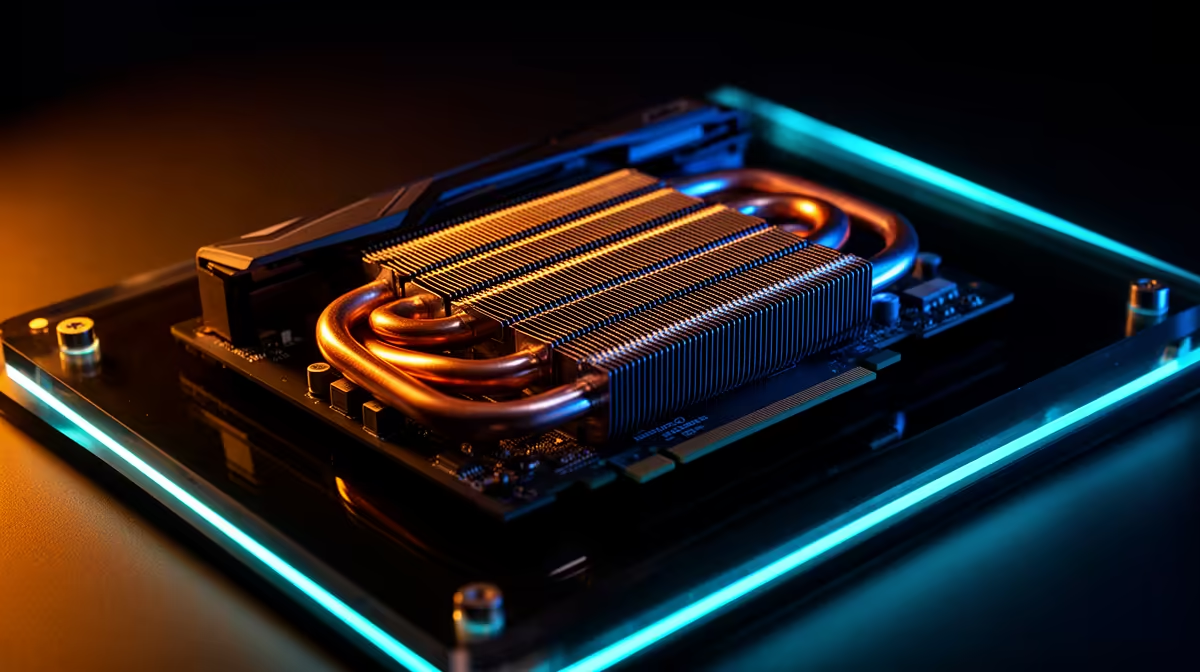
A GPU hotspot can run warmer than the main core temperature because it reports the hottest measured area rather than a broad edge or average value. A 10C, 20C or larger gap has no universal diagnosis across AMD, NVIDIA, card models and loads.
Quick Answer
Trend both sensors in the same workload. Investigate when the gap grows over time, hotspot reaches the exact GPU's limit, clocks throttle or fan noise rises. Clean airflow and restore stock settings before considering cooler service.
Inspect cooler layouts across current NVIDIA GPU listings, then use the best-selling graphics-card shortlist for model comparisons. Their temperatures cannot replace limits for your exact card.
Read the Sensors Correctly
The main GPU temperature and hotspot use different sensor logic. Compare them at the same timestamp after the card has reached steady load. Idle gaps are less useful because sensors and fans may behave differently.
Record room temperature, board power, fan RPM and clock. A hotter room can raise both values while the gap remains stable.
Check Easy Causes First
Restore stock voltage, power and fan curve. Clean dust filters and ensure intake reaches the card. A nearby expansion card or solid case panel can starve fans.
Run the test with a safe temporary airflow change. If both temperatures fall, improve the case path. If hotspot stays unusually separated, card contact may deserve model-specific assessment.
Do Not Repaste From One Number
Opening a GPU can affect warranty, damage thermal pads and worsen mounting pressure. Factory interface material can work for years.
Seek the card maker's temperature limits and support route. Repaste only with evidence, correct materials, skill and permission. Thermal-pad thickness is model-specific.
Build a Useful Trend
Save one twenty-minute log each month or season from the same game scene. Record average core, maximum hotspot, fan RPM, board power and room temperature. A single peak during a loading screen tells you little.
If both readings rise together, case dust, room heat or fan behaviour may be central. If core stays similar while hotspot delta expands, cooler contact becomes a stronger question. Take the evidence to the card maker or a qualified technician.
Check for Throttling
Watch sustained clock, power limit indicators and frame times. A high hotspot that never reaches a limit and preserves clocks can be normal for the design. A card repeatedly cutting frequency while fans run at maximum has a practical thermal problem.
Return overclocks and raised power limits to stock. An undervolt can reduce heat, but do not use one to hide a mounting fault on a card that should work at defaults.
Memory Temperature Is Separate
Cards with exposed memory-junction monitoring need that reading checked too. The core delta does not reveal thermal-pad contact on memory modules.
Avoid replacing pads by guesswork. Wrong thickness can lift the cooler away from the GPU die and create the hotspot problem you were trying to solve. Exact service documentation and measurements matter.
FAQ
Is a 20C hotspot gap always bad?
No. Expected delta varies by GPU, card, power, cooler and workload. Trend it against the model's behaviour.
Which temperature controls throttling?
GPU logic uses its defined sensors and limits. Check the exact product and monitoring documentation.
Should I tighten cooler screws?
No blind adjustment. Mounting pressure is engineered; use qualified or manufacturer guidance.
Log core, hotspot, power and fan RPM in one repeatable load, then seek model-specific support only when the trend, limit or throttling proves a problem.