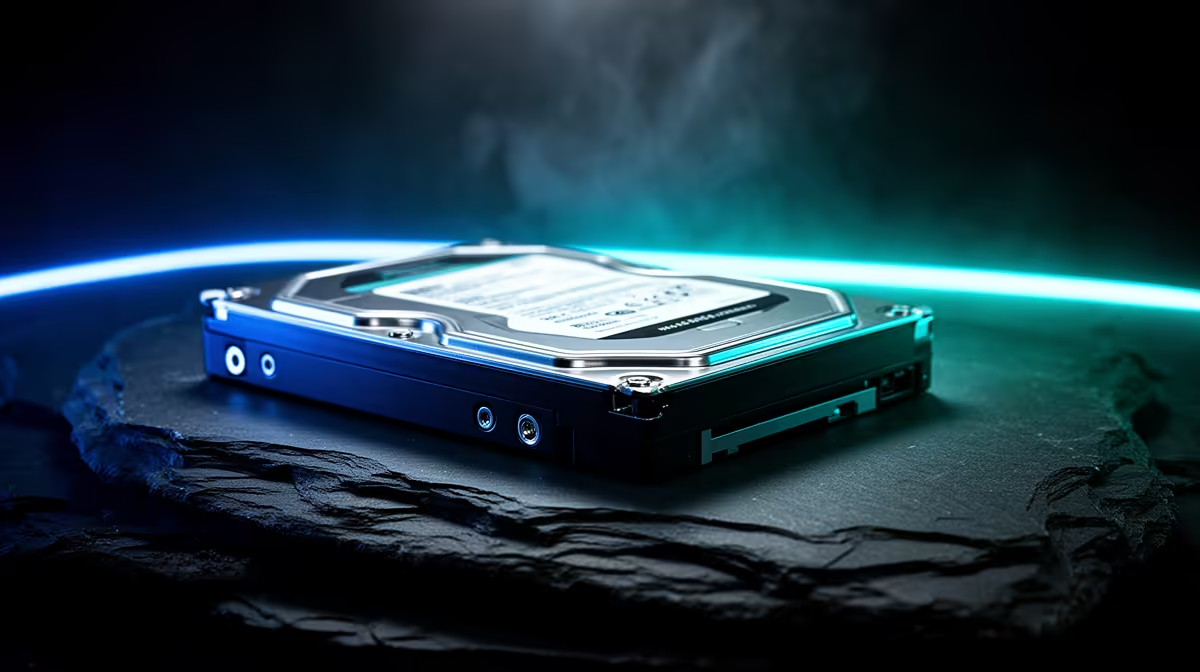
A hard drive can still earn a place as bulk game storage, but it should hold the titles you archive rather than every game you play. Modern releases increasingly expect SSD latency for asset streaming. A two-drive setup keeps active games fast and gives a large back catalogue somewhere cheaper to live.
Quick Answer
Use an HDD for installers, recordings, older games and titles you rarely launch. Keep current open-world games and anything that lists an SSD requirement on solid-state storage. Compare the cost of a named hard drive with current SSD capacities and popular solid-state models on the same day.
Where a Hard Drive Still Works
Older games built around console hard drives often tolerate mechanical storage. Turn-based titles, small indie games and local media can also be comfortable. A large HDD can keep download data close when your internet connection makes reinstalling painful.
It is also useful as a staging volume. Move a game to the SSD when you return to it, then archive it again after the campaign. Launchers that support library moves can do this without downloading the full title.
Where It Falls Behind
An HDD must move a physical head to scattered data. Random access is far slower than an SSD, which can produce long loads, texture pop-in and traversal stutter. Games with an explicit SSD requirement belong on an SSD.
Do not judge from sequential megabytes per second alone. Asset streaming involves many requests, and mechanical seek time is the main weakness.
Choose the Right Hard Drive
Check whether the model is designed for desktop, NAS, surveillance or external use. Firmware and workload ratings differ. A drive marketed for another job is not automatically the best game-library bargain.
Look up recording technology, rotation speed, cache, noise and warranty. Some shingled drives can slow during large rewrites. Read exact-model tests and avoid placing a noisy 3.5-inch unit in a quiet desk build without planning vibration control.
Protect the Library
An archive drive is not a backup for saves or personal files. Keep a separate copy of anything irreplaceable. Monitor drive health, listen for new mechanical noise and replace a unit that reports errors.
The HDD makes sense when capacity is the job and waiting a little longer is acceptable. Buy enough SSD space for the games whose design depends on it.
Keep at least one free SATA port or USB connection in the plan and confirm the PSU has the right power lead before ordering an internal drive.
FAQ
Can I play modern games from an HDD?
Some will run, while others require or strongly benefit from SSD storage. Check the current game requirements.
Is an external HDD good for a PC library?
It can store and run suitable games through a fast stable USB connection. Sleep behaviour and cable disconnects can add friction.
Should Windows stay on the SSD?
Yes. Keep the operating system and daily applications on solid-state storage for responsiveness.
Split your library into active and archive games, keep SSD-required titles on solid-state storage and choose the HDD by exact workload and noise.