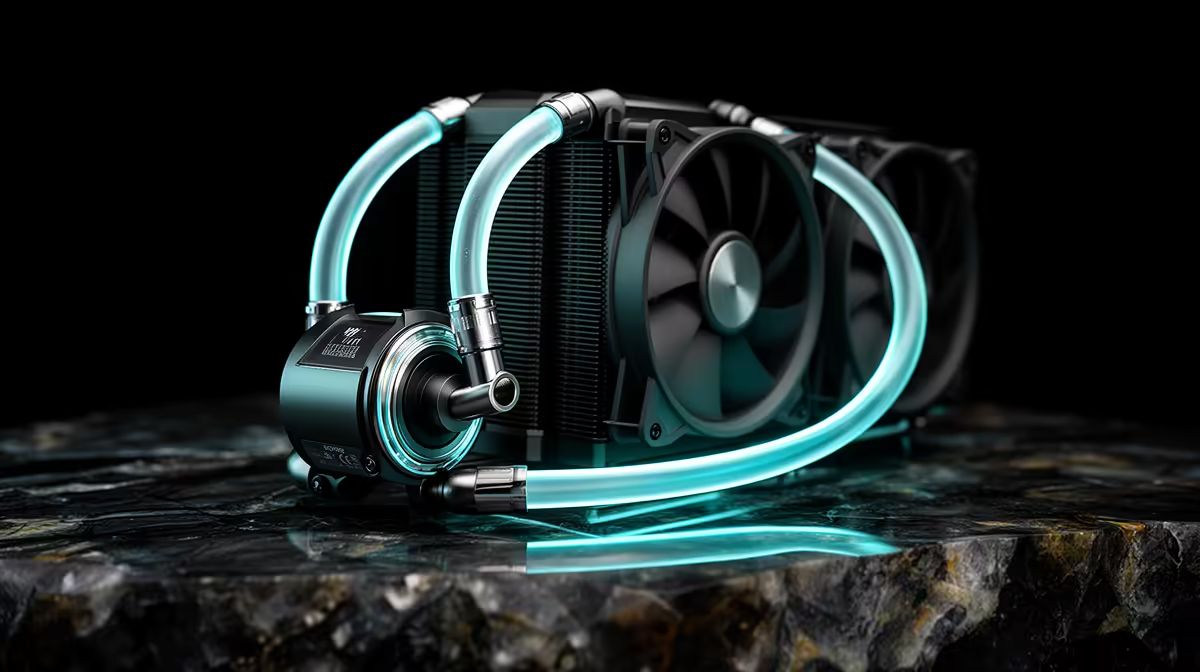
Fan whine creeping into an otherwise quiet room is usually the first sign that a cooler's settings were never touched after install. A 240mm liquid cooler can run close to silent for the vast majority of a gaming session if the fan curve is set with some patience instead of left on the aggressive factory default. The Cooler Master MasterLiquid 240 Atmos (R1,399) ships with two 120mm SickleFlow Edge PWM fans that have plenty of headroom to spin down without temperatures climbing.
Quick Answer
Reduce fan noise by softening the PWM ramp in BIOS or fan control software so the SickleFlow Edge fans only spin up under real load, not at every small temperature bump. On the MasterLiquid 240 Atmos (R1,399), this typically drops idle and light-load noise noticeably while keeping gaming temperatures within a couple of degrees of the stock curve. The radiator's 240mm surface area gives enough thermal buffer that a gentler curve rarely costs meaningful cooling performance.
🌀 Softening the Fan Curve Gradually
Most motherboards default to a linear or aggressive curve that ramps fans fast as soon as temperatures rise a few degrees. Switching to a stepped curve, where fans stay at a low RPM floor until the CPU crosses a higher threshold, is the single biggest noise reduction available without touching the pump.
Setting Realistic Temperature Points
Rather than guessing, watch temperatures during a normal gaming session first. Most builds only need higher fan speed once the CPU passes the mid-70s Celsius, so there is no reason for fans to ramp earlier than that.
🔊 Pump Speed and Noise Do Not Always Match
The pump on the MasterLiquid 240 Atmos has its own speed setting, separate from the fans, and pump whine is a different noise profile entirely. Dropping pump speed too far can starve the radiator of flow, so this is one setting worth leaving closer to default even while fans are tuned down.
🧊 Case Airflow Still Matters
A quiet fan curve only works if the rest of the case is not fighting it. Good intake and exhaust balance means the radiator fans are not compensating for stale air trapped inside the case, which lets the curve stay gentle without temperatures creeping up over a long session. Dust building up on the radiator fins over a few months also forces fans to spin faster to move the same amount of air, so a quick vacuum or compressed air pass every couple of months keeps the gentler curve effective for longer. Anyone building around this cooler should check the liquid cooler range available in South Africa to compare radiator sizes before committing to a case.
For anyone still deciding on hardware, the MasterLiquid 240 Atmos is worth comparing against the full CPU cooler lineup before deciding between air and liquid.
Frequently Asked Questions
Will a quieter fan curve damage the cooler over time?
No. Modern PWM fans are designed to run at low RPM for extended periods, and the pump handles the actual heat transfer independently of fan speed.
How much noisier is the pump compared to the fans?
The pump produces a lower, steadier hum while the fans create more of a whooshing sound at higher RPM, so most people notice fan noise first when a curve is too aggressive.
Does a softer curve reduce cooling performance?
Slightly, but usually only by a couple of degrees at peak load, which the 240mm radiator's surface area comfortably absorbs during normal gaming.
Can I control the fan curve without special software?
Yes, most modern motherboard BIOS menus include a fan curve editor under hardware monitoring, which is enough for this kind of adjustment.
Is the MasterLiquid 240 Atmos quieter than a stock air cooler?
At a matched fan curve it generally is, since the larger radiator surface spreads heat over more fin area and lets both fans run lower than a compact air tower would need to at the same load.
Ready to quieten your AIO without letting temps climb?
Look at the Cooler Master MasterLiquid 240 Atmos for R1,399 on Evetech, tuned so its PWM fans can idle down without losing pump performance.