Quick Answer
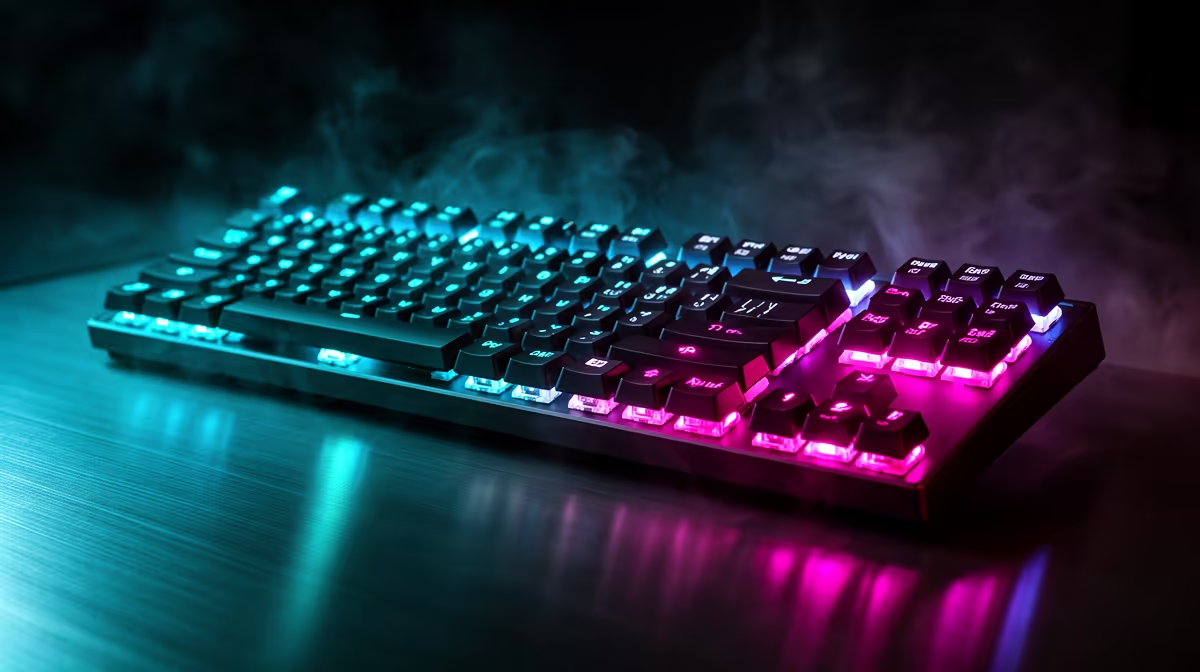
16.8 million colour backlighting (24-bit RGB) lets you assign any precise hue to any individual LED zone on your keyboard, mouse, or keypad. This is achieved by mixing red, green, and blue channels at 256 levels each (256 x 256 x 256 = 16,777,216 combinations), giving granular per-key colour assignment that goes far beyond the 16-colour systems found in basic backlit peripherals.
How 24-Bit RGB Backlighting Is Engineered 💡
Each RGB LED on a gaming peripheral contains three separate diodes, one per colour channel. The microcontroller on the device drives each channel with a PWM signal at 256 levels of intensity. Combining all three channels at independent intensities produces the full 16.8 million colour range. Per-key RGB extends this by giving each key its own driver circuit rather than grouping them into fixed zones. A 104-key keyboard with per-key RGB contains 104 independently controlled LEDs.
Practical Customisation Beyond Aesthetics 🎮
RGB backlighting is more than decoration. Functional colour coding gives genuine in-game benefit. Many players assign red to ability-on-cooldown keys and green to available abilities via game-linked SDK integrations. Health-based colour shifts, ammo-count indicators, and cooldown timers have been built into games like Fortnite, Apex Legends, and Cyberpunk 2077 through official or community SDK integrations. Coloured layer indicators are especially useful on keypads with Hypershift: the entire device shifts from a cool-blue base profile to amber when the secondary layer is active, preventing misfires.
Building a Cohesive RGB Setup in South Africa 🎨
Starting a synchronised RGB setup typically begins with a keyboard and mouse from the same ecosystem. A Razer keyboard and Razer mouse share Chroma sync natively; adding a Razer headset and mousepad extends the theme across the full desk. A basic per-key RGB mechanical keyboard sits around R1,200 to R1,800, while a full synchronised four-device Chroma setup can reach R5,000 to R8,000 depending on mouse and headset selection. Budget builders can achieve visual coherence with a single-zone RGB keyboard matched to a mouse in the same brand family, keeping total spend under R2,000 while still benefiting from software-linked effects.
Use Static Colour for Competitive Play ⚡
Animated RGB effects like breathing and wave cycles look impressive but can distract peripheral vision during intense competitive sessions. Set your keyboard to a static colour during ranked play and save animated profiles for casual or single-player gaming. Most RGB software saves both as separate named profiles that you can toggle from the system tray in seconds.
FAQ
Do all 16.8 million colours display accurately on gaming keyboards?
Colour accuracy depends on LED quality and diffusion. Budget keyboards often show slight colour drift (purples appearing more blue, warm whites looking yellow) compared to flagship per-key RGB implementations. Higher-end keyboards use better LED binning for more accurate hue reproduction.
Does RGB backlighting affect keyboard performance or latency?
No. RGB lighting runs on a separate MCU subsystem from the switch matrix. Lighting effects do not affect key registration speed or polling rate. The only performance consideration is power draw, which on USB peripherals is within the USB spec and causes no input issues.
Can I sync RGB across different brands in a South African gaming setup?
Limited cross-brand sync is possible through software like Signalrgb or Armoury Crate, which aggregate multiple brand SDKs. Native sync (Razer Chroma to Razer Chroma, for example) is more reliable and has more effect options than cross-brand bridges.
Want to build a fully synchronised RGB setup?
Evetech stocks per-key RGB keyboards, mice, and headsets from Razer, Logitech, and Corsair. Browse the gaming peripherals section to start or expand your Chroma, Lightsync, or iCUE ecosystem.