How Much RAM Does OBS Studio Actually Need in 2026?
Streaming your gameplay live or recording for highlights? Knowing exactly how much RAM OBS Studio needs in 2026 can save your rig from choking mid-session. South African gamers juggling vibrant streams and heavy multitasking demand clarity on RAM specs that keep everything smooth. Let’s dive into what memory sizes work best with OBS Studio in today’s tech climate—and how to optimise your setup for flawless broadcasts. 🔧
Minimum and Recommended RAM for OBS Studio in 2026
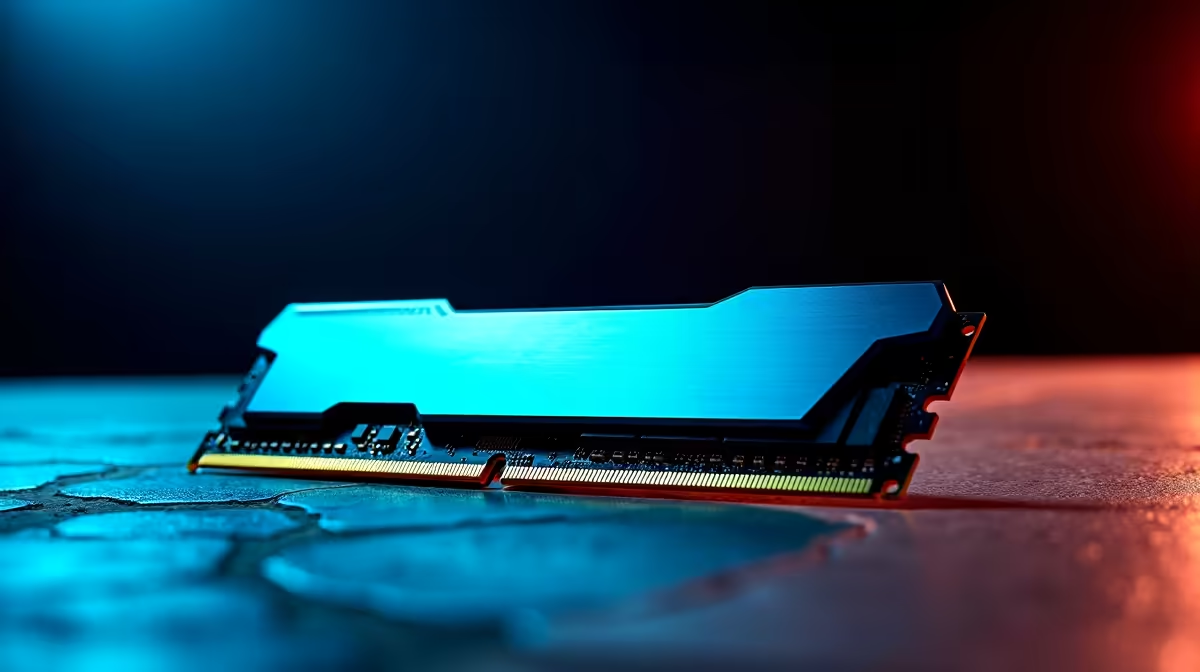
OBS Studio has evolved—its memory demands have shifted with updates and streaming quality expectations. In 2026, the bare minimum RAM to run OBS is around 8GB, but that only suits very lightweight tasks or low-resolution streams. To smooth out lag, avoid frame drops, and enable multiple sources, 16GB is now the pragmatic baseline for most users.
For content creators running 1080p at 60fps or dabbling in 4K streams, 32GB is ideal. This extra memory supports real-time video processing, multiple audio channels, and advanced filters without hiccups. It’s also the best buffer when you’re switching between resource-heavy apps alongside OBS—like Discord, Chrome tabs, or game launchers.
South Africans looking to upgrade RAM can explore cost-effective kits to match their build. The Evetech memory section offers a robust range in ZAR for both DDR4 and DDR5 modules: browse RAM options here.
How RAM Affects Your Streaming Quality and Workflow
More RAM means OBS can handle larger video buffers and keep temporary data accessible at lightning speed. This reduces stuttering in your live feed and smooths out dropped frames. If your stream feels choppy or your PC slows down during recording, a RAM bottleneck is a likely suspect.
Besides frame stability, RAM helps if you use plugins or stream overlays—which rely on system memory to operate efficiently. South African streamers who run multiple apps simultaneously (think chat bots, music players, streaming dashboards) will notice a direct performance boost by upgrading beyond 16GB.
Did you know some of the best gaming PC deals in South Africa come pre-equipped with optimal RAM sizes for streaming? Check out these custom rigs ready for streaming action: explore gaming PCs on Evetech. 🚀
Tips to Optimise RAM Usage When Using OBS Studio
- Close unnecessary background apps to free RAM for OBS.
- Use scene collections thoughtfully; avoid too many overlapping sources.
- Enable OBS hardware acceleration options when available.
- Regularly update OBS Studio to benefit from efficiency improvements.
- Consider faster RAM speeds (3200MHz or higher) for DDR4 and DDR5 to support smooth transfers.
Pro Tip
Upgrading your RAM to at least 16GB in 2026 can cut stream lag by half—especially mid-session. Pair that with a fast SSD to offload cache quickly, and your stream’s stability jumps.
RAM in Desktop vs Laptop Streaming Setups in South Africa
For gamers using laptops, expandable RAM options can be limited but no less important. Many popular South African laptops come with 8GB or 16GB RAM by default. If you want to run OBS Studio well, aim for 16GB models or ones that allow a RAM upgrade later.
You can find a selection of capable laptops suited for content creators and streamers here: notebooks for sale in South Africa.
If you prefer a pre-built desktop that balances price and streaming power, South African buyers can also grab great deals on streaming-friendly builds: check out pre-built PC deals.
And don’t forget to keep an eye on specials to catch RAM and streaming gear at discount prices: Evetech specials. ⚡
Find Your Streaming Edge
Ready for smooth, glitch-free broadcasts? Shop now at Evetech for RAM and gear that empower your content creation.